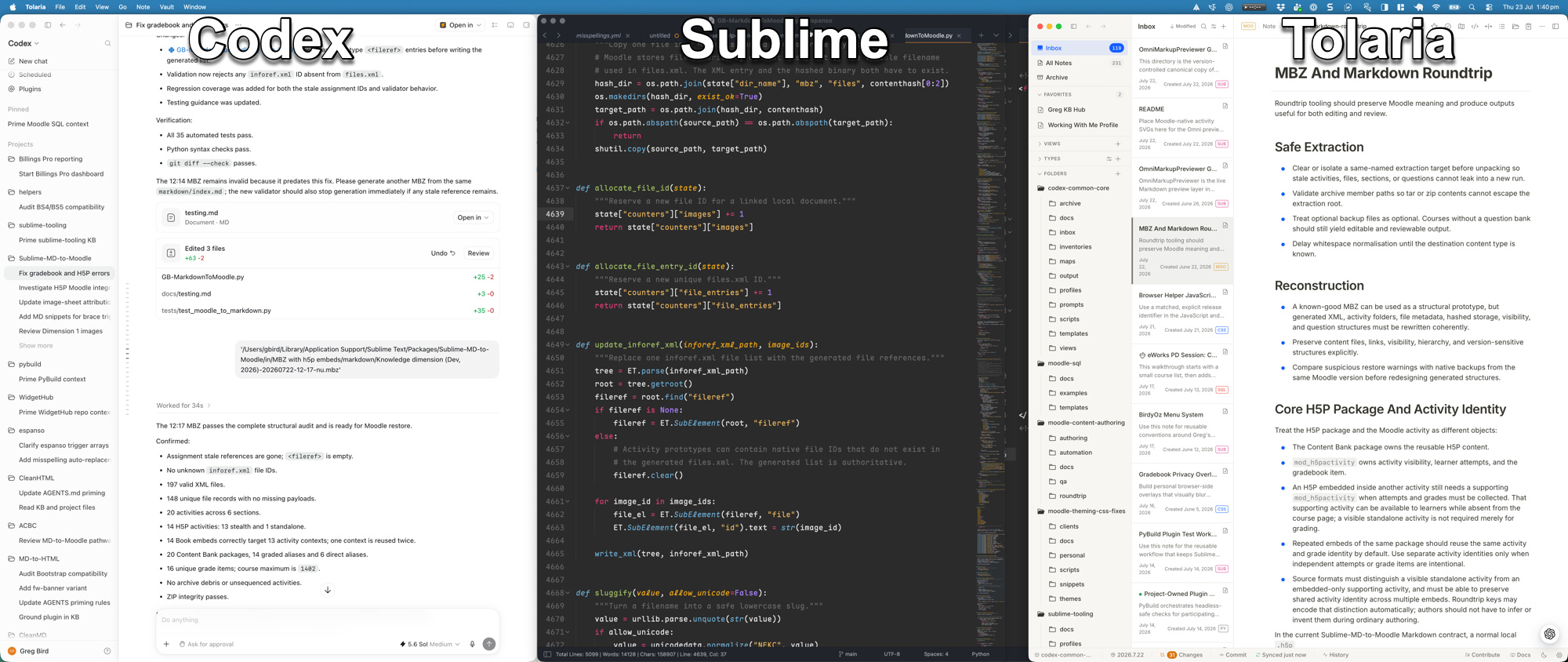
In the agentic coding era, my primary job is no longer typing out syntax by line. With autonomous tools like claudecode, the agent is handling the heavy lifting. We Hardly “Code” anymore and the role has shifted to:
- review files and diffs generated by the agent
- verifying agent outcome to ensure it behaves as expected
- evaluating arch trade-offs and choosing the right solution
I spend less time writing code, and vastly more time reading, and explore. When using claudecode in iTerm2, I find the terminal hard to read and review code though I’m the vim user. In claude code, you have to use some shotcut(Ctrl+o) to expand edit tool output and editing a PLAN.md requires awkward keybindings to another pane. The autonomous agent idea is good and you still need to see what’s generated.
That’s the reason I back to Sublime Text. While AI writes the raw code, we don’t need bloated IDE with endless sidebar, navi bar, and action buttons. Just need a tool that lets us focus entirely on understanding code and inspecting changes .
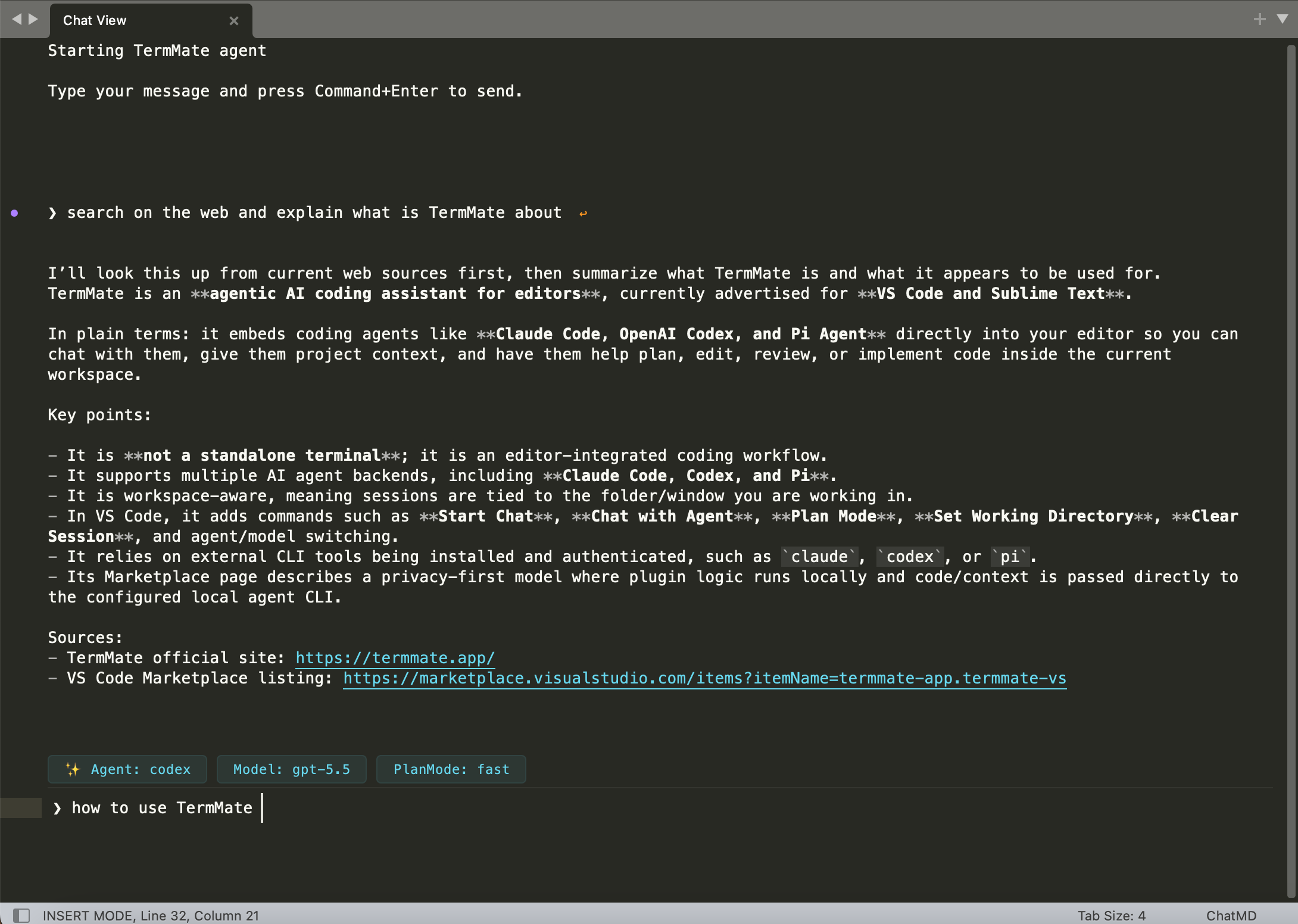
Sublime Text’s distraction-free design, file navigation reflect on how our daily work should be. over the past year I try to shipping the agent tools into editor and build a editor-first interface to get a better coding agent. The design is applied in a new TermMate coding agent package to replace the traditional chat window with a powerful editor-native chat view.
Actually the existing lsp-copilot have features to suggest code and chat pane. We need a more general and agentic interaction over claude code and codex CLI. So the new coding agent in Sublime Text are built on top of text-editor technology. It treats every agent conversation as a live document, allowing you to read, edit more directly:
- editor-native chat view: the chat view rendered as native editor text and conversation lives as plain text inside the editor itself. I even use vim to do typing inside the chat view, also copy and paste is more easy.
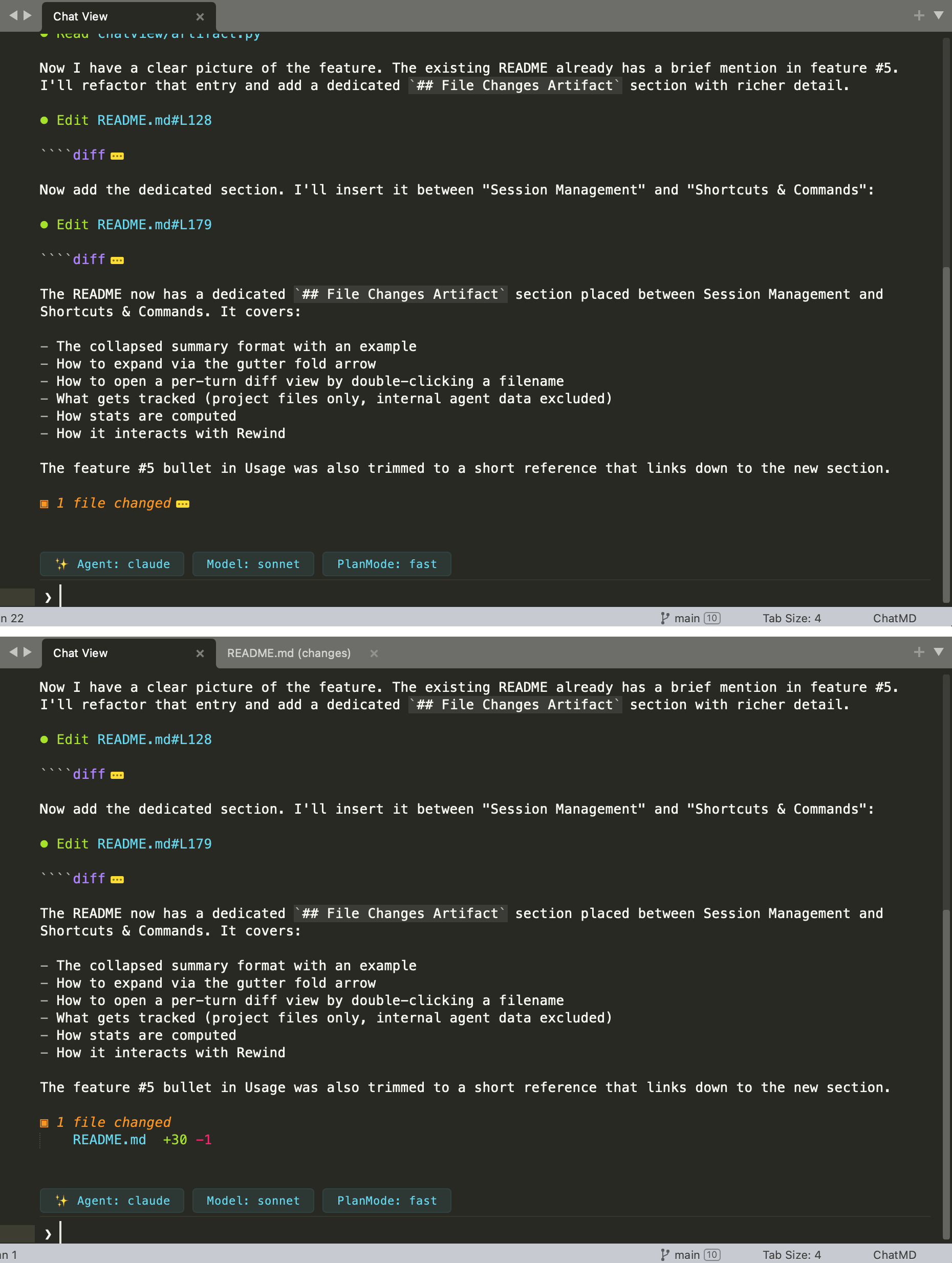
- builtin tool navigation: any file path, diff header, or line reference within tool use by claude code(edit, read) get an jump link to click in sublime text.
- command palette-first control: Instead of adding buttons, agent shortcuts permission (
allow-edit,accept-all) and model switches are integrated into Command Palette , we do not need to remember the terminal shotcut (ig ctrol+o to expand).
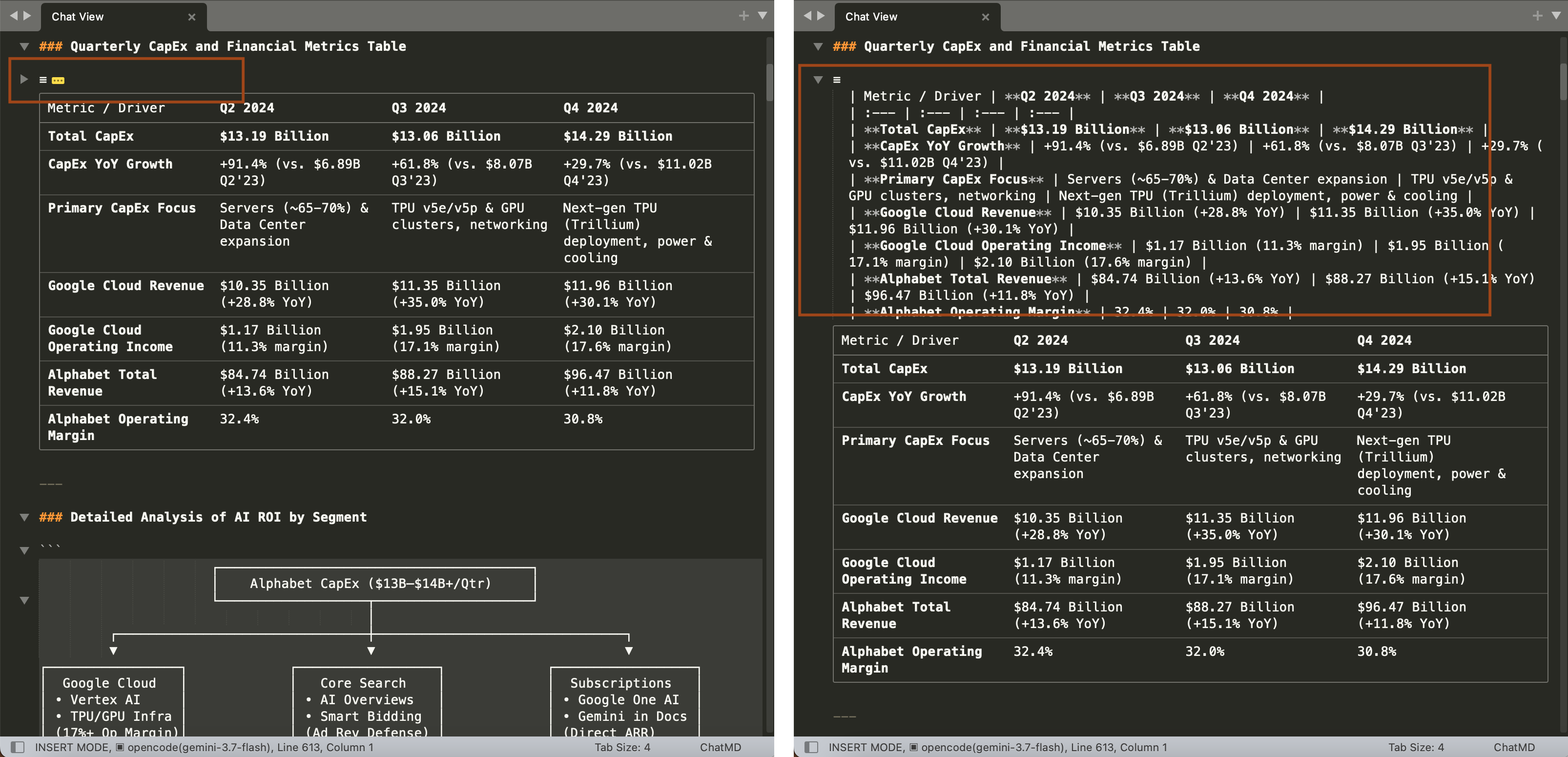
Coding agent within sublime can benefit a lot from editor features. The diff block generated by editing tool call can get fold feature in the gutter ▶ arrow. expand and fold text become quite easy in conversation message.
The related develop topic is posted in Using agentic coding in ST with codex, claude cli