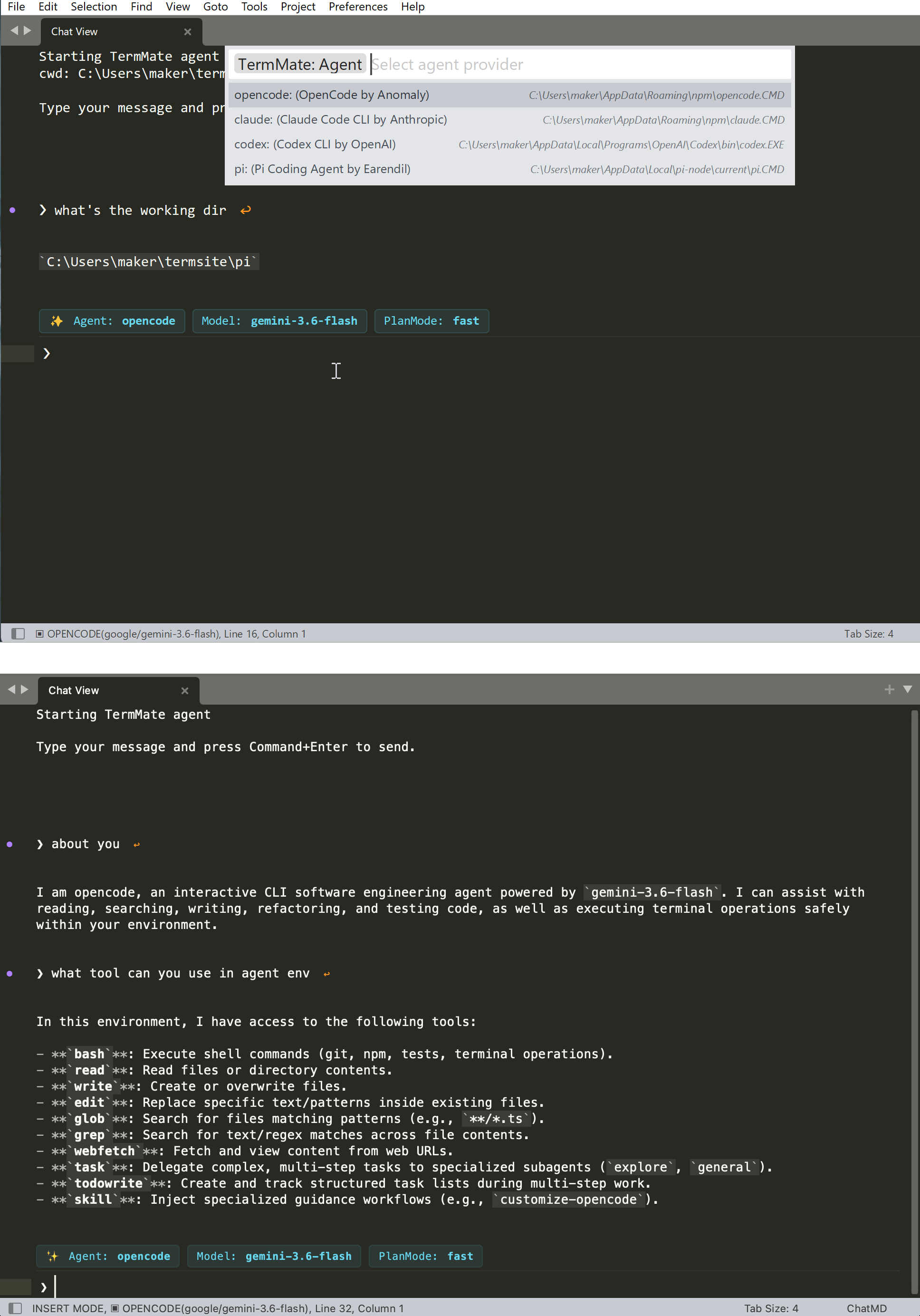
For those looking for an agent coding integration in ST without using terminal, I’d like to share a package I’ve been working on called TermMate, https://github.com/flashmodel/termmate
Instead of dealing with webview chat or shell command interface inside the editor. TermMate build a chatview that directly uses native ST Edit component to create a seamless agent chat and Command Palette experience.
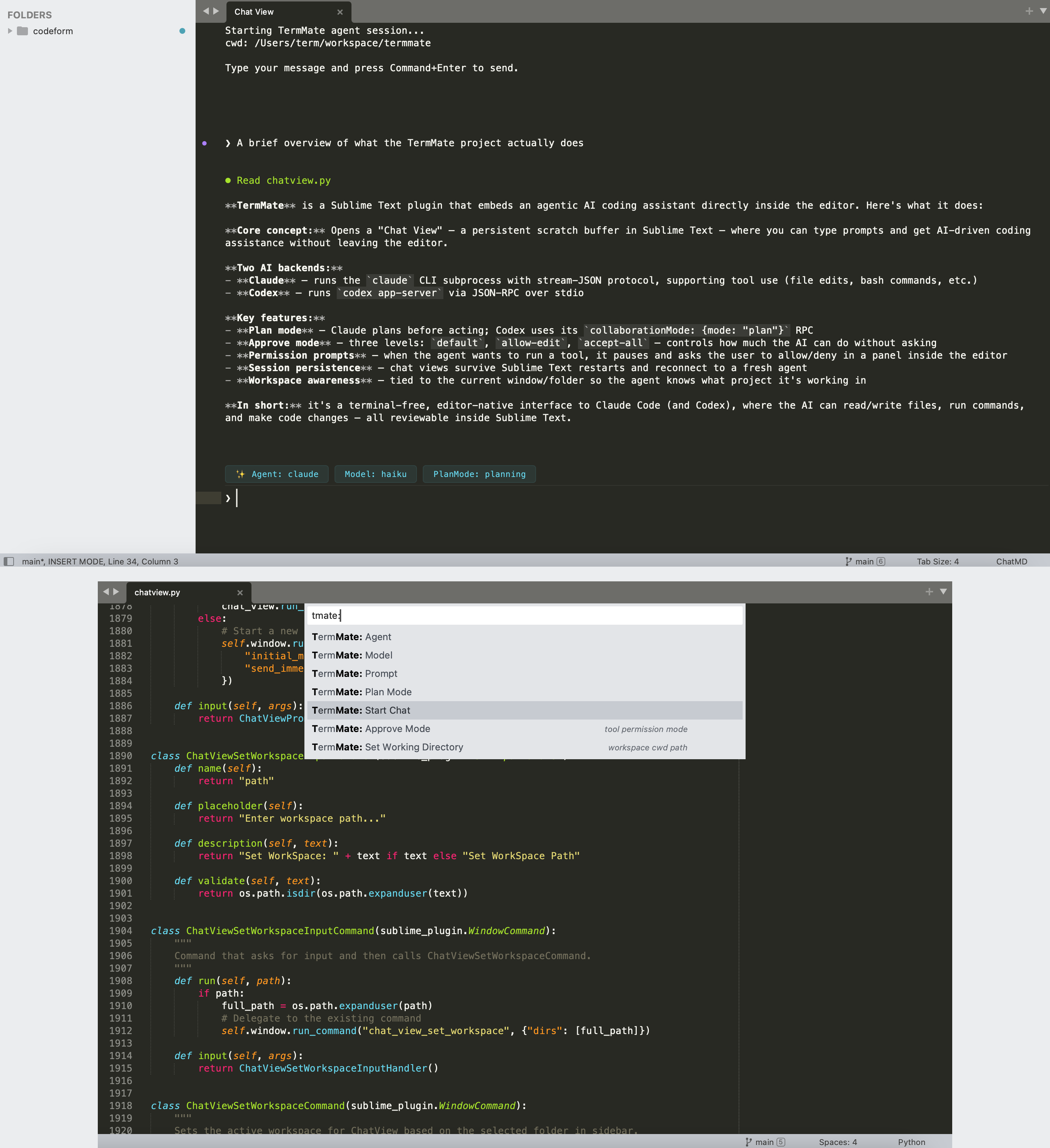
Here is how TermMate interact with cli tool (codex cli, claude code):
-
The “ChatView” Interface (Native Views & Phantoms)
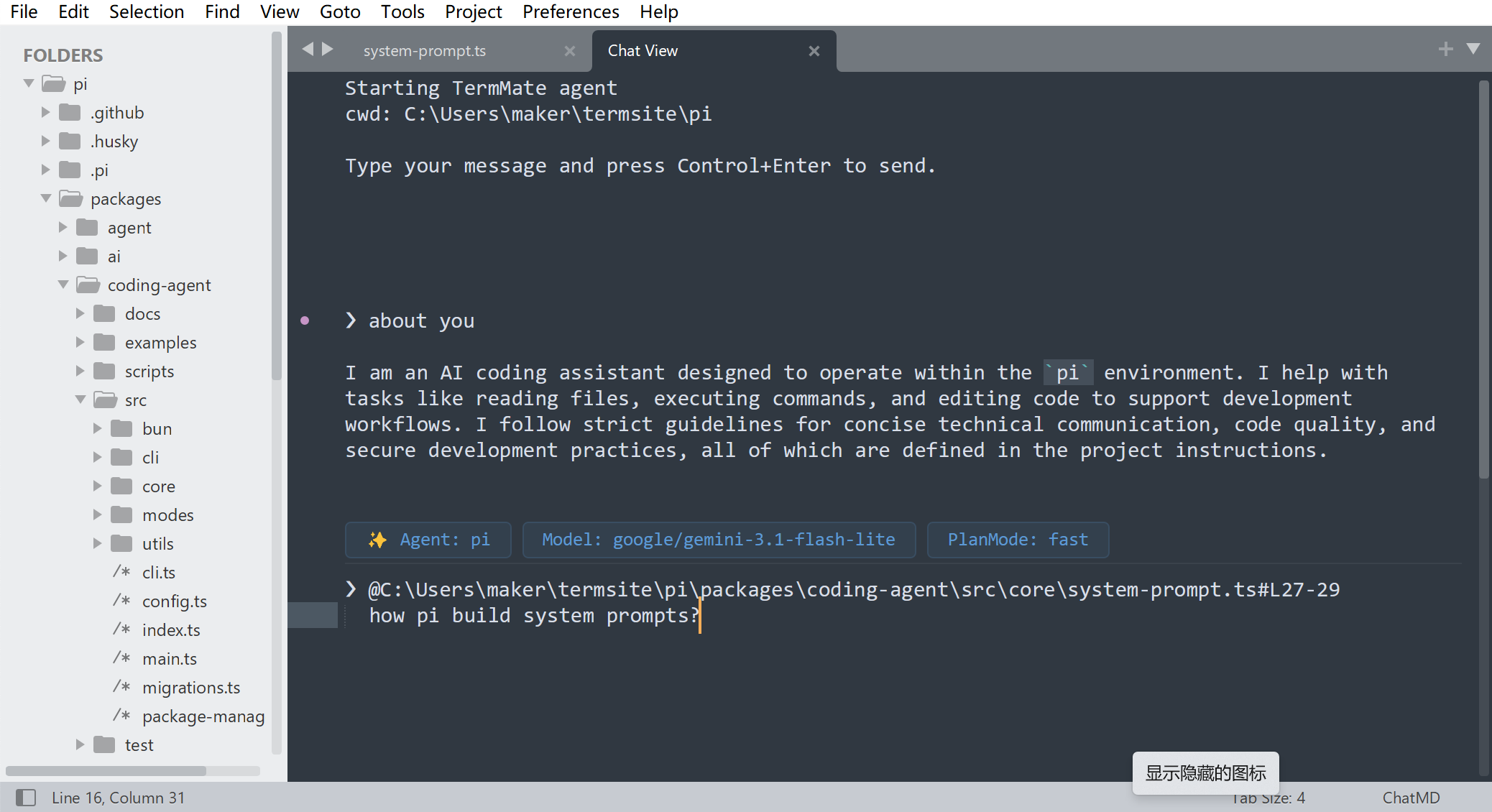
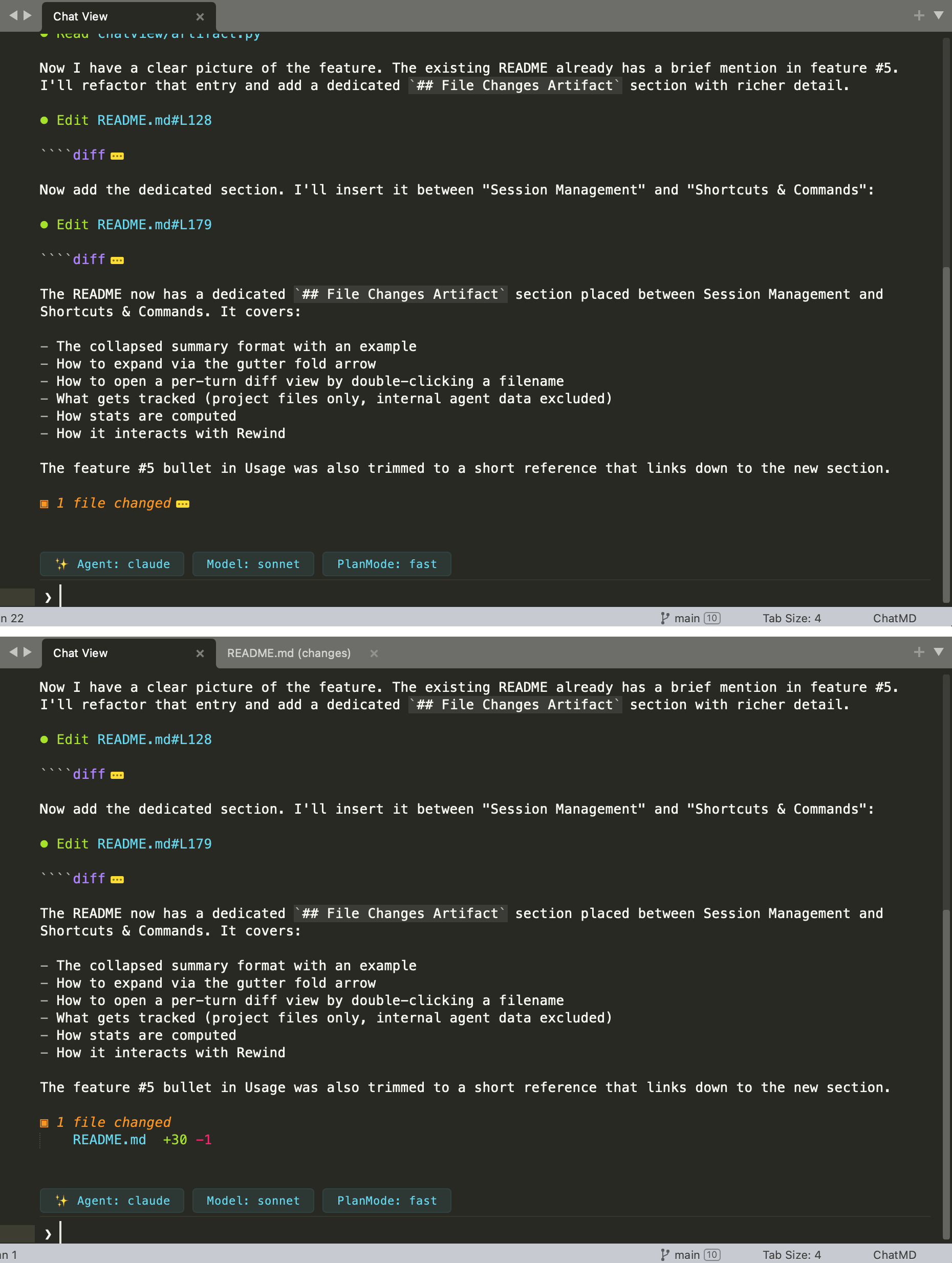
Instead of an Output Panel, the chat happens in a standard, ST edit View (the “ChatView” tab). This means users get all the benefits of normal ST editing: native keybindings, searching, split panes, and markdown highlighting. The plugin also heavily use the Phantom to show permission requests. Use input their message at the bottom of the view(prompt area prefix with ❯ ) -
Command Palette Interaction
The entire workflow is driven by the Command Palette and contextual menus, keeping it keyboard-first, you can select agent, change approvalmode, select model all by Command Palette. This is similar to use Shift+Tab to change plan mode in claude code. In SublimeText, you don’t need to remember the shortcut. All you need it to type in termmate in Command Palette and do the stuff. -
Context & WorkSpace
Now you can use chat with File or code block to specify context for agent tool. It supports@filenamementions with auto-completion for context sharing. Though it’s Command Palette first, you still can use context menu to change working directory, send code block for prompt.
Combining chatview and command palette, codex and claude in TermMate may be more easy to use in sublime text than its original terminal interface.
Update: Install the agentic coding assistant directly through TermMate on Package Control
The TermMate still lacks lots of features than codex, claude cli tool. If you try it out and find some issue, share your problem and thoughts about the feature
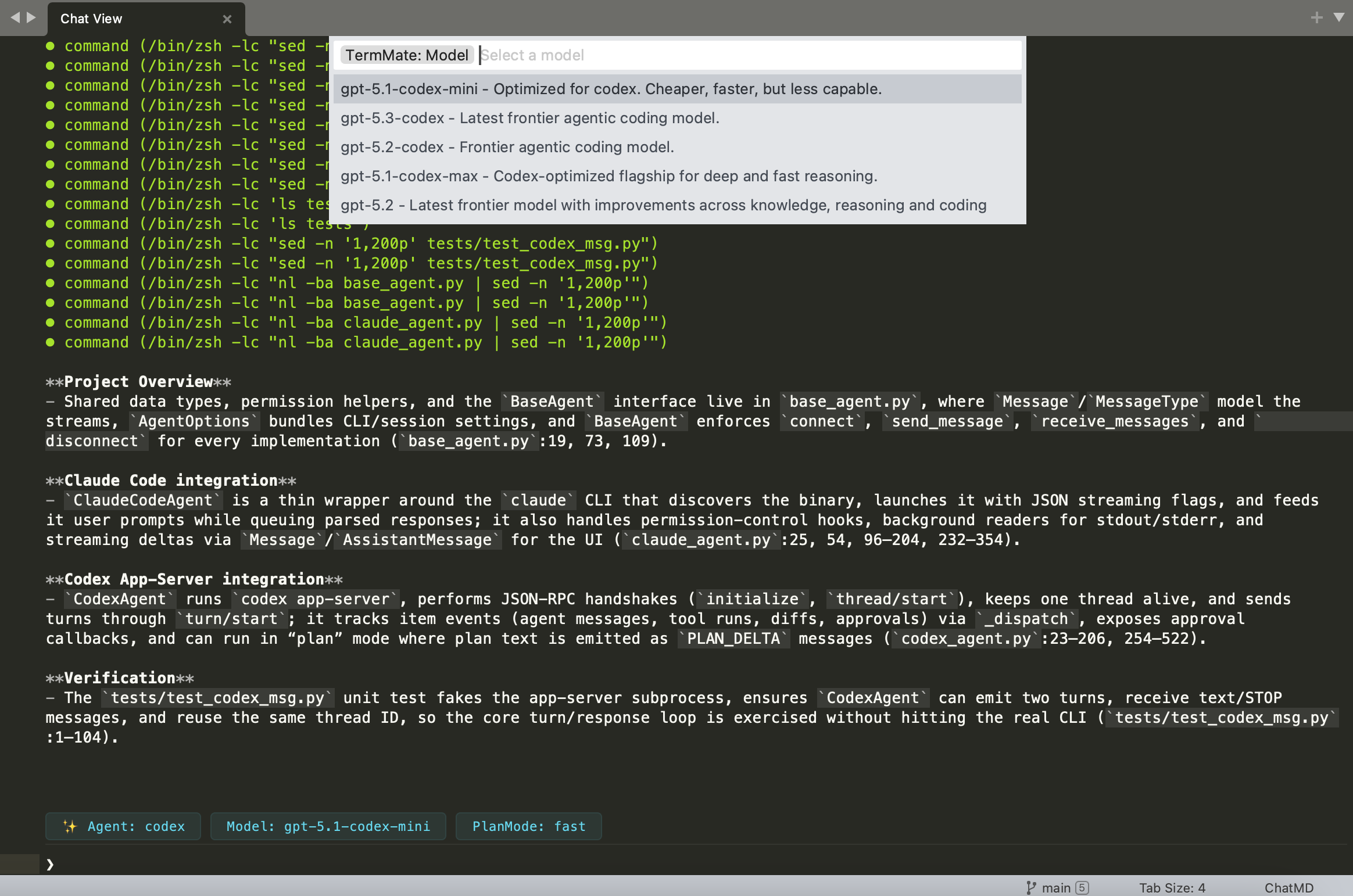
 , would be great to support any model and local models
 …)
…)