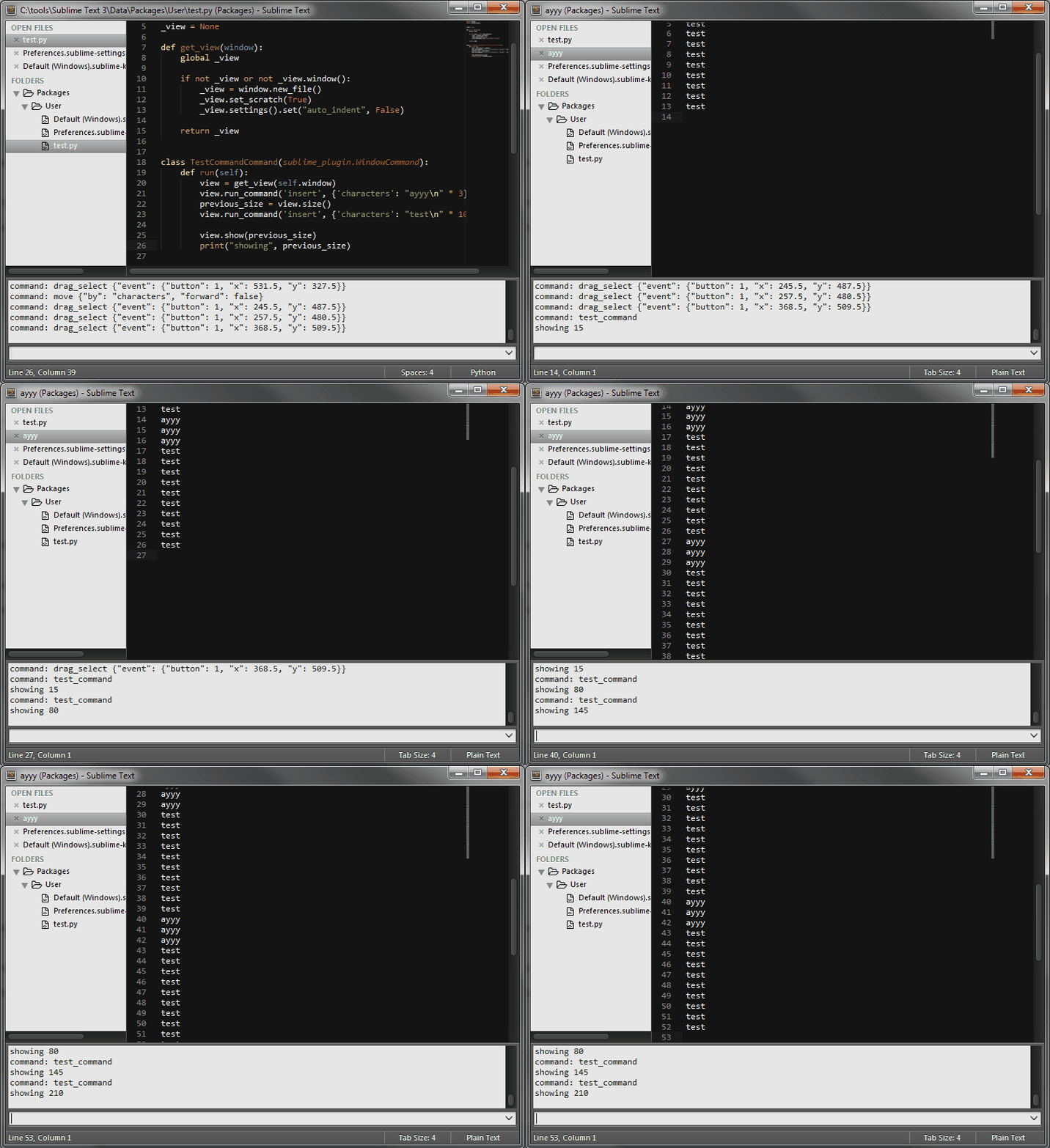
The most basic reproduce I found is the following:
v = window.new_file(); v.run_command("insert", {"characters": "text\n" * 10})Expected behavior: Text is inserted and not scrolled
Actual behavior: Inserted AND scrolled to the last line
This must be run in one line, splitting the two expressions into two console commands works as expected.
However, it gets weirder. If you run the following command repetitively, you can observe different results:
import sublime
import sublime_plugin


_view = None

def get_view(window):
    global _view

    if not _view or not _view.window():
        _view = window.new_file()
        _view.set_scratch(True)
        _view.settings().set("auto_indent", False)

    return _view


class TestCommandCommand(sublime_plugin.WindowCommand):
    def run(self):
        get_view(self.window).run_command('insert', {'characters': "test\n" * 10})
On the first run the same as above happens. However, on the second run the text is also scrolled down to the last line. Any following call (assuming the view still exists) will then scroll only when the text would exceed the view, which is the expected behavior.
Here is a recording with how it looks like when run 6 times consecutively:
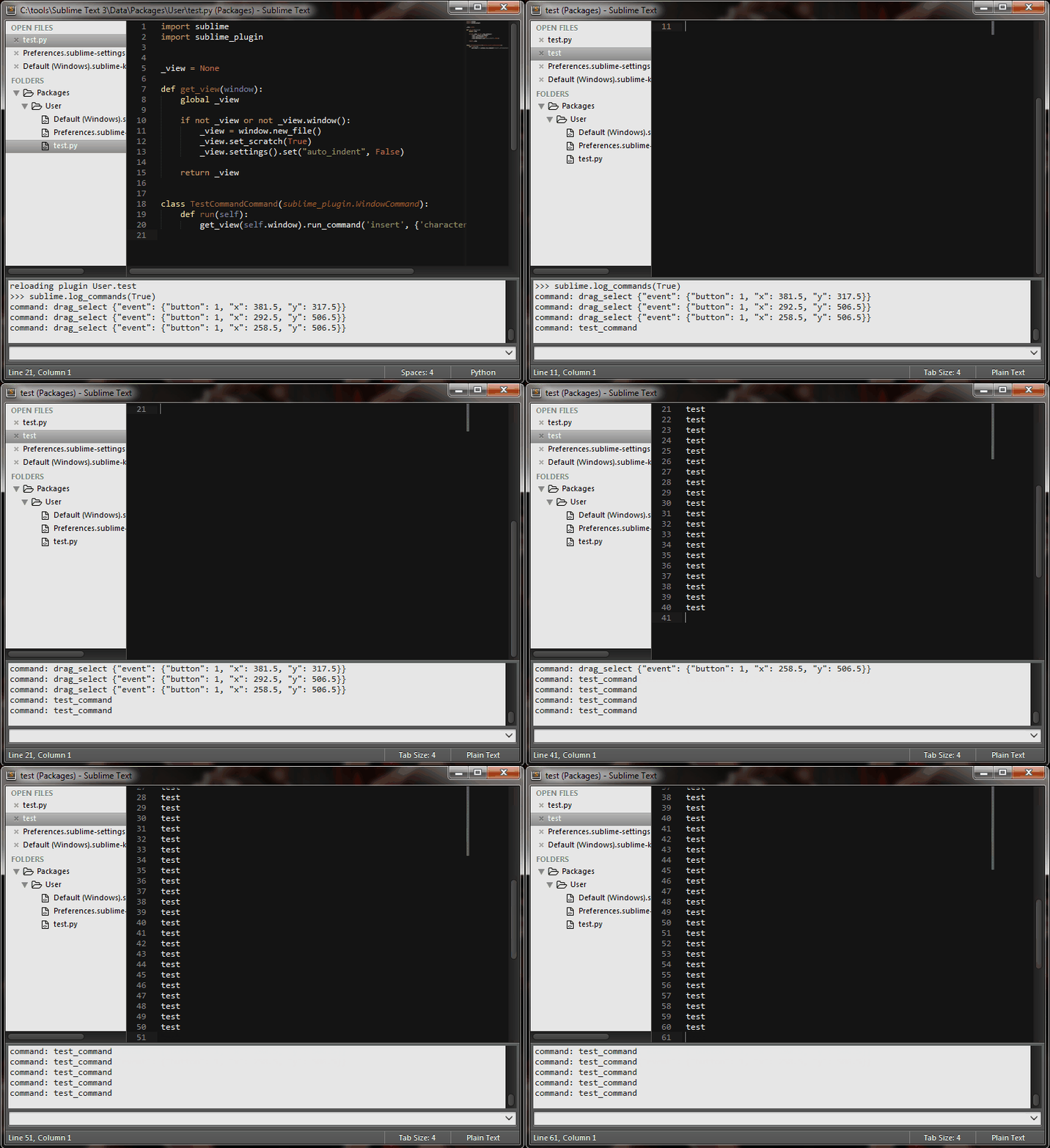
Tests were confirmd on a fresh ST3 portable version on 3073 and Windows7.