
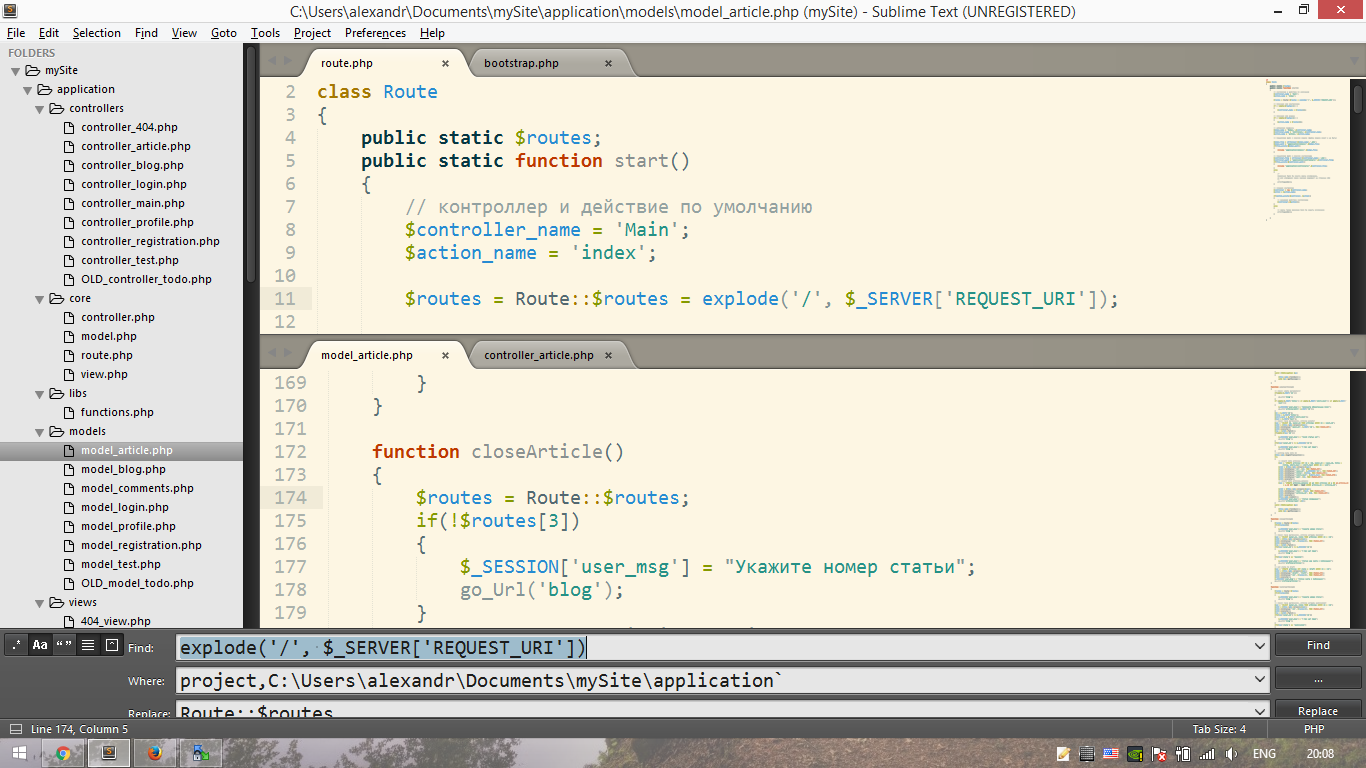
Hi! I found some bug (maybe not?) when used auto-replace function. It appears only on my laptop. Here screenshot. Im using ST3, build 3126. “Replace” line is half-hidden
Visual bug on 1366x768 notebook
0 Likes
OdatNurd
#2
The panels at the bottom of the screen are resizeable height-wise by dragging on their upper edge. Sublime keeps track of the size of the panel internally so that if you change the size, it stays that way. The needed size can change due to things like the theme changing the font size and such, which results in the panel being cut off as in your image.
You can fix the problem by grabbing the top edge of the panel and dragging it upwards until everything is visible (and then optionally all the way back down to make it as compact as you would like).
1 Like