
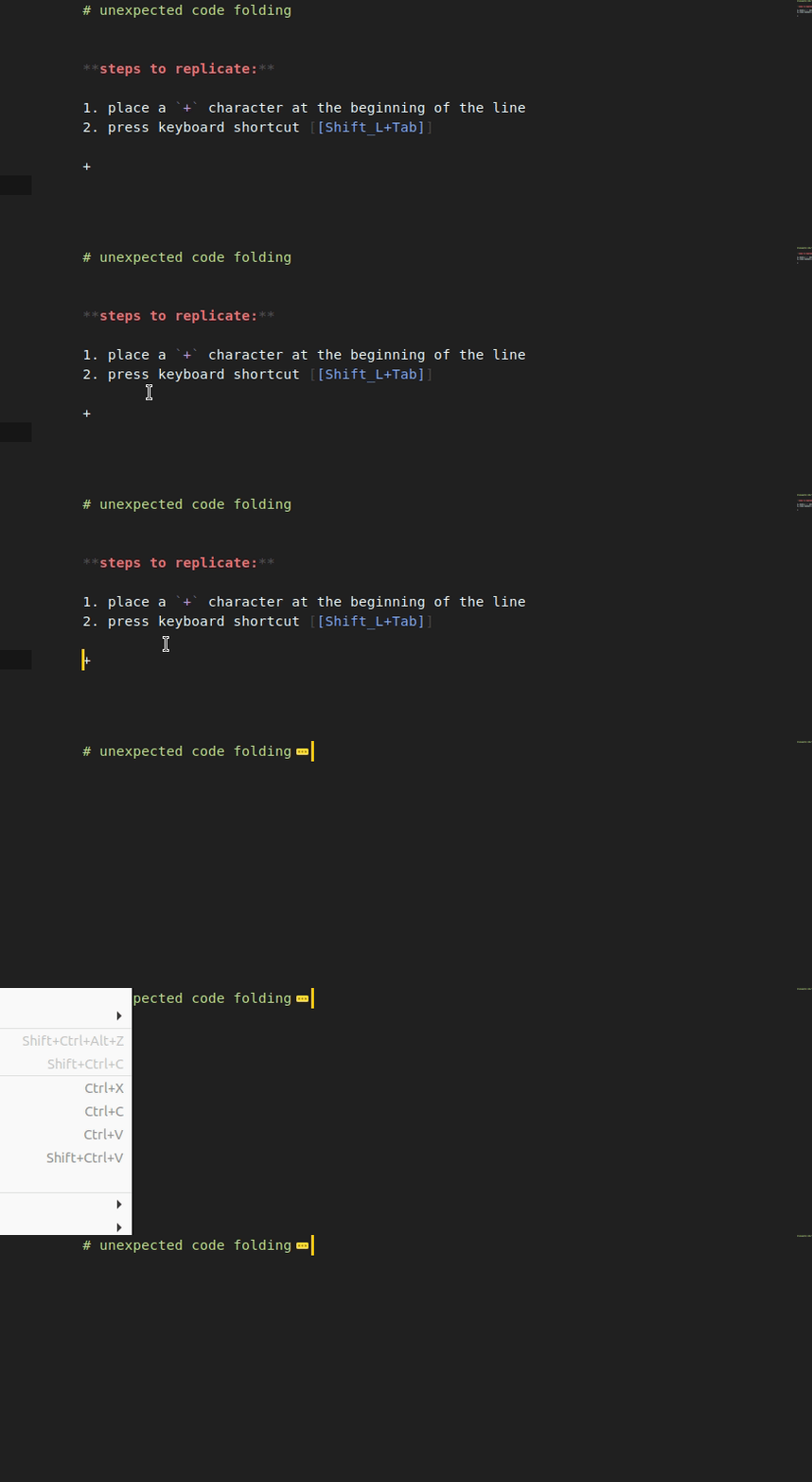
issue: indenting / unindenting unordered lists trigger a code folding.
# unexpected code folding


**steps to replicate:**

1. place a `+` character at the beginning of the line
2. place cursor at the beginning of the line
3. press keyboard shortcut [[Shift_L+Tab]]

+
Solution
A fix for the issue can be found here:
For me this was an issue with my default markdown syntax, which was
Markdown Extendedfrom https://github.com/jonschlinkert/sublime-markdown-extended. To get this setting to load properly with that syntax, I added"mde.keymap_disable.fold_section": falseto myPreferences -> Settings (Syntax Specific)file.
Originally posted by @MitchAllain in https://github.com/SublimeText-Markdown/MarkdownEditing/issues/552#issuecomment-602239974
I don’t have Sublime Markdown Extended installed and the fix did not solve the issue.
additional information
- ST: 3211
- OS: Linux
- syntax: multimarkdown (from MarkdownEditing)
- scope:
text.html.markdown.multimarkdown meta.content.multimarkdown markup.list.unnumbered.markdown punctuation.definition.list_item.markdown
Obs.: the issue only applies when MarkdownEditing is enabled.