Sublime Forum

The P1$$y Paste Problem

#1

I’m using ST3 and just got the update for 1 October 2019.

Sadly, nothing has been done about Sublime Text’s p1$$y paste problem, i.e. ST refuses to paste onto a location reached after tabbing.

This bug is very annoying when doing webpage edits, especially on .html pages where refactoring often causes changes to the indents.
Curiously, although the paste is not made, the cursor advances on to where it should be if the paste had been made . . .
I’ve never met anything like this dark space paste effect before.
Not even in Notepad++.
0 Likes

#2

Have you tried ctrl+shift+v? If that doesn’t help, please provide steps for reproduction so we can better understand what is going on.

0 Likes

#3

Steps to reproduce:

  1. Go to any .html, .css or .js file.

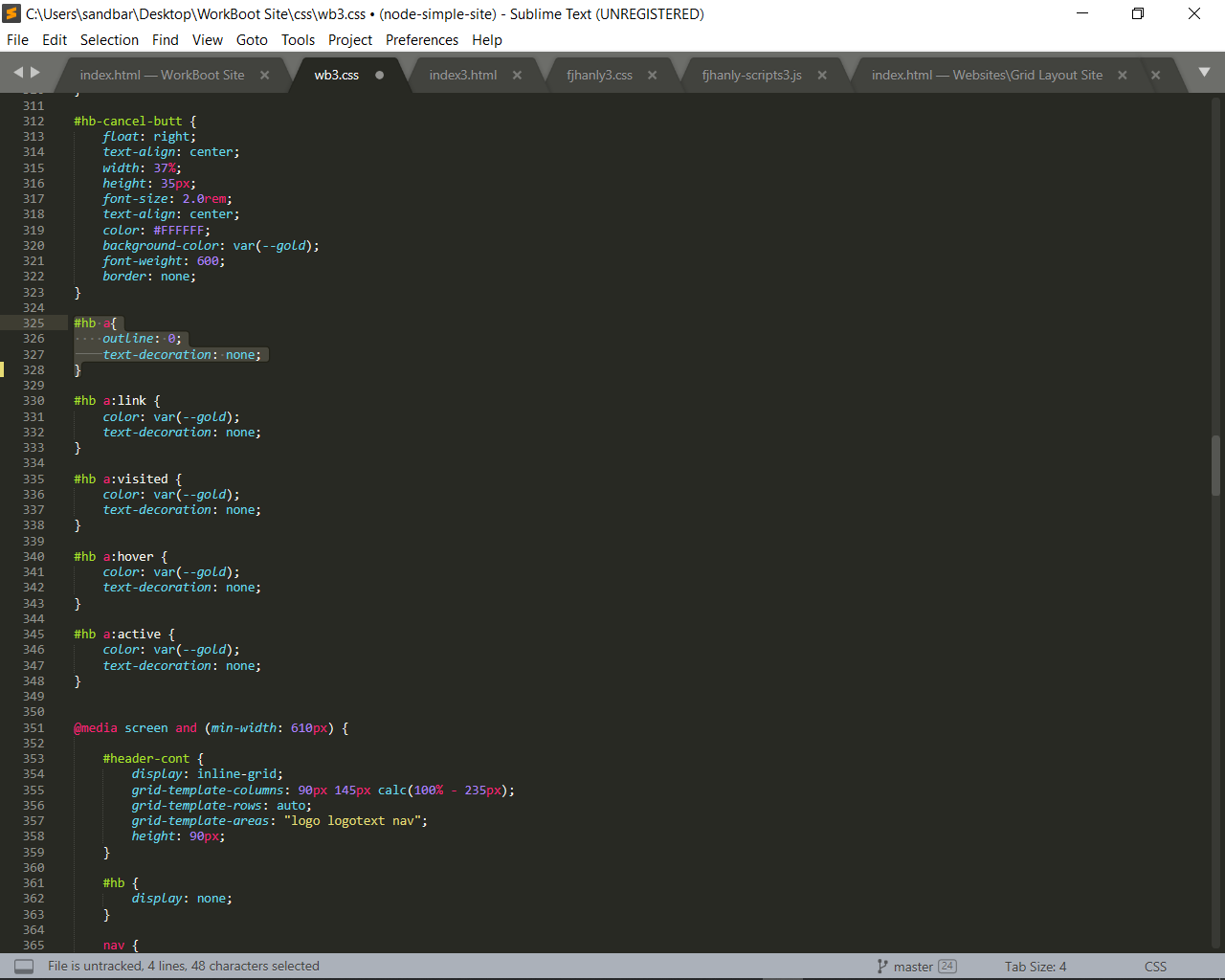
  2. Select any block you want to copy & paste, e.g. #hb a { …} in image pp1.png attached, then copy it with CTRL-C.

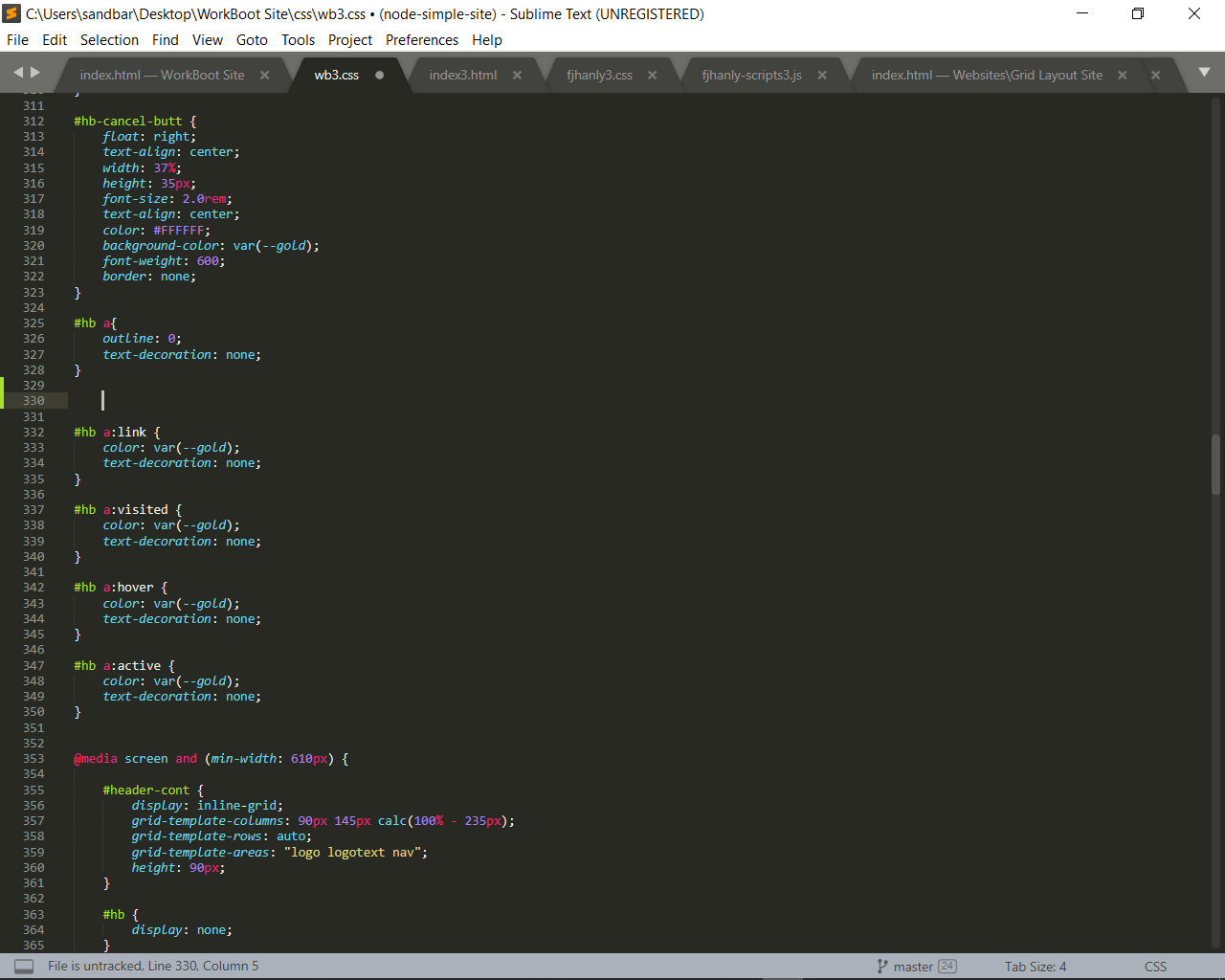
  3. Create a new line below this block (using return key) and then tab to the right once to make an indent for the new block’s insertion point, cf. image pp2.png attached.

  4. At the indent location press CTRL-V to paste the copied text.
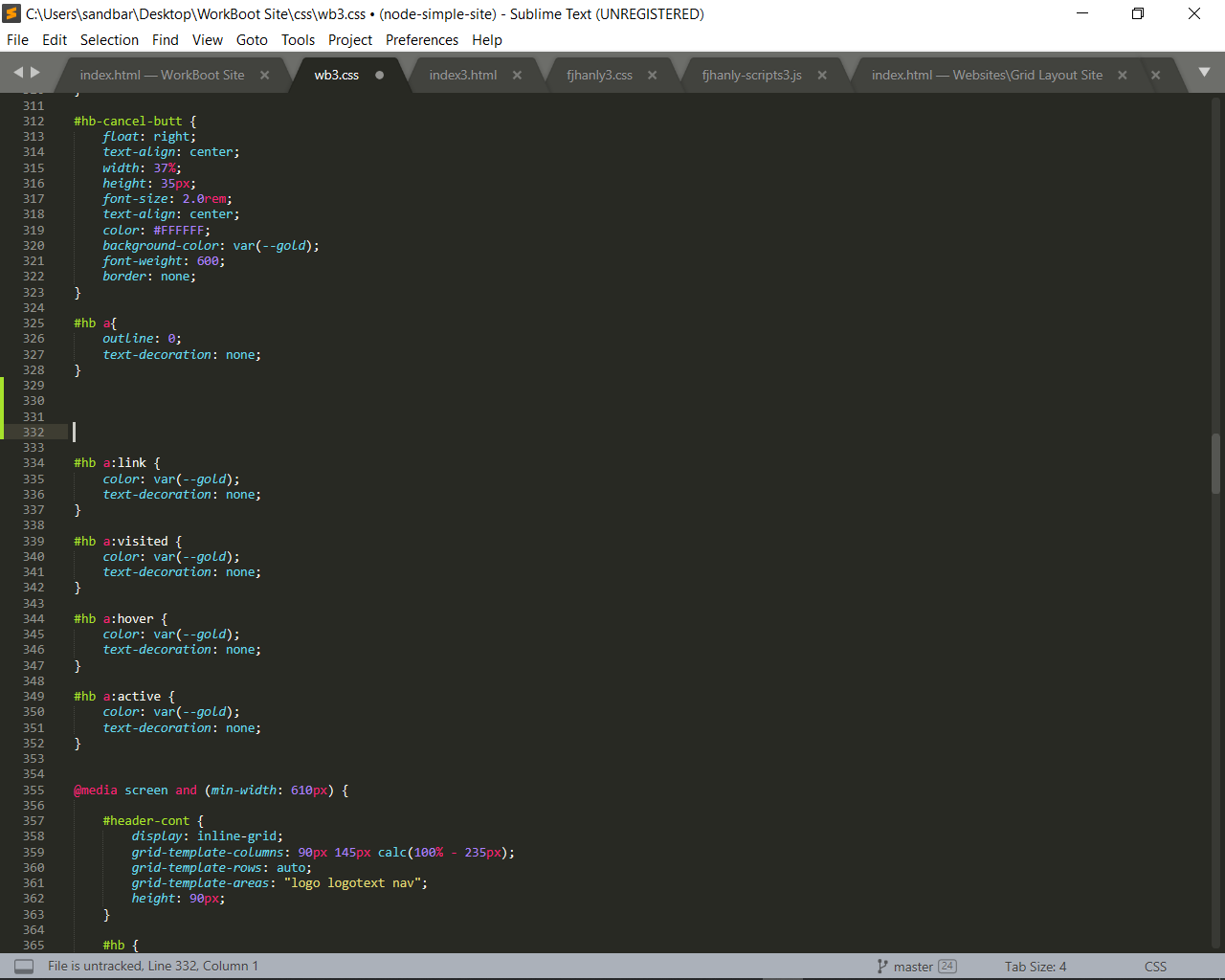
    The cursor is advanced to where it would be if the paste were successful and the remaining space remains blank. See image pp3.png.


0 Likes

#4

It is almost certainly related to one of your plugin. Try to disable them to identify which one is creating the issue.

2 Likes

#5

Dead right, Clams.

By removing non-recommended packages one by one, I isolated the skunk package.
It was Emmet Style Reflector, a package that’s supposed to allow interoperability between Emmet and SASS or LESS.

I should have checked out the GitHub for this package before installing on the blind.
Maybe Mr W. Bond would add a word of caution to this entry showing up on our available packages listing ?

Thankee, stranger.

0 Likes