
Hey. I’m probably wrong in the way I sync my files:
// sublime text
symLink({
  src: h.cloud + 'appdata\\sublimetext3\\Packages',
  dest: h.homeAppData + 'AppData\\Roaming\\Sublime Text 3\\Packages',
  type: 'dir'
})

symLink({
  src: h.cloud + 'appdata\\sublimetext3\\Installed Packages',
  dest: h.homeAppData + 'AppData\\Roaming\\Sublime Text 3\\Installed Packages',
  type: 'dir'
})
but for the moment, it works perfectly for more than 1 year like this. And I’ve got this popup 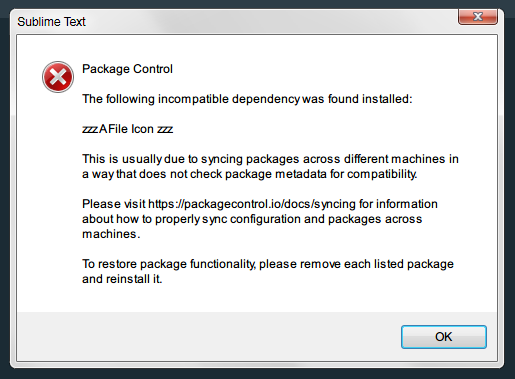 everytime I start ST on Windows. Never on macOS.
Could it be disabled by any chance?
 I’ll do it.