
Hello,
I noticed that the fonts and over all quality of sublime text on my PC is very blurry and I don’t know why.
I am using jetbrains mono as my font. when I use other applications the font and screen is not blury at all.
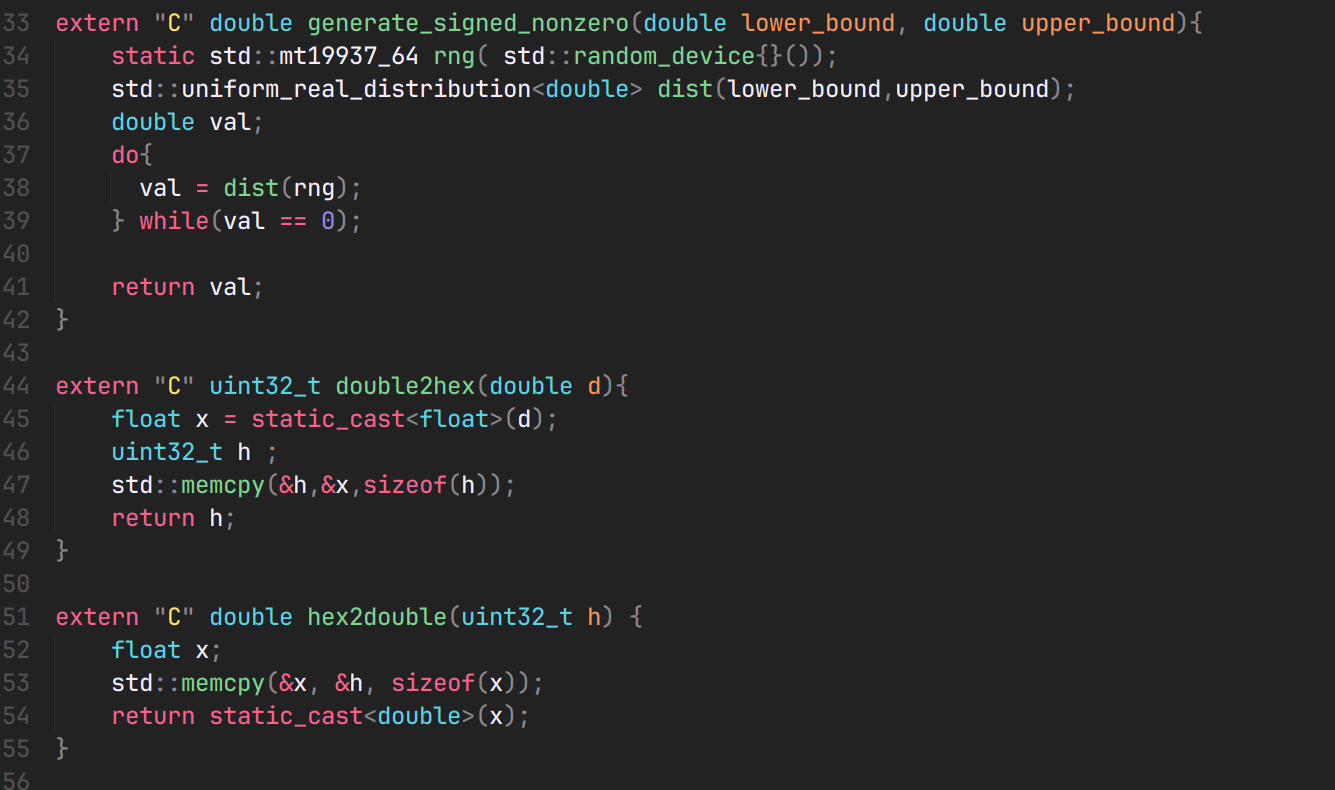
these are my settings,
`
“hardware_acceleration”: “opengl”,
“hot_exit”: “disabled”,
“remember_workspace”: false,
"color_scheme": "Monokai Pro (Filter Spectrum).sublime-color-scheme",
"theme": "Nabla Adaptive.sublime-theme",

"font_size": 18,
"font_face":"JetBrains Mono Medium",
"font_options": ["no_liga",
                "no_clig",
                "no_calt",
                "no_italic",
                "subpixel_antialias"],
`
I tried no acceleration,no subpixel_antialias, but its still blurry and I don’t know what is going on.
I am using fedora 43 with kde plasma
thanks