
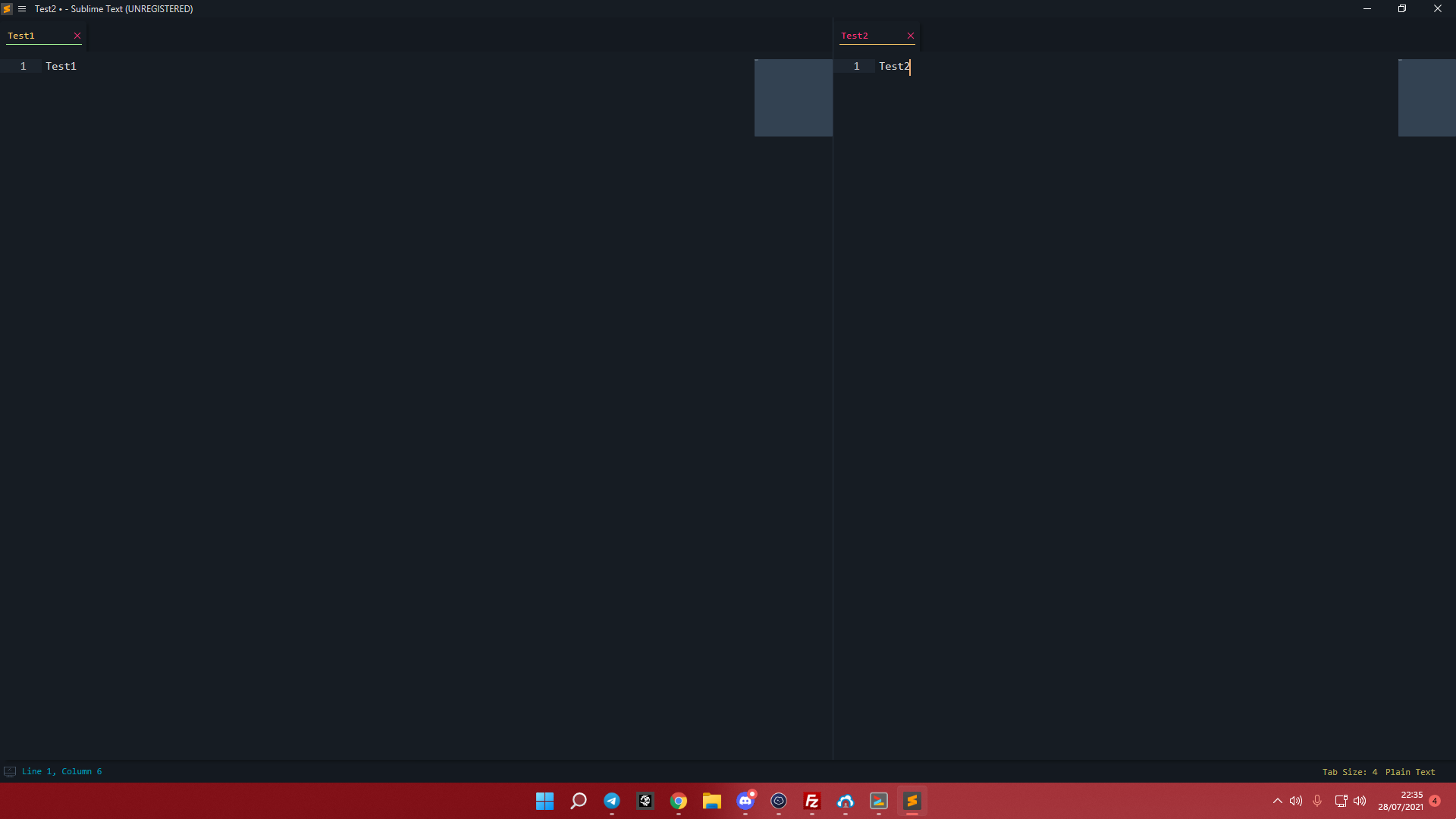
Hi i updated from sublime text 3 to 4 and the menu top bar disappeared and i got 2 windows instead of 1, how should i solve it?
Sublime text 3-4 help
bitsper2nd
#2
ST 4 uses a hamburger menu now. It is located at the top left besides the smaller ST icon in the window. As for removing the column, you can simply open the hamburger menu, go to View > Layouts > Single or simply press the Alt+Shift+1 keys.
0 Likes
facelessuser
#3
You can also just show the menu on demand by pressing alt key on windows. It will appear as a drop-down menu.
0 Likes