
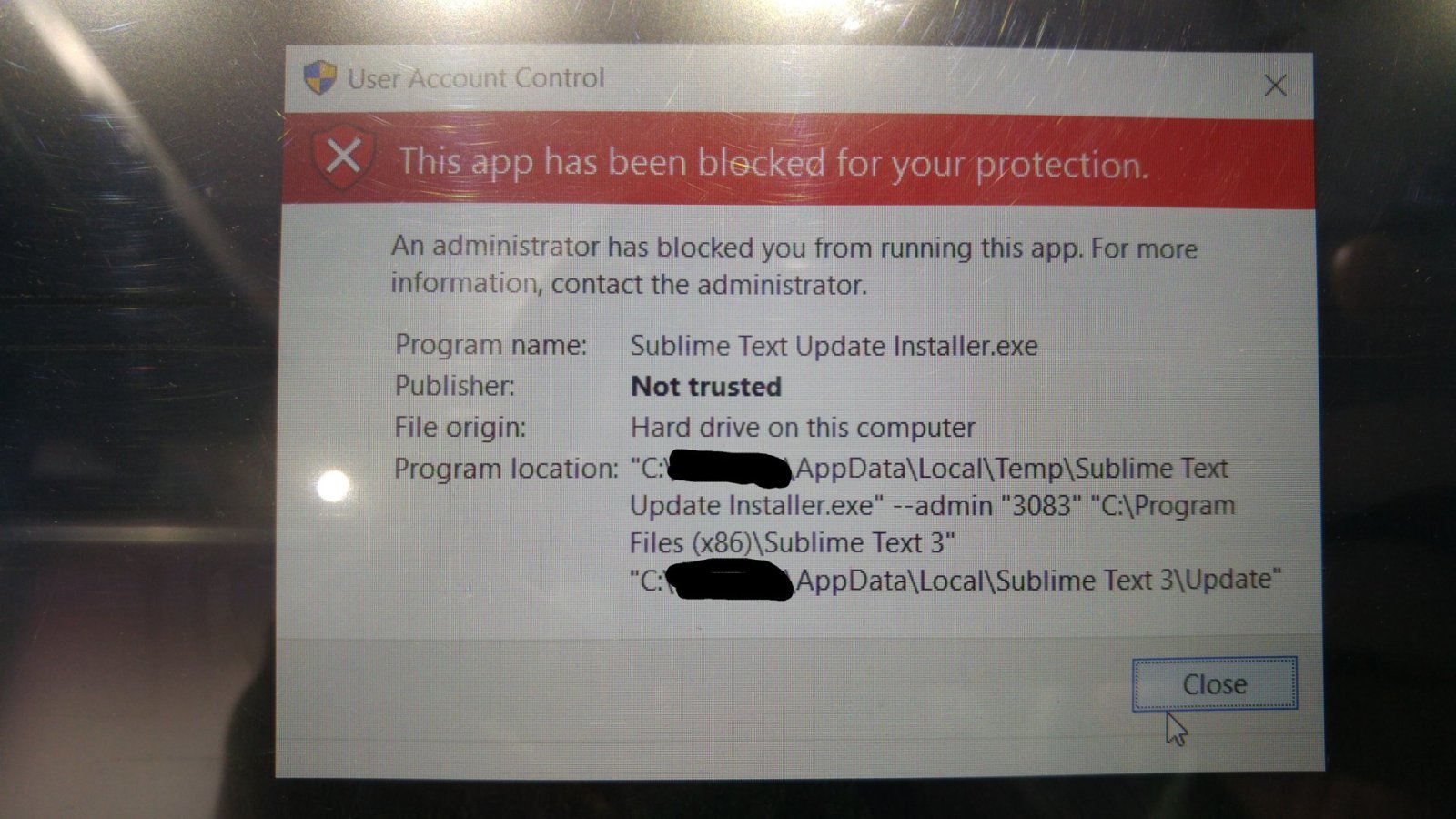
Everytime I load Sublime Text 3, it says there’s an update, do you want to do it? Then I say yes, but somehow windows blocks the application to update itself. I took screenshots of the screens and am attaching them here.
Sublime is not capable of updating itself
FichteFoll
#2
Some Administrators prevent their users from starting executables in the temp dir. I suggest doing what the popup suggests: Contact the administrator.
1 Like
Excalibur123
#3
It’s my personal computer. I did not restrict anything on purpose. I downloaded latest version of sublime text and installed it but that did not help either.
0 Likes
Excalibur123
#5
I downloaded latest version from here
https://www.sublimetext.com/3
It shows 3103 too.
0 Likes
DanMeth
#6
I’m having the same issue. Windows 10 Professional, 64bit. UAC is disabled, Smart Screen is disabled. I am an administrator on the local machine.
Googling this issue reveals that you can “solve” it either by running the command in question from an elevated command prompt, or by enabling the actual Administrator account and running it from there.
I think this is related to the way the executable is signed.
This is new behavior, perhaps a recent Win10 patch…
0 Likes
DanMeth
#8
This issue has to do with sublime updating itself. When it is launched it detects that there’s an update which it downloads and attempts to run which causes the dialog that appears for the OP.
0 Likes
Jackeroo
#9
Download it separately, unless you want to wait for the next beta build, and that could be some time.
It’s up to you. I downloaded 3103 separately with Firefox, and have no problems.
0 Likes