Sublime Forum

(.sublime-color-scheme) How to match considering multiple/nested scopes?

#1

Hi, looking to roll my own .sublime-color-scheme based off my favorite prehistoric tmTheme style (Jellybeams!) and make good use of some of Sublime’s first-class functionality.

Very simple example pictured below. Only the three listed rules are in effect.
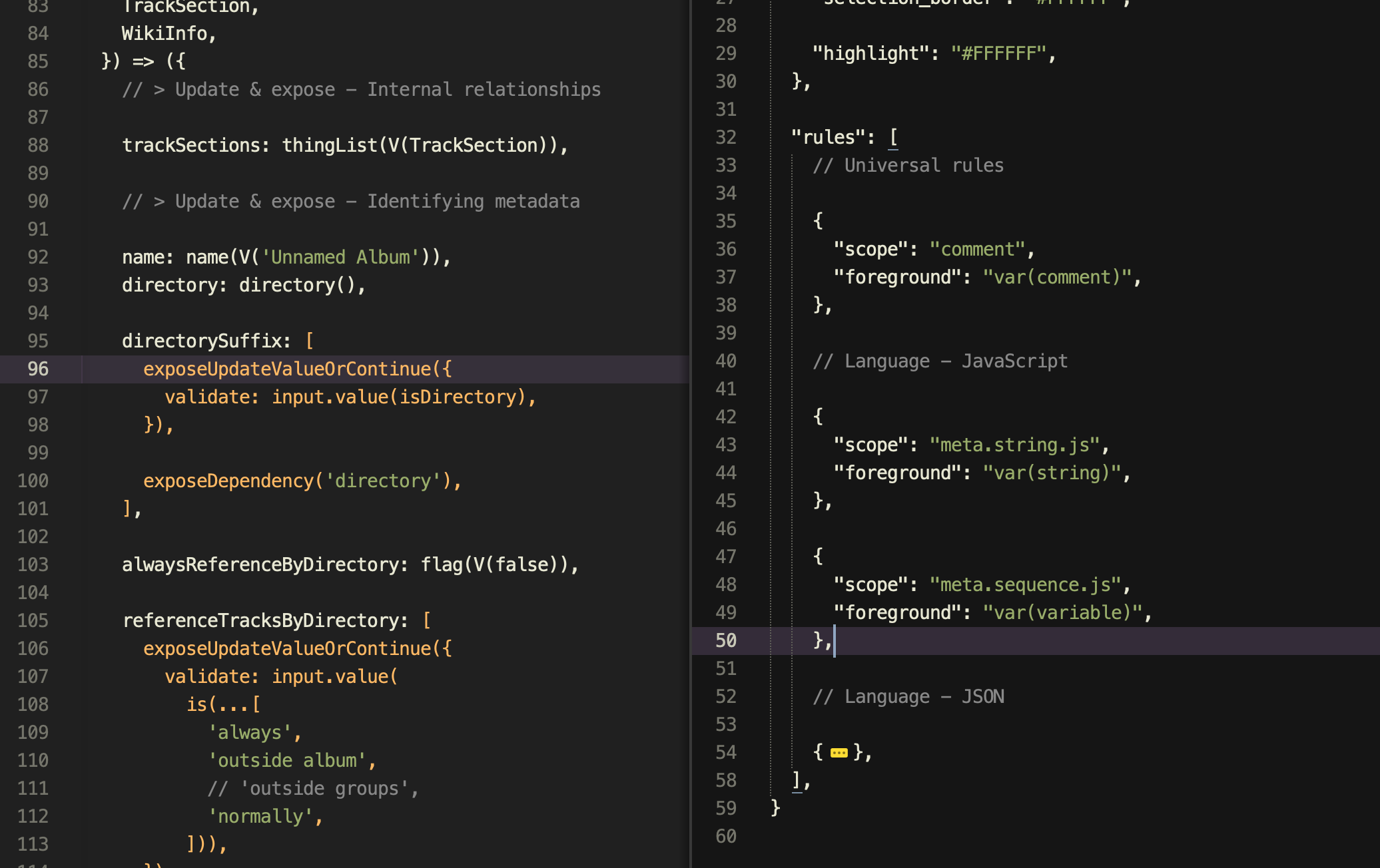
Desired mock/demo behavior (so I know what I’m doing) —
How do I style meta.string.js when nested within meta.sequence.js to be #ff0000 red?
Assume that the syntax definition for JavaScript doesn’t provide an “easy way out”, unique scope which would just give me what I want for free.

In specific, 'Unnamed Album' should remain highlighted green (as current), while 'directory', 'always', 'outside album', and 'normally' should all be red.

Is this possible?
Thanks!!
0 Likes

#2

First of all: Be careful (or try to avoid) using meta. scopes exclusively to highlight text as their main goal is to provide semantic context and thus they might cover more tokens, than probably desirable for syntax highlighting. meta.string.js for instance also covers interpolation expressions, likely causing contained variables also being affected. Better use string scope.

The "scope" key is actually a “selector”. It’s value can be an expression combined of various scopes.

With regards to strings in lists…

	"rules": [
		{
			"name": "normal strings",
			"scope": "string",
			"foreground": "green",
		},
		{
			"name": "strings in lists",
			"scope": "meta.sequence string",
			"foreground": "red",
		}
	]
0 Likes

#3

That’s perfect. Thank you for the heads up and example!

I’ve adapted into a handful of places in my color scheme now. It’s working great. (This is what they all say before running into foreign code, including foreign code you wrote yourself three years ago, which is now highlighted like gobbledigook. All the same: it’s working great.)

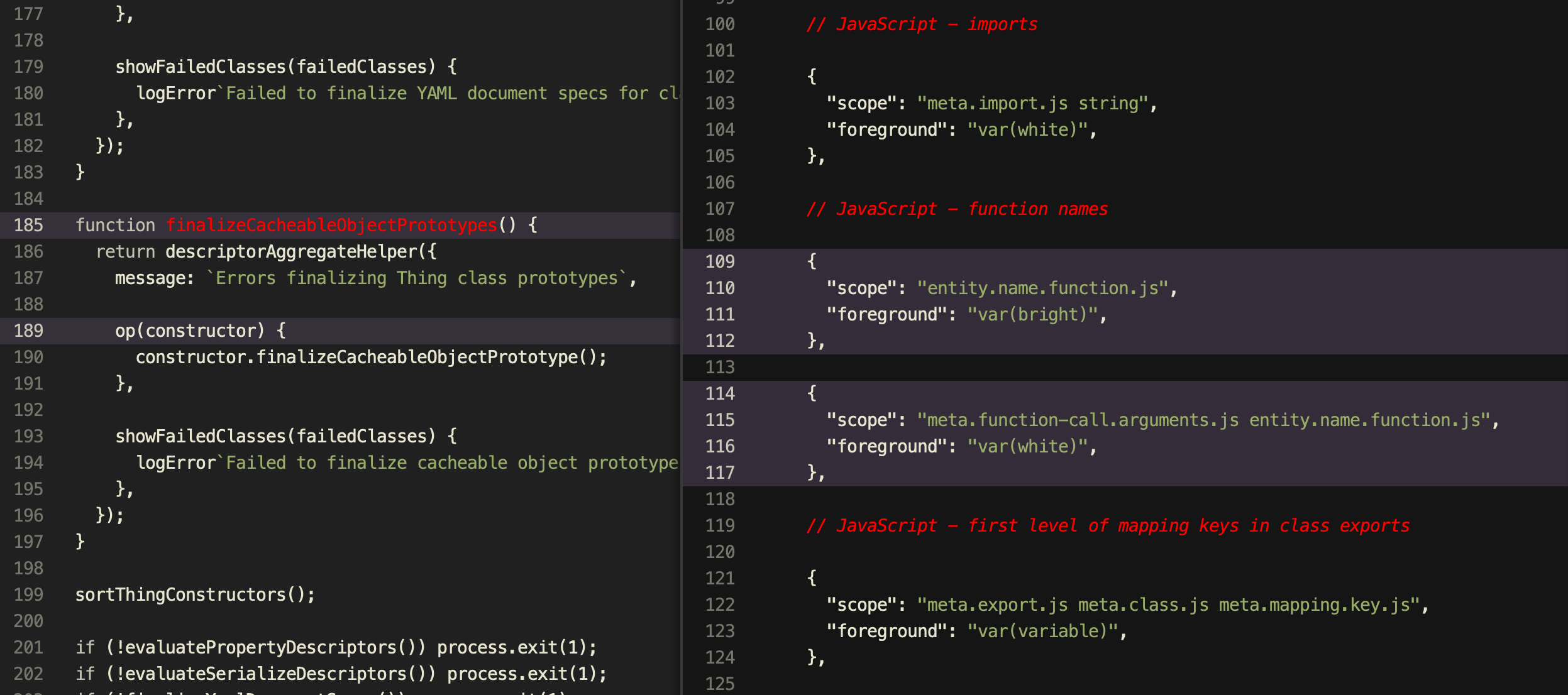
Above, highlighting function names with a “bright” color (red for visibility here), except when nested inside a function call.

I have one extra question—what does space-dash-space generally mean in these selectors? I ran into this in an example in the official docs, "scope": "source - punctuation - keyword" re: hashed syntax highlighting.

And more importantly, is there a comprehensive or good starter reference for scope syntax/capabilities? I’m very used to CSS so the idea comes easily, but I just can’t guess what syntaxes Sublime supports.

Thanks again!

0 Likes

#4

I’ve found the detailed documentation here, so I should be good to go: https://www.sublimetext.com/docs/selectors.html

0 Likes