Sublime Forum

Subject: Massive Energy Impact (4500+) on M4 Pro MacBook – Solved by Disabling Indexing

#1

The Issue

I recently switched from an M2 Pro MacBook to a new M4 Pro MacBook Pro . While I expected better efficiency, I noticed my battery life was significantly worse than my previous M2 Pro model.

Upon checking the Activity Monitor , I was shocked to see Sublime Text at the top of the “12 hr Power” list with an incredible value of 4,558.10 . For comparison, other heavy apps like Slack were around 125. Despite the high cumulative energy impact, the app felt responsive, but the background drain was unsustainable for mobile work.

Technical Environment

  • Device: MacBook Pro (M4 Pro Chip).
  • OS: macOS (Latest).
  • Previous Device: MacBook Pro (M2 Pro Chip).

The Solution

After investigating the settings, it appeared that the background file indexing process was causing a massive loop or high CPU overhead on the new M4 architecture, especially when large project folders were open.

I resolved the issue by modifying the User Preferences ( Preferences.sublime-settings — User ) with the following overrides:

JSON{ "index_files": false, "hardware_acceleration": "opengl", "gpu_window_buffer": true, "show_git_status": false }

Results

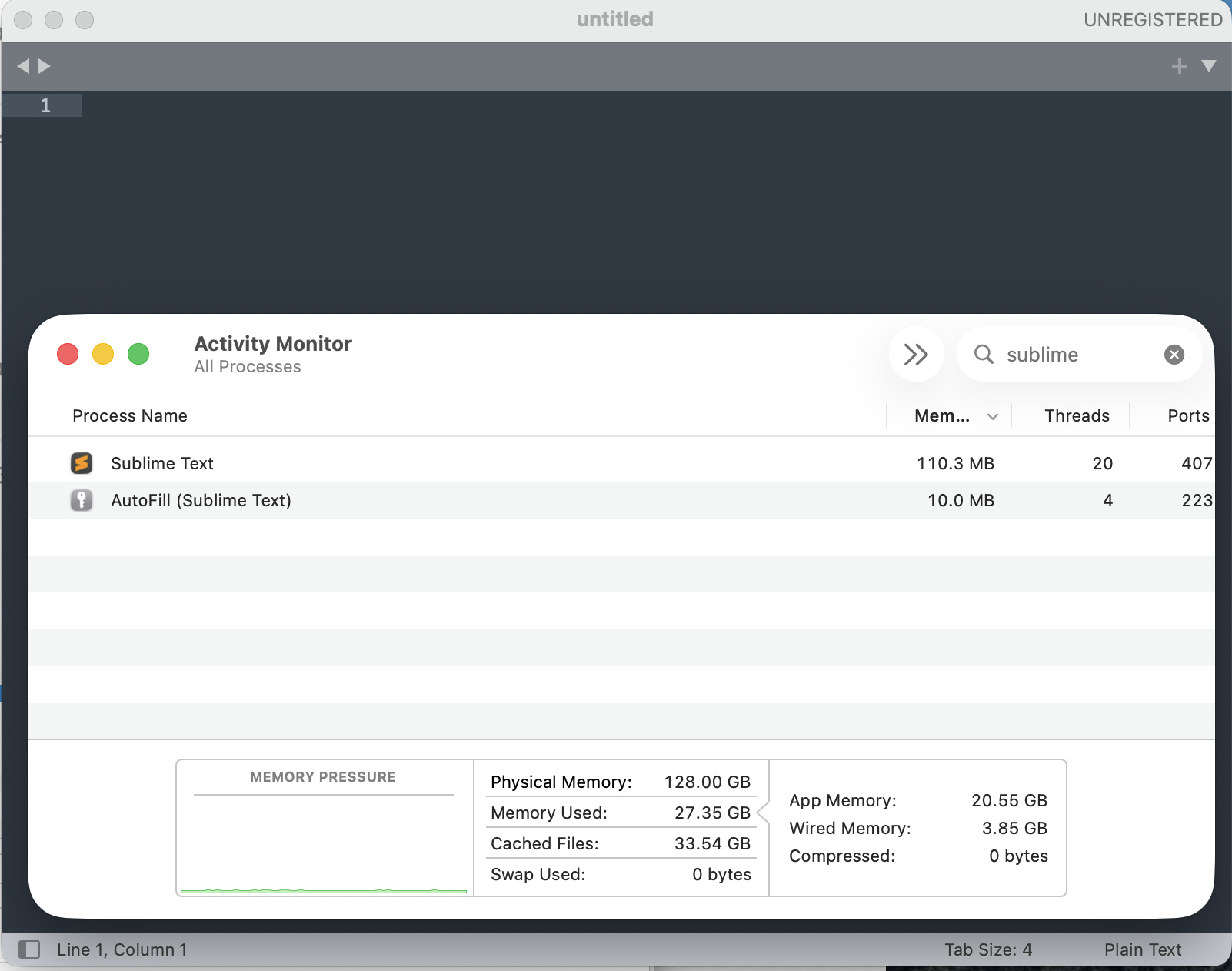
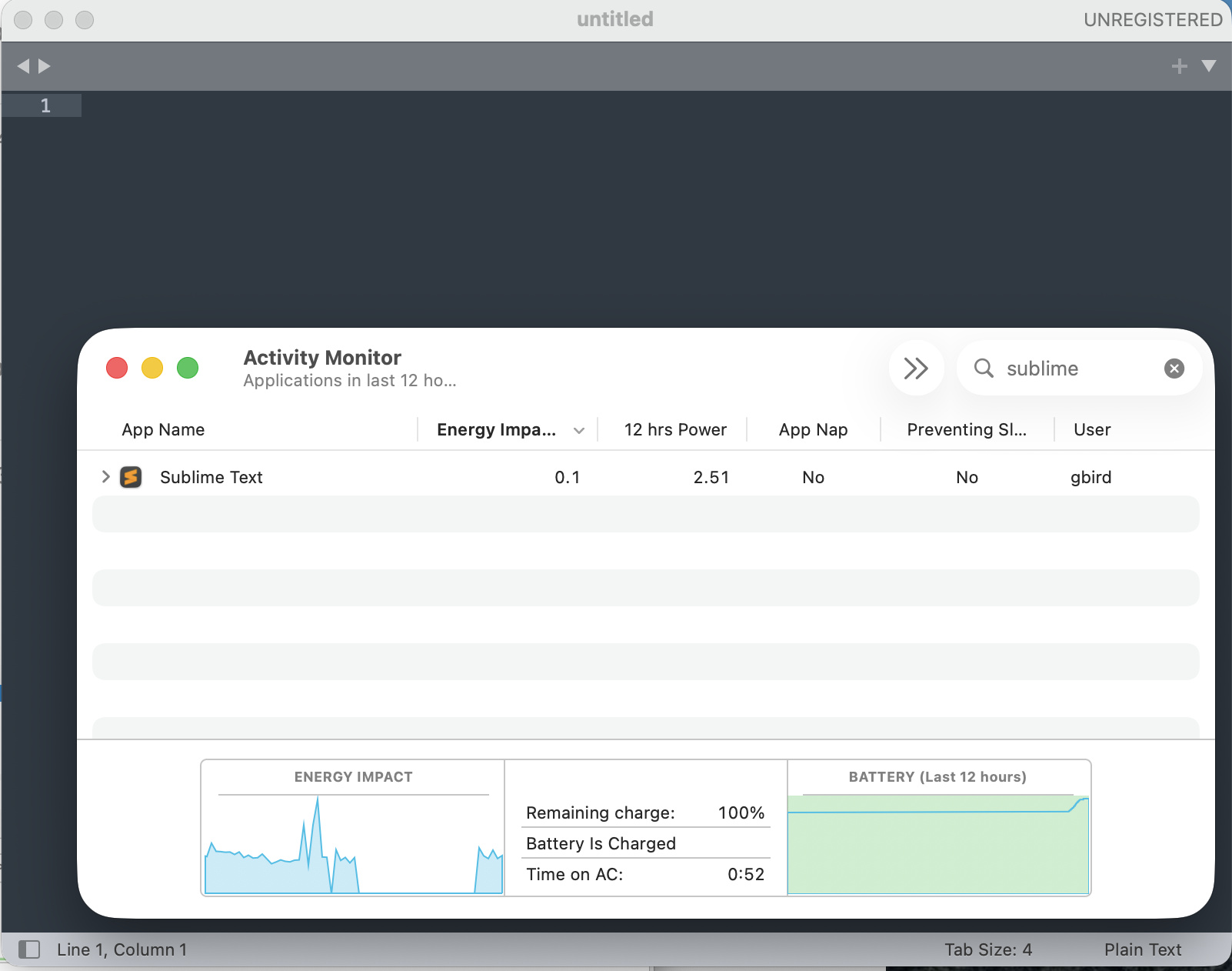
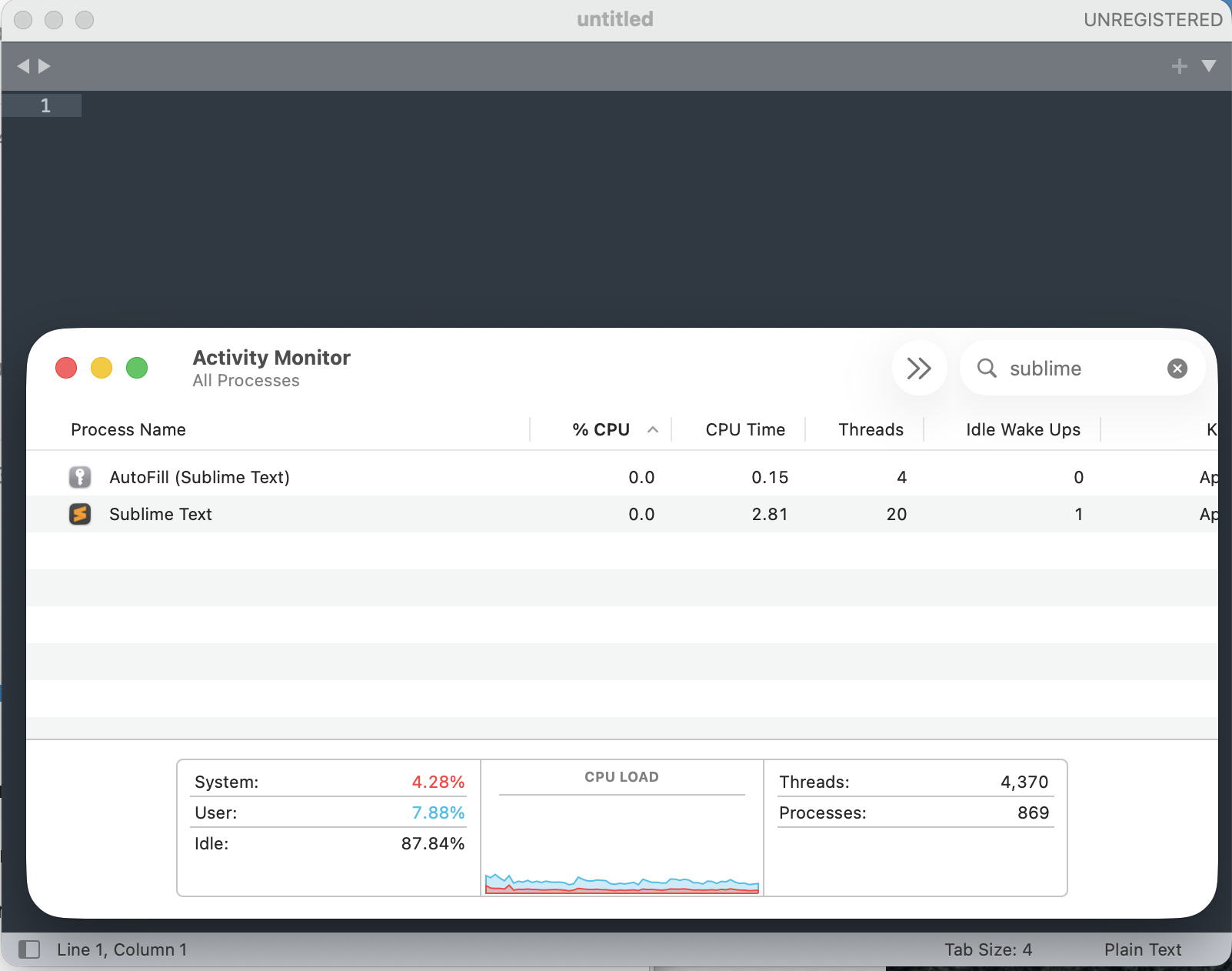
Immediately after applying these settings and restarting the app, the “Energy Impact” dropped to 0.1 .

  • index_files: false was the most critical change to stop the background CPU spikes.
  • hardware_acceleration: “opengl” helped offload rendering to the M4 Pro’s GPU, further reducing the strain on the CPU cores.

If anyone else is experiencing unusual battery drain on the new M4 chips, I highly recommend checking your indexing settings and enabling hardware acceleration.!

1 Like

#2

This reads as AI generated with inaccurate/out of date info. On macOS opengl is enabled by default and gpu_window_buffer hasn’t done anything for a while.

Indexing can cause high CPU load, but it’s usually very fast and only needs to be done once. The entire Linux kernel repository takes just 16s on my machine.

A common issue is when people add more than their project to the side-bar, some add their entire home folder. This causes performance issues with more than just the file indexing, so I’d recommend against doing that.

3 Likes

#3

I created an account on this forum just to comment on this thread because I had this exact same issue today and this is mentioned nowhere else.

Just a couple of days ago I got a new MacBook Pro M5 Pro - completely clean setup. Installed Sublime Text, opened it once, then closed it, and that was it. I never imported any projects or even really used the editor.

But my battery was getting absolutely destroyed. It went from 100% to 15% in around 4–5 hours, with barely anything running besides a browser and Discord. Activity Monitor showed Sublime Text with “12 hr Power” consumption of over 9,500 and a constant Energy Impact of practically 99% (graph at the bottom).

At first I genuinely thought my machine was defective. After the battery had already drained three times today under basically no load, I investigate the issue and tracked it down to Sublime Text editor.

0 Likes

#4

When you say you closed Sublime Text, do you mean quit or just closing the window? Note that in either case Sublime Text doesn’t do any indexing, that only happens when a folder is added to the side bar.

FWIW we’ve had Sublime Text running but mostly unused on a mac for months and the twelve hour power stat is consistently at 0.

1 Like

#5

I’m pretty sure I closed the window first and then fully quit the app afterward.

Also, I’m not suggesting the issue is related to indexing specifically. I only mentioned that I experienced very similar behaviour. I wasn’t trying to imply indexing was the cause.

I’ve had Sublime Text running constantly on my previous Mac for years (though it may have been a much older version) without any issues at all. So my suspicion is that this may be something specific to the latest release or possibly a corrupted install.

One thing that might be relevant… during installation I got an error message that looked very similar to the one mentioned in this thread:
“Error when attempting to unzip installation file”

At the time I mostly ignored it because the app still launched successfully.

I’ve since deleted the app entirely, but I may try reinstalling it again later and see if I can reproduce the problem.

1 Like