The Issue
I recently switched from an M2 Pro MacBook to a new M4 Pro MacBook Pro . While I expected better efficiency, I noticed my battery life was significantly worse than my previous M2 Pro model.
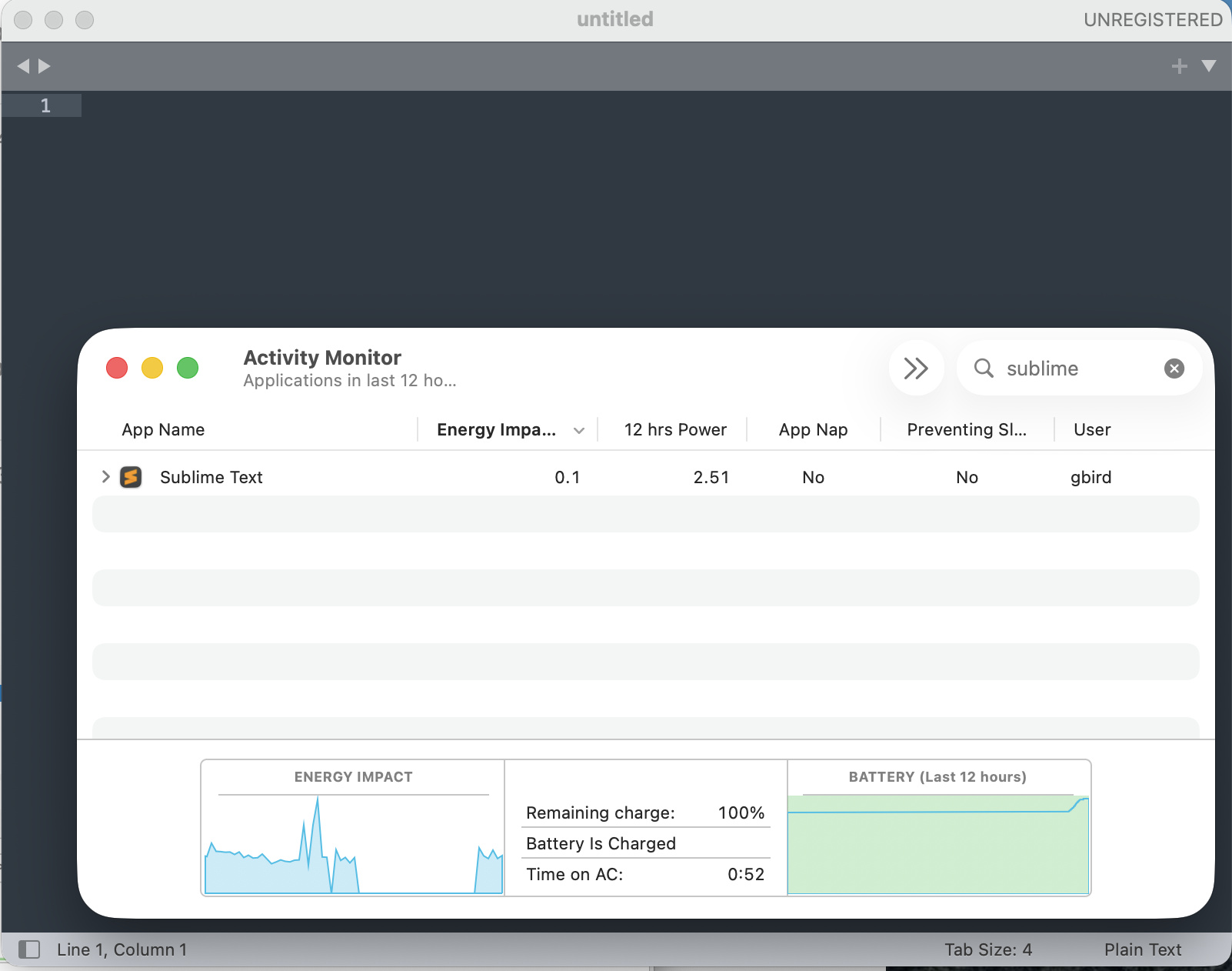
Upon checking the Activity Monitor , I was shocked to see Sublime Text at the top of the “12 hr Power” list with an incredible value of 4,558.10 . For comparison, other heavy apps like Slack were around 125. Despite the high cumulative energy impact, the app felt responsive, but the background drain was unsustainable for mobile work.
Technical Environment
- Device: MacBook Pro (M4 Pro Chip).
- OS: macOS (Latest).
- Previous Device: MacBook Pro (M2 Pro Chip).
The Solution
After investigating the settings, it appeared that the background file indexing process was causing a massive loop or high CPU overhead on the new M4 architecture, especially when large project folders were open.
I resolved the issue by modifying the User Preferences ( Preferences.sublime-settings — User ) with the following overrides:
JSON{ "index_files": false, "hardware_acceleration": "opengl", "gpu_window_buffer": true, "show_git_status": false }
Results
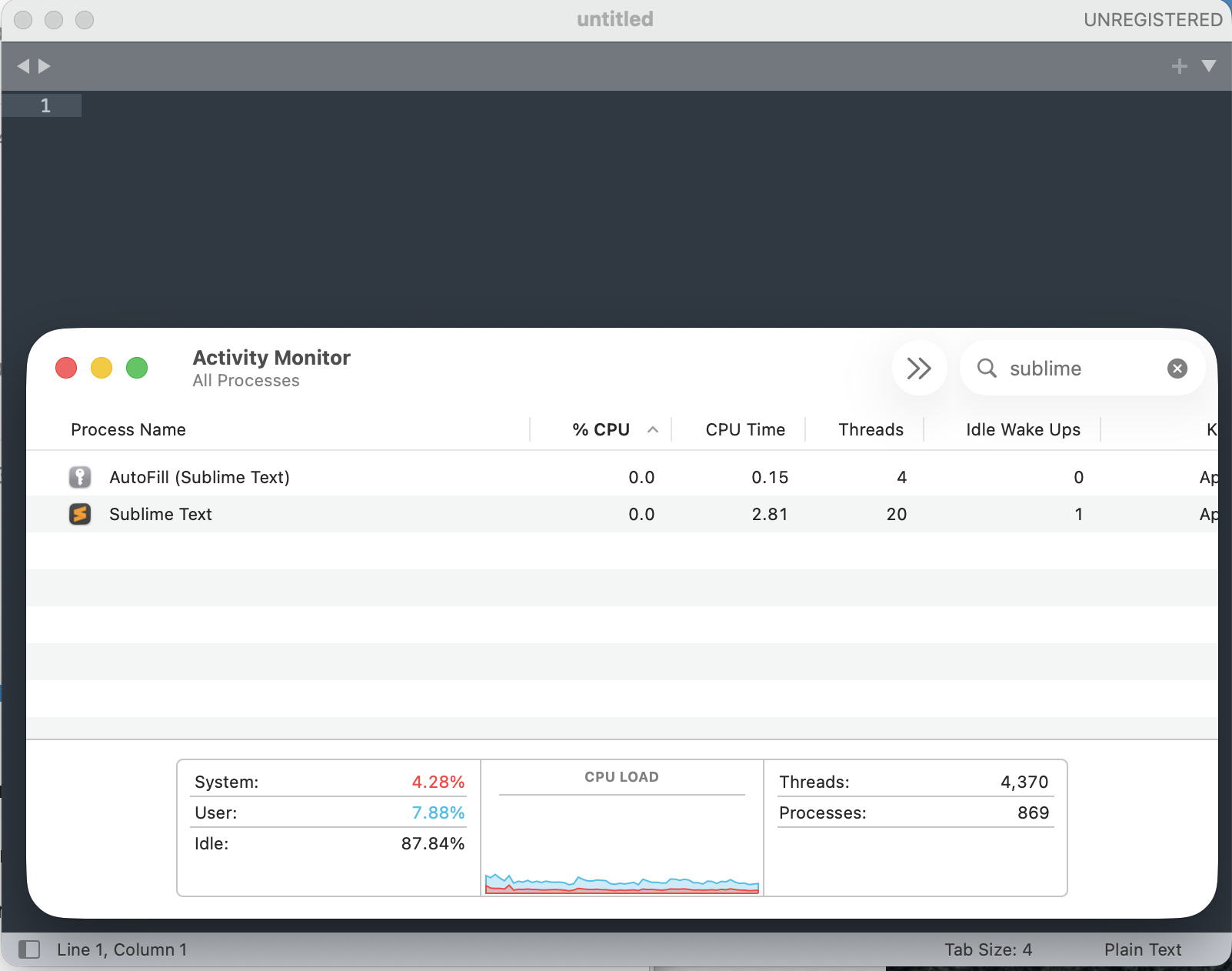
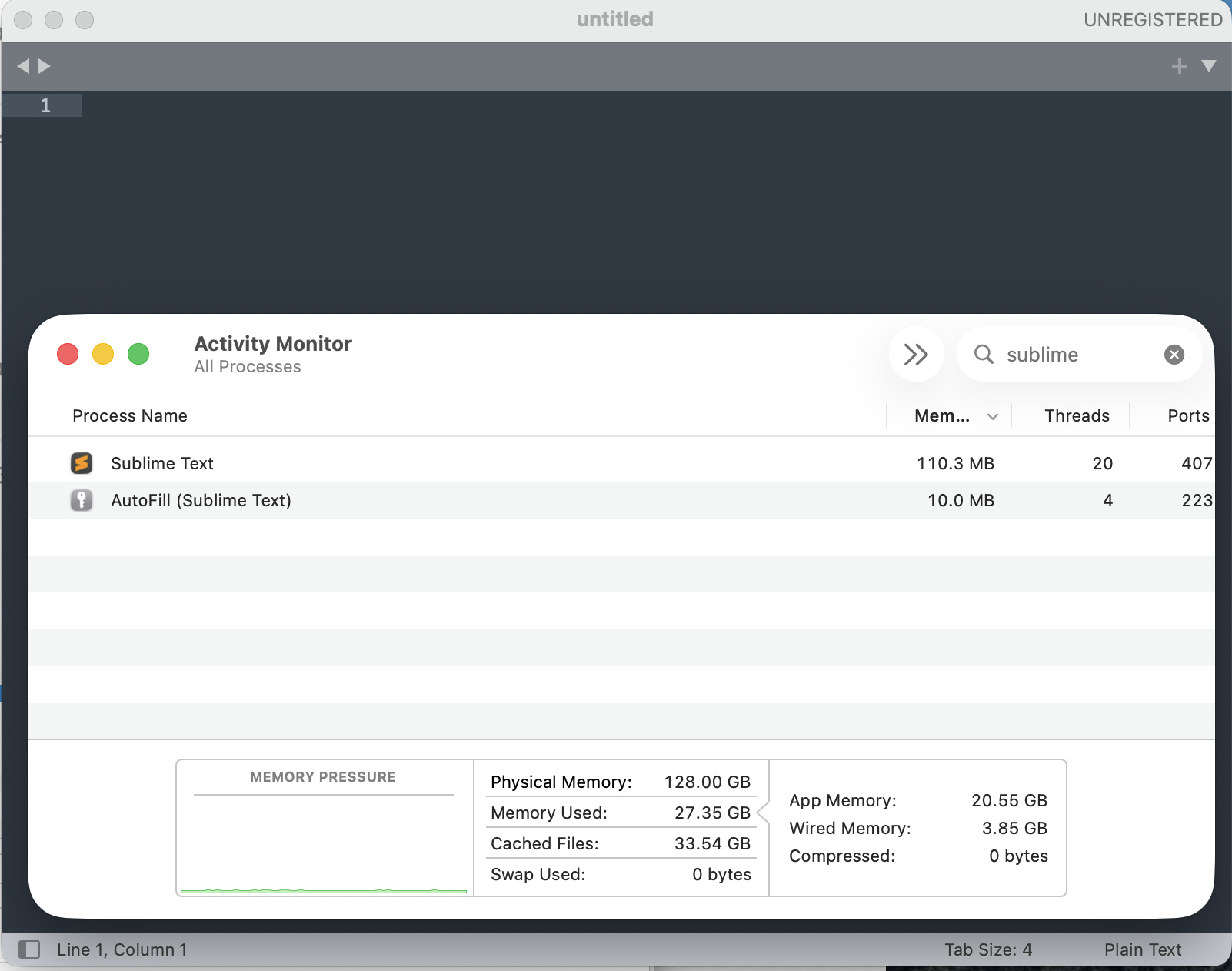
Immediately after applying these settings and restarting the app, the “Energy Impact” dropped to 0.1 .
- index_files: false was the most critical change to stop the background CPU spikes.
- hardware_acceleration: “opengl” helped offload rendering to the M4 Pro’s GPU, further reducing the strain on the CPU cores.
If anyone else is experiencing unusual battery drain on the new M4 chips, I highly recommend checking your indexing settings and enabling hardware acceleration.!