Current:
"keys": ["ctrl+`"], "command": "toggle_side_bar" },
But I want this with CTRL+ this key→
This Key = | Just above the enter and below the Backspace. How to do this?

Current:
"keys": ["ctrl+`"], "command": "toggle_side_bar" },
But I want this with CTRL+ this key→
This Key = | Just above the enter and below the Backspace. How to do this?
Possibly this, depending on the key you want to use and your keyboard layout:
{ "keys": ["ctrl+shift+\\"], "command": "toggle_side_bar", },
Key bindings work by reading a key and applying a modifier to it, where modifier is ctrl, alt, shift, etc.
On North American keyboard layouts, the \ key has as it’s shift state the vertical pipe | character. However, that’s still the \ key with a modifier of shift in order to get the other character.
So even though you think you’re binding to ctrl+shift+|, you’re not, you’re binding to ctrl+shift+\ because \ is the key.
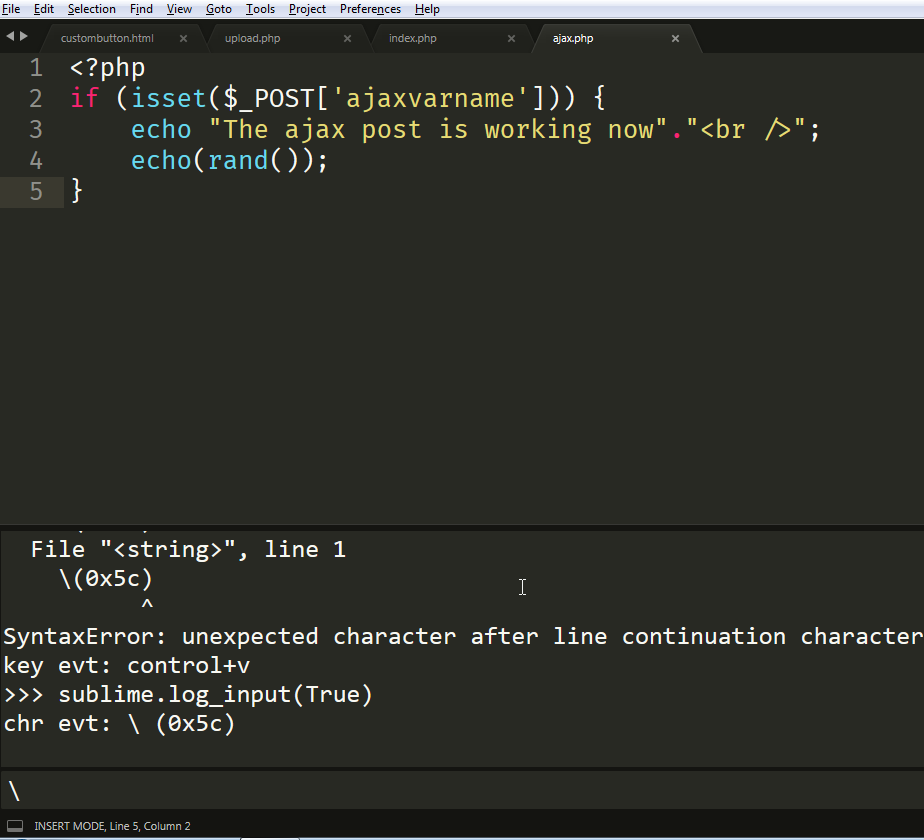
When in doubt, go into the Sublime console, enter sublime.log_input(True), then press the key you want to bind. Whatever it logs as, that’s what Sublime sees that key as, and that’s the key you should use in your binding.
Occasionally you’ll see a key generate two logs, a key evt and char evt; bind to the key evt in that case.
This gives this →
How should we modify this →
{ "keys": ["ctrl+"], “command”: “toggle_side_bar” },`
This even with bracket didn’t worked:
{ "keys": ["ctrl+0x5c"], "command": "toggle_side_bar" },
If the key only appears as chr event even if you’re using a modifier when you press it, then your only option would be to bind it to just "\\"; however you will then lose the ability to type that character.
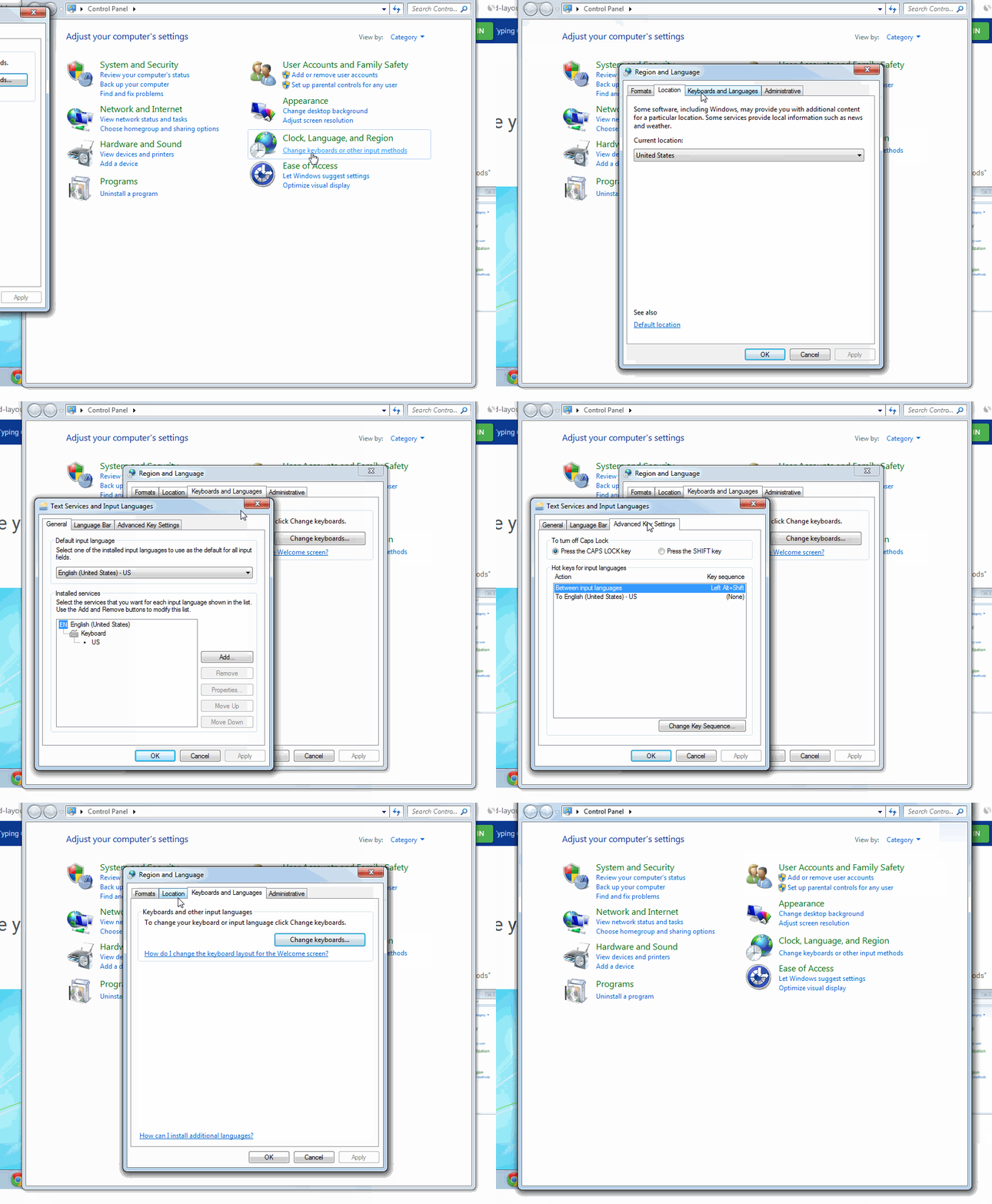
That seems like a very strange character for ctrl to not work as a modifier on though; what keyboard layout/language are you using?
Well, you could try the logging and see if pressing ctrl+\ with the left control and right control key logs with the modifier, just in case maybe there’s something wonky with one of the control keys. Or maybe a different physical keyboard for similar reasons,
Apart from that, I don’t know of any setting that would allow ctrl to be applied as a modifier to a key as mundane as that one; or rather, why there would be a setting to stop it from applying that you could unset.
Yes, in the console. That will show you what sublime sees the key as for whatever key sequence you press.