Hi, could you help me with this please?
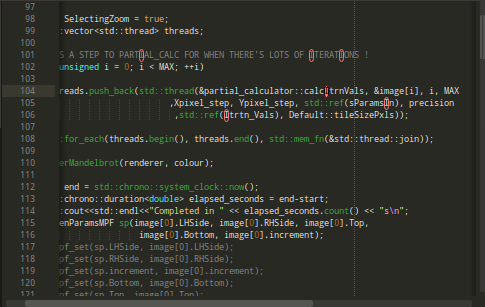
Here is an image of my cursor when I’m doing a selective find and replace using crtl+h (or more specifically ctrl+shift+h)

where it says mpf_sub(temp_real,real_sqrd hopefully you can see the white cursor around the b
I’d like to make that much more garish, possibly solid.
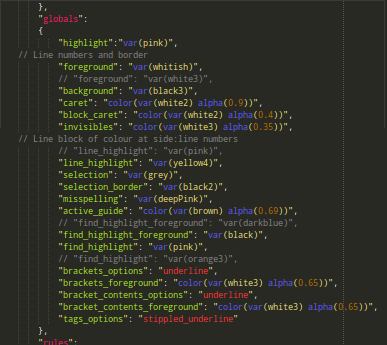
I know I have to change one of these settings, but which one? (I’m trying to avoid using trial and error)
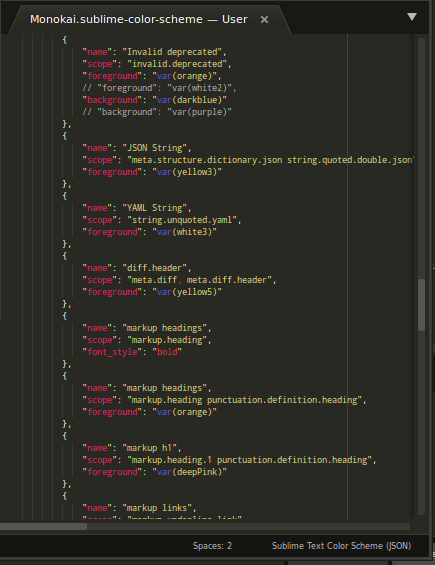
It might not be one of those particular scopes, but just to show that I know vaguely where to change.
I’ve edited a lot of the other colours, but this one’s got me stumped. Oh ST3, just in case…
Cheers me dears