
Hi all,
Windows 10 Pro + SublimeText4 build 4126 here.
It seems sometimes (actually quite often) I won’t be able to delete folders from windows explorer because of SublimeText4. Let me put you an example, if I try to delete a folder from windows explorer I’ll get these messages
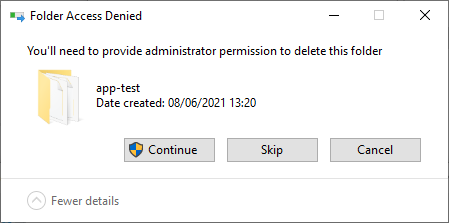
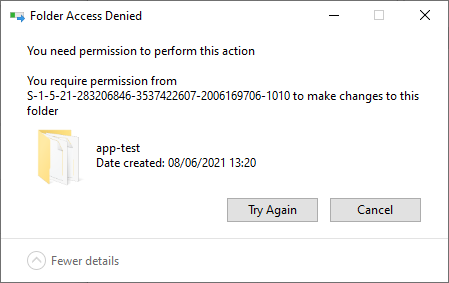
After researching for a while and thanks to the windows10 tool resmon I’ve realized this is basically because there are some Associated handles of the folder I’m trying to delete with sublime_text process.
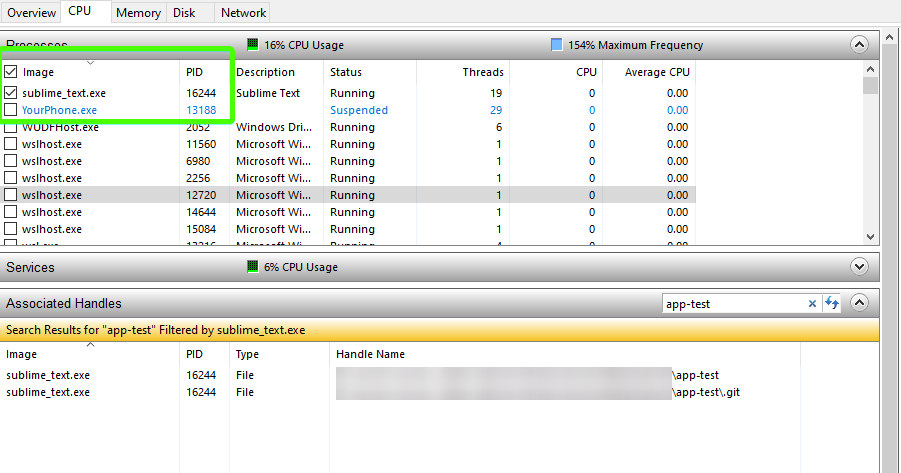
Could you please explain what’s the reason of that (if any)? Cos at the moment I did the screenshot I’m not having anything opened in sublime_text and all folders are collapsed in the side bar menu (in fact, that folder is not even visible)
Not sure if this is a bug but certainly is really annoying cos I’m constantly forced to close sublime text4 so the associated handles will be released. Btw, the new behaviour of renaming/deleting folders is also fishy… Folder management has been probably one the main weakest points of Sublime over the years 
I remember few years ago there was a related issue and I thought that had been solved https://github.com/sublimehq/sublime_text/issues/2403 . It seems not, cos in this case all the subfolders of that folder were collapsed in Sublime side bar menu.
Other than that, SublimeText4 rocks hard, love specially python3.8 support
