
Hello guys. I have a problem with sidebar in Sublime Text 3. When I clicked on any file on sidebar, it auto hide. That is inconvenient. Hope anyone can help me. Thank you so much!
Problem with sidebar can't always show
OdatNurd
#2
I would check to see if you have installed a third party package that adds this functionality and disable or remove that package.
0 Likes
OdatNurd
#4
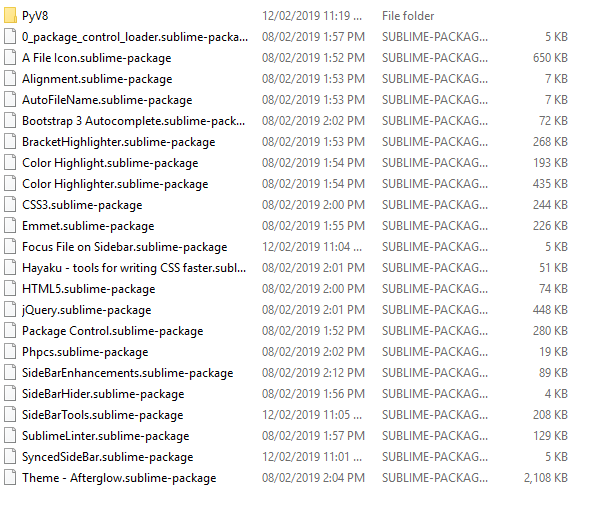
The README for the package Focus File on Sidebar includes this text:
If your sidebar is already opened by default the plugin closes it and focus back on your file, some people weren’t expecting this behavior, instead they wanted the plugin to focus the current file on sidebar (since you can change the current file while having the sidebar opened). Thinking about this different workflow I’ve added an option named close_sidebar_if_opened defaulting to true, if you prefer to always have your sidebar opened and that the plugin just reveal and focus different files please add a line with “close_sidebar_if_opened”: false to your Packages/User/Preferences.sublime-settings file, like this.
This somewhat sounds like what you’re seeing here. I would try using Package Control: Disable Package to temporarily disable that package and see if your problem goes away. If it does, enable it again and modify the setting as mentioned in the README.
2 Likes