
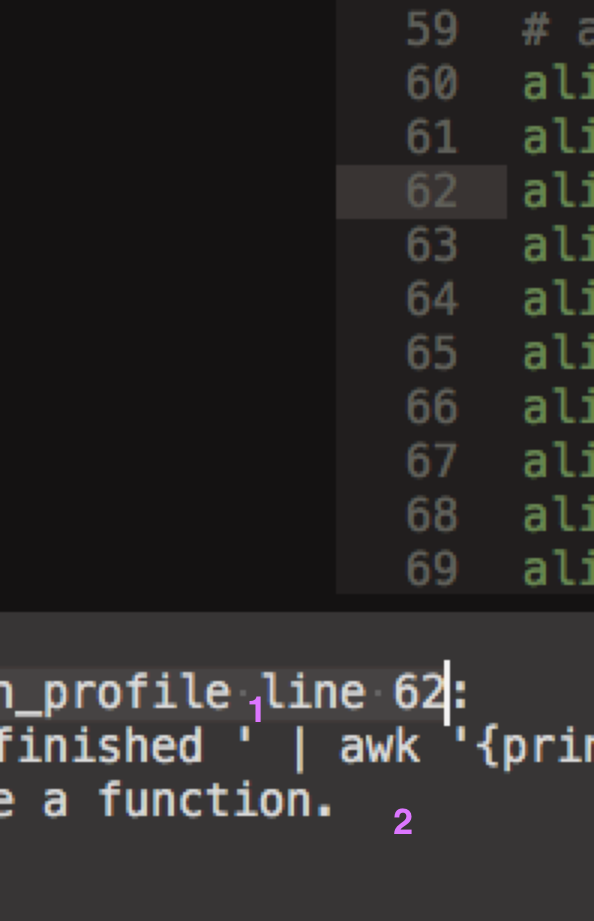
I like Sublime’s new “Adaptive” application theme apart from one thing. For the bottom pane (e.g. Build Results), it’s choosing a highlight/selection colour (1) and background colour (2) that are close to identical, making it hard to see which item has focus when using keybindings for the next_result and previous_result commands.
Can I override something about the Theme - Default package, or add something to my colour scheme, that will change the colour that the Adaptive theme picks for the background and/or highlight/selection in the bottom pane?
(I don’t want to resort to modifying the colours that I use in the main editing buffer to get a knock-on effect, since I’m very happy with them as they are)
