Sublime Forum

Original scope with find text

#1

Hi all,

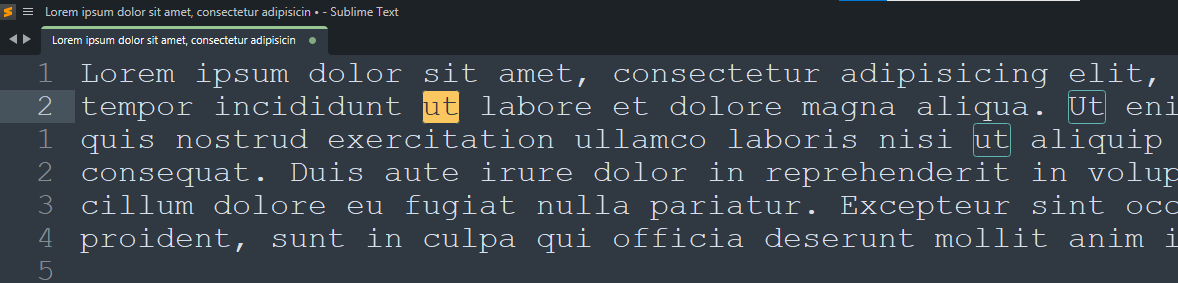
Is it possible to maintain the original scope colors while matching text with the Find panel?

I tried to edit the Mariana color scheme by adding the code below. It does not maintain the original scope color, and it seems to default to a dark color.

{
	"globals":
	{
		"find_highlight_foreground": "",
	},
}
0 Likes

#2

did you try a transparent color?

{
	"globals":
	{
		"find_highlight_foreground": "#cccccc00",
	},
}
0 Likes

#3

Hi @kingkeith,

Thank you for the suggestion. It still overwrites the scope of the matched text with a dark color. Please, see below:

0 Likes

#4

This currently isn’t possible, the highlight foreground color is always applied. This is because of the background highlight; not modifying the color would result in unreadable text if it was highlighted yellow.

0 Likes

#5

Hi @bschaaf,

I can see that.

I was performing several find and replace commands with long strings, and the lack of syntax-specific colors was slowing the process. What I had in my mind was something like a yellow border for matched text, green border for other matches, and no changes to background or foreground colors. Can I please leave this as a suggestion for future development?

Thank you for your response.

0 Likes