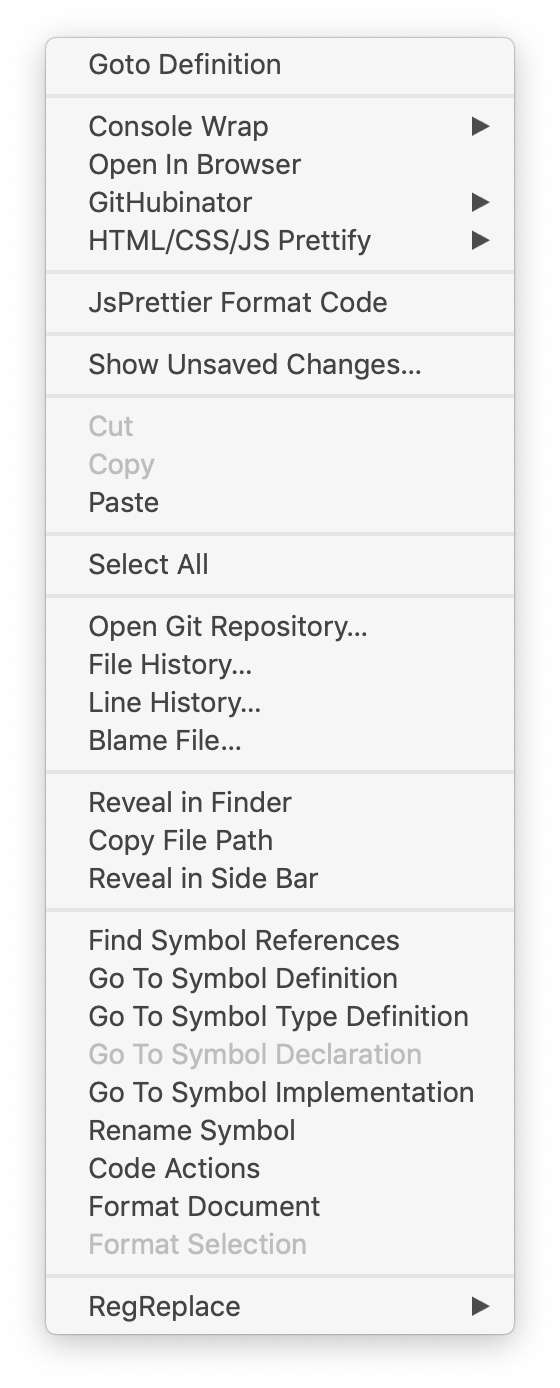
Hey,
I don’t know the real word for this tooltip when you right-click on sublime text but how can I organise/sort this tooltip? I’ve got many plugins and it’s not displayed as I would like.

Hey,
I don’t know the real word for this tooltip when you right-click on sublime text but how can I organise/sort this tooltip? I’ve got many plugins and it’s not displayed as I would like.
It’s called context menu in ST’s term. A plugin manages its own menu items.
But ST shows them from plugins in a unknown manner  Afaik, there is no way to manage them from a user aspect. I would like to do it do because my menu heights almost 1080px now. Although I hardly use the context menu but once I decide to use it, it’s gorgeously super long…
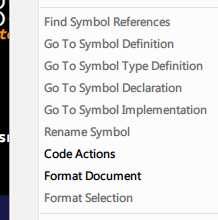 LSP has 9 root menu items…
Technically I think the items are added to the menu in the order that the package that adds them is loaded, which is based on the lexical ordering of the package name (but Default is always first and User is always last).
There’s not really a good or safe way to alter the layout as @jfcherng mentioned. With some work you can generally remove items that you know you’ll never use as long as you’re careful, though.
Not directly related, but ST 3.2 supports some kind of named grouping by assigning an id to separators. Each menu item of any plugin which is surrounded by such a separator would be added to that group.
{ "caption": "-", "id": "diff" }
That’s not exactly correct. I wrote down my findings on how ids in menu items work in the unofficial docs .