Sublime Forum

New snippet

#1
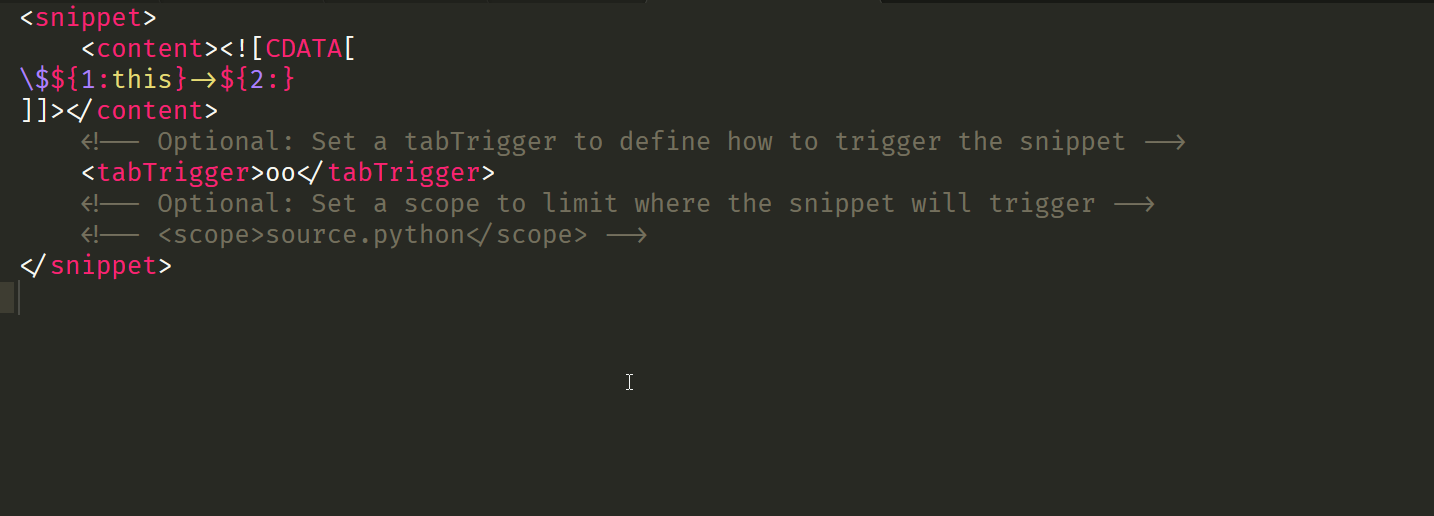
<snippet>
	<content><![CDATA[
${1:$this->}
]]></content>
	<!-- Optional: Set a tabTrigger to define how to trigger the snippet -->
	<tabTrigger>oo</tabTrigger>
	<!-- Optional: Set a scope to limit where the snippet will trigger -->
	<!-- <scope>source.python</scope> -->
</snippet>

This is not working. I want

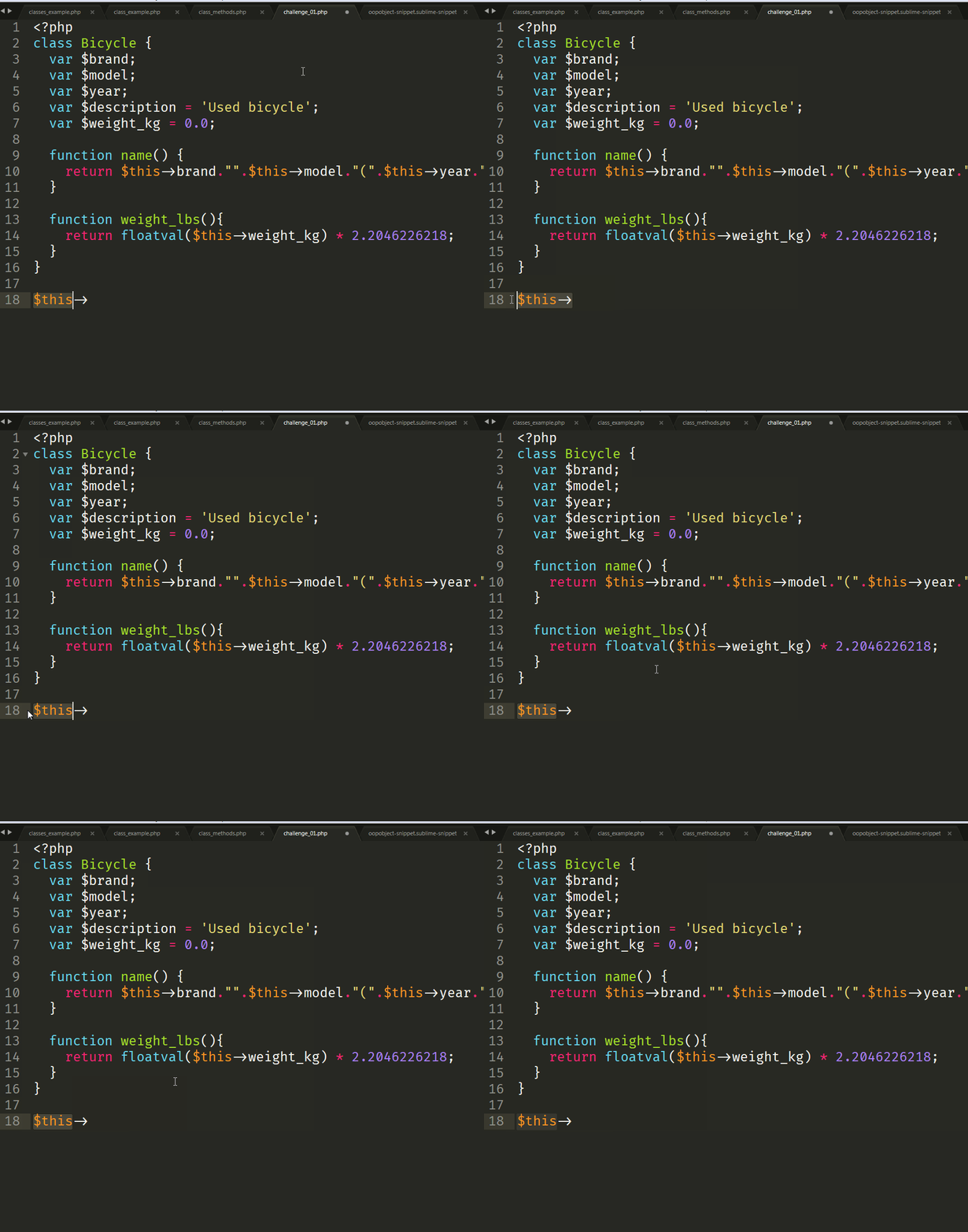
00 + TAB should hive me →

$this→ and this should be highlighted to make changes or amendments.
0 Likes

#2

In case of snippets, if you need a literal $, you need to escape it. So instead of ${1:$this->}, you would need ${1:\$this->}

2 Likes

#3

Thanks, it worked, but correctly the focus is on: $this, but I want the text to be changed(focus) only on: this

0 Likes

#4

That’s also easy. Your placeholder is currently wrapping the entirety of $this-> hence that entire part is selected when the snippet is triggered. To make only this selected, you would need to wrap that with the placeholder, so \$${1:this}->${0} will do the trick. The ${0} signifies where the cursor should end when all of the fields in the snippet (a.k.a the placeholders) have been “tabbed” through.

0 Likes

#6

This worked like a charn:

Please provide your version of the solution also.

0 Likes

#7

If you mean the final snippet, here it is

<snippet>
	<content><![CDATA[
\$${1:this}->${0}
]]></content>
	<!-- Optional: Set a tabTrigger to define how to trigger the snippet -->
	<tabTrigger>oo</tabTrigger>
	<!-- Optional: Set a scope to limit where the snippet will trigger -->
	<scope>source.php</scope>
</snippet>
1 Like

#8

I would also suggest to not trigger it in comments at least:

<scope>source.php - comment</scope>

Probably more scopes can be excluded.

1 Like

#9

Yes of course. Again depends on the user’s use case. You can of course make it more or less specific with operators.

1 Like