Hi,
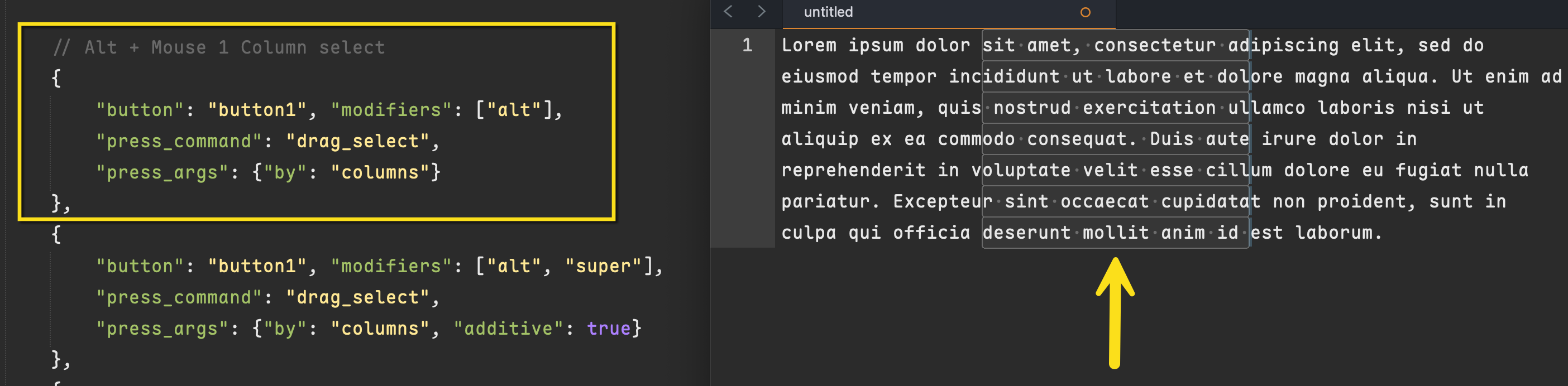
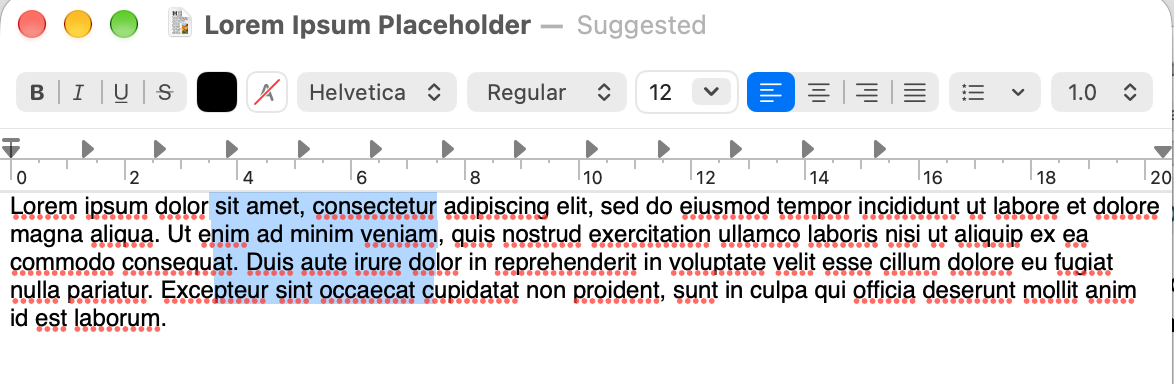
In Sublime Text 4 on macOS, I’ve noticed an issue when using Alt + drag-and-drop to copy selected text.
The issue also appears when moving text without copying it (so without the Alt key).
It works (it duplicates the text) when I release the mouse within the visible area. But if I scroll with the trackpad between the DRAG and the DROP, it fails.
Steps to reproduce:
- Select some text.
- Hold Alt (Option) and start dragging the selection.
- Scroll the editor while dragging.
- Try to drop the text at the new location.
- Try the same in SAFE MODE => Same result.
Actual behavior: Scrolling works, but the drop fails and the text is not copied.
Expected behavior: The selected text should be copied to the drop location, even after scrolling.
Config: :
- macOS Sequoia 15.7.9 (24G830)
- Sublime Text 4200
This worked correctly in Sublime Text 2, so it appears to be a regression.
Is this a known issue, or is there a workaround?
Thanks a lot?
Alex