Default HTML auto-completions are provided by HTML/html_completions.py.
It already provides completions for all entities such as .
To verify, type & and hit ctrl+space.
In text scopes such as HTML, completions popup displays only on certain trigger characters, by default, which only include < for HTML/XML.
	"auto_complete_triggers":
	[
		{"selector": "text.html, text.xml", "characters": "<"},
		{"selector": "punctuation.accessor", "rhs_empty": true},
	],
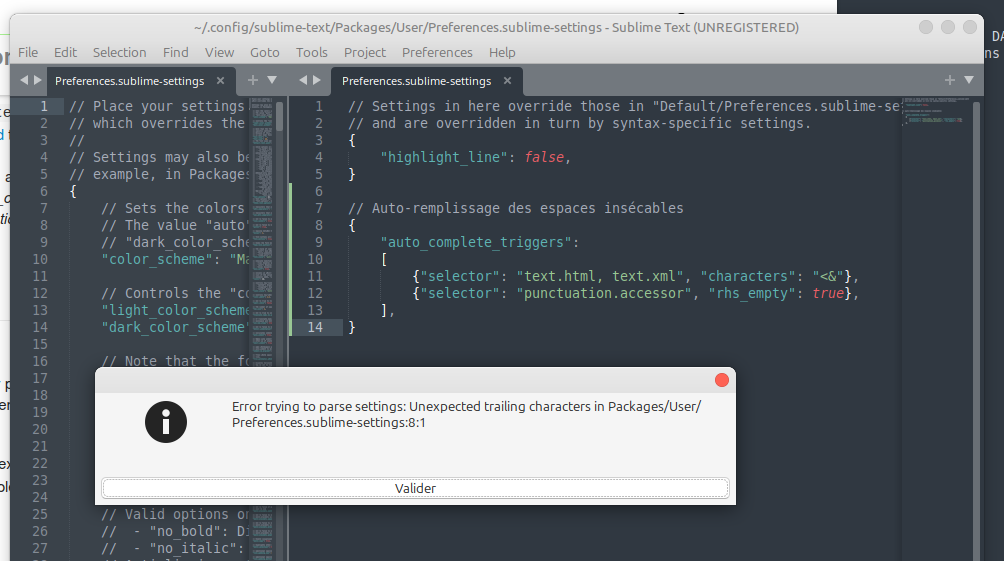
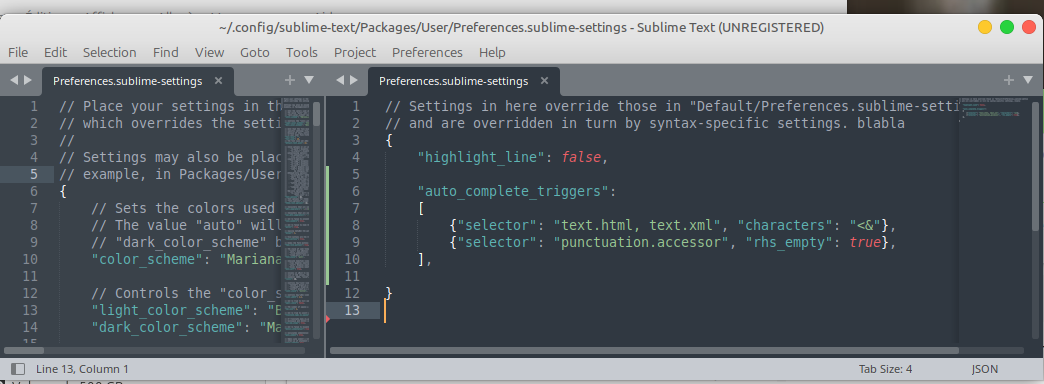
You’d want to add &:
	"auto_complete_triggers":
	[
		{"selector": "text.html, text.xml", "characters": "<&"},
		{"selector": "punctuation.accessor", "rhs_empty": true},
	],
In case you want to restrict e.g. < to not trigger in strings etc., separate rules are required
	"auto_complete_triggers":
	[
		{"selector": "text.html - text.html markup - text.html meta.tag - text.html string - text.html source - text.html text, text.xml - text.xml markup - text.xml meta.tag - text.xml string - text.xml source - text.xml text", "characters": "<"},
		{"selector": "text.html, text.xml", "characters": "&"},
		{"selector": "punctuation.accessor", "rhs_empty": true},
	],