Sublime Forum

Latex files not recognized some times

#1

I use ST (4126) with LatexTools on OS 12.3.1 and recently I’ve been running into a strange situation: Sometimes (and now I think every time) when I launch ST by clicking on a .tex file the file is not recognized as latex, and if I try to build I get No Build system.
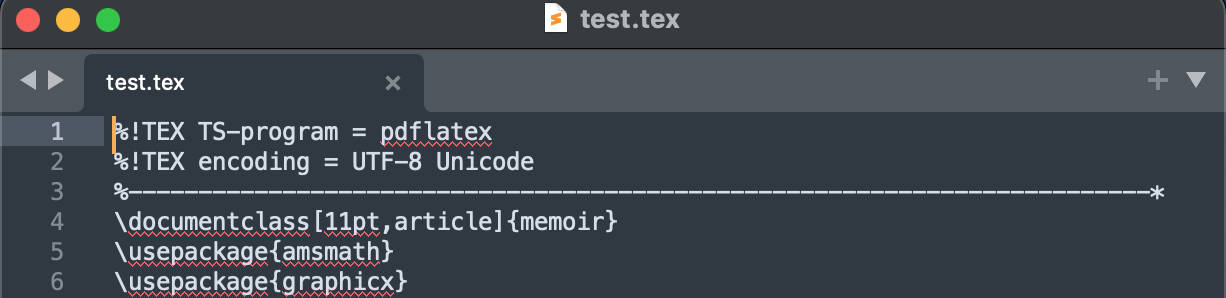
I close the file and with ST already running, if I open any other tex file it opens properly and is recognized as latex.

If I then reopen the first file, it too is recognized as latex.
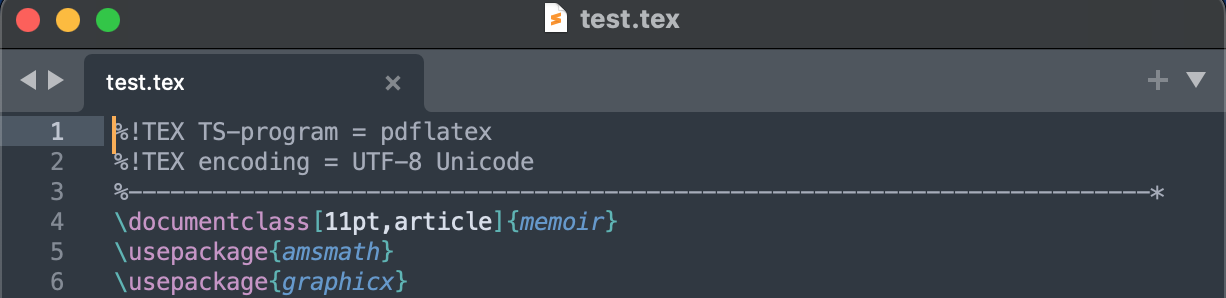
This behavior started recently (after last system update???). I appreciate suggestions.

Themis

0 Likes

#2

Does it happen in safe mode?

0 Likes

#3

Somehow I cannot engage Safe Mode: pressing the Shift key during start up has no effect, my mac goes to its standard log in screen right away. This is a 2015 intel mac.

0 Likes

#4

Update – This behavior is now reproducible:

  1. If I launch ST by double-clicking on a .tex file, the file is not recognized as latex

  2. If I launch ST from the app/dock, then double click on a .tex file, it is recognized as latex

0 Likes

#5

I am so confused that you keep mentioning SM, which is Sublime Merge but I guess you mean ST.

0 Likes

#6

The Safe Mode instructions are for starting Sublime in safe mode, not for starting your OS in safe mode.

0 Likes

#7

…I meant ST -thanks.

0 Likes

#8

@OdatNurd In safe mode I don’t have this problem. What should I conclude from this?

0 Likes

#9

If a problem happens in your normal setup but not in Safe Mode, then the issue is related to one of the packages that you’re using and not Sublime as a whole (i.e. a package is misbehaving or not doing what you expect).

In a situation like that you can try disabling some of your installed packages to see if the problem goes away; that will narrow down which one is causing the problem. Once you know that you can either find a replacement or you’ll know where to submit a more detailed problem report.

0 Likes