Sublime Forum

Keybinding show/hide sidebar isn't working after update

#1

I’m having issues getting my show/hide sidebar working.

On Mac latest OS, nothing listed in the console log.

Any ideas? I changed the keybinding shortcut to something else even…
{ “keys”: [“ctrl+alt+b”], “command”: “toggle_side_bar” }, but nothing happens. T

he “view” tab on the sidebar just blinks/highlights for a second when I try to use the shortcut, as if it’s trying, but nothing happens.
0 Likes

#2

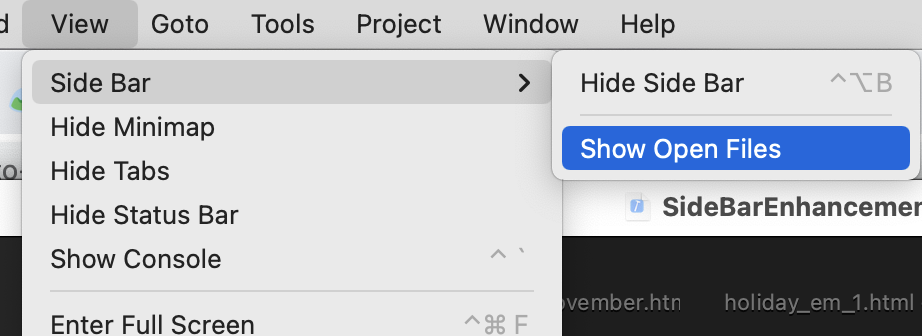
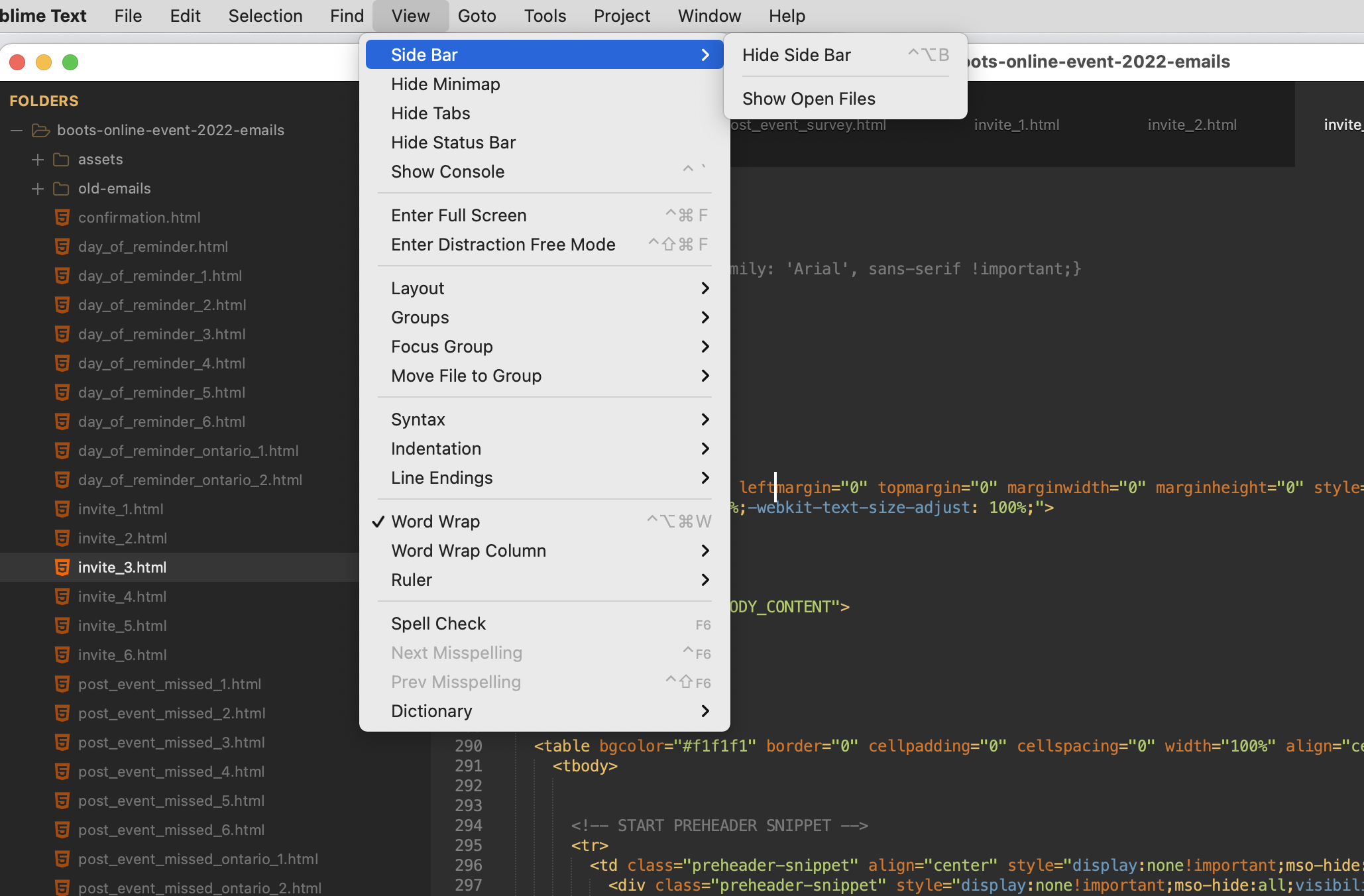
If the side bar doesn’t have something to display (i.e. you do not have the option to show open files turned on OR you don’t have a folder open in the window); in such a case the command won’t do anything because to display the sidebar with no content would just waste screen space for no reason.

Do you have a folder open in the window? According to your screenshot above you don’t have the option to show open files turned on, so doing that would also make it display.

0 Likes

#3

Yes, I have a folder open, it’s a project/workspace.

But for some reason, the hide sidebar shortcut (Control + Option + B) doesn’t work, it’s greyed out in the top bar menu. When I press the shortcut and it highlights/flashes the “View” menu button as if it’s trying to initialize the shortcut, but it doesn’t work.

I’ve verified that there are no other shortcuts set up in “keyboard system preferences” as well as conflicting keybindings in sublime text.

0 Likes

#4

Does it happen in safe mode?

0 Likes