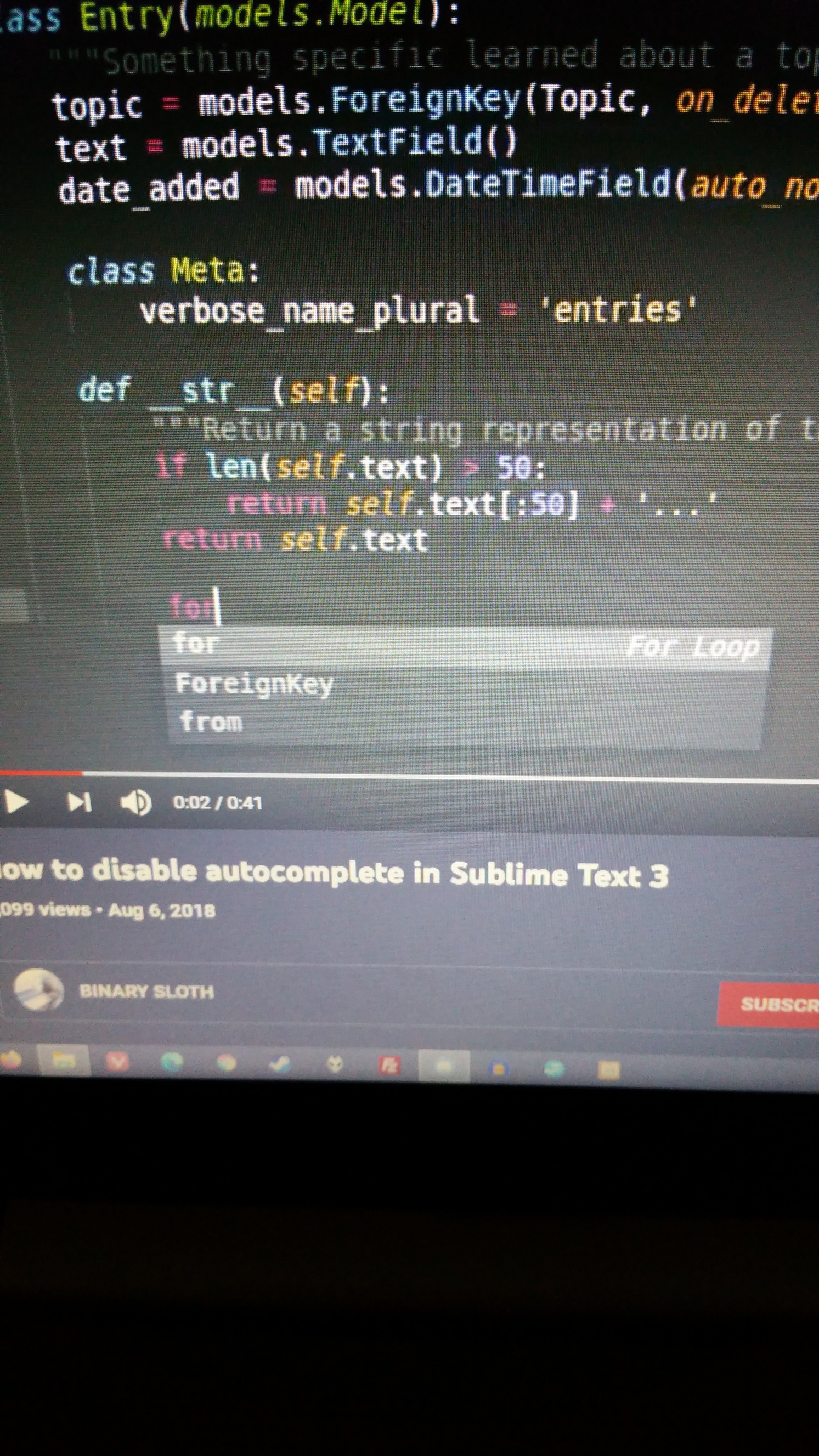
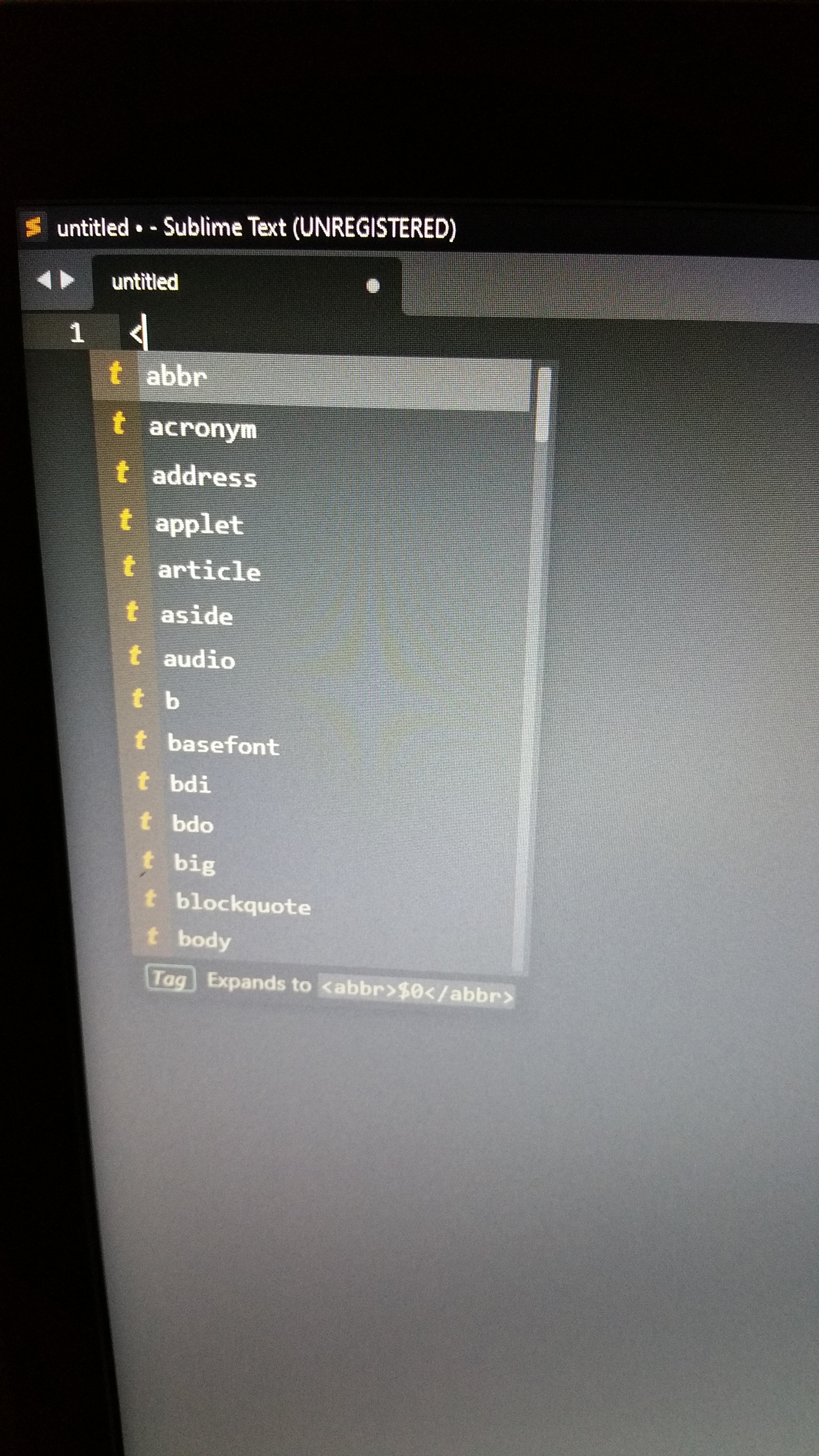
I have zero issues with some autocomplete on hitting Tab, but now with the last update it pops up with a GIANT GROSS LIST with T for Tag. How do I turn just that off but leave it on for completing closing tags and things like that. The list looks horrible, I don’t want to see a horrible thousand “T” when I just type the letter “D”.
https://www.sublimetext.com/docs/completions.html
On that link, the first “image looking block of code”. I just want the top right gray block, not the bottom block or the left block. Both of them are absolutely disgusting and I can’t believe they’ve auto been forced on,
Which one of these do I turn off. There doesn’t appear to be a setting for “Kind Info” and/or “Details”
If I’m unable to turn that crap off, I’m uninstalling today. Been using ST since version 2.x and this forced clutter alone will be enough to make me and my business walk, today. What a shitty, shitty, total shitty, update.