
My sublime text crashes randomly over the last few days, I think some plugins triggered the crash.
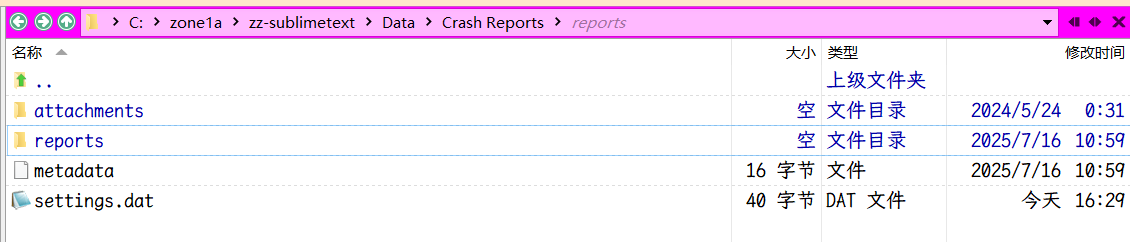
Where are the crash reports and how to see them.
How to see crash reports on windows
weiwang2021
#1

0 Likes
bschaaf
#2
Any crash reports should be in a new, pending or completed folder. They are minidumps, but unless you have the knowhow on how to analyze those I wouldn’t recommend attempting to debug this yourself. What version of Sublime Text are you using?
0 Likes
weiwang2021
#3
Thank you for answer! Sublime text is really awesome, really stable.
I am on windows 10 home, with sublime text(dev, build 4199).
I am pretty sure it caused by my plugins (maybe, maybe I store > 10 million long text in a python dict for realtime project search).
0 Likes
weiwang2021
#4
It maybe out of topic here.
I want to take the chance to ask you if the command palette (quick panel) will be configured in future, like the width, height, sorting algorithm.
Thank you in advance.
0 Likes
weiwang2021
#5
Not related with this topic, but plugin_host-3.8 should not exit anyway even this is obvious my wrong?
plugin_host-3.8 exit sublime console warning:
need  install watchdog: pwsh -c 'py310 -m pip install watchdog'
error: plugin_host-3.8 has exited unexpectedly, some plugin functionality won't be available until Sublime Text has been restarted
plugin_host-3.8 exit popup window warning:
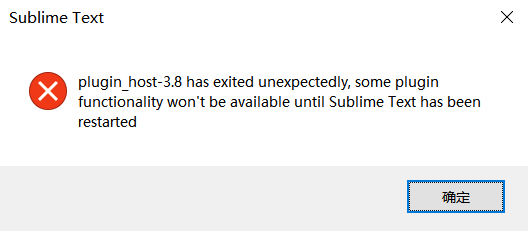
I do notice sometime the plugin_host-3.8 exit without this popup window warning.

0 Likes
bschaaf
#6
You can try to narrow down the cause by selectively disabling plugins using the "ignored_packages" setting. You should be seeing crash reports in that folder if Sublime Text or the plugin host crashes. If or when you do you can share the filename of the crash and I can look it up in our systems.
0 Likes
weiwang2021
#7
Thank you~
This is a new file, maybe it can provide some information.
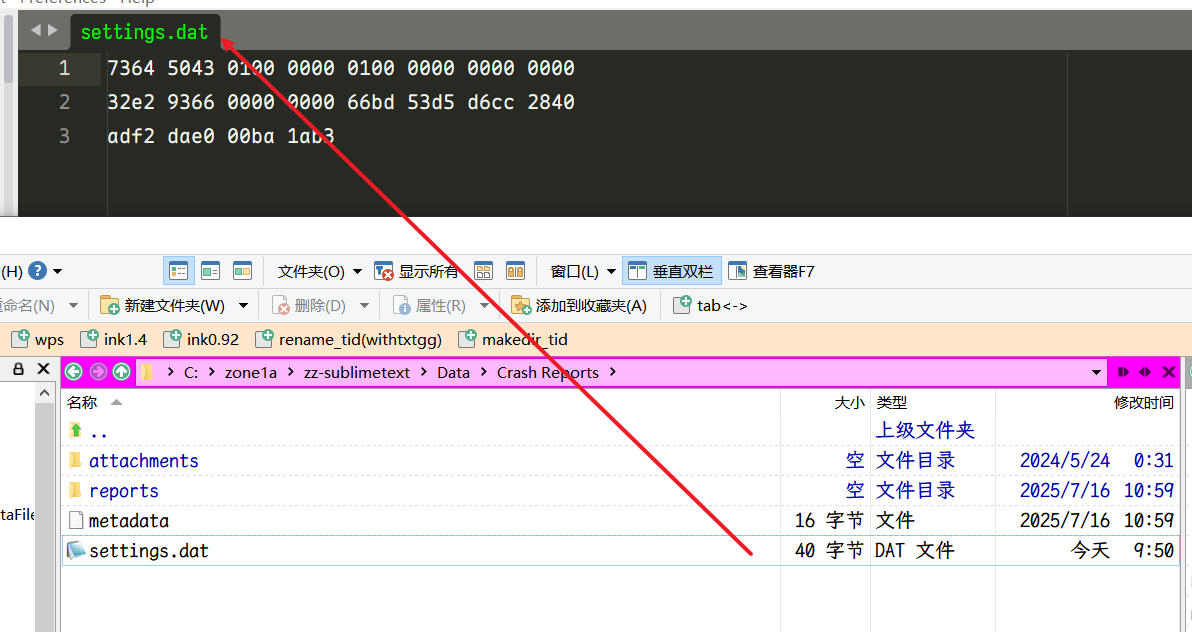
I will provide more information if I can find out the direct reason.
0 Likes
bschaaf
#10
Then unfortunately there haven’t been any crash reports. It’s possible the plugin host and/or application are existing for reasons other than a crash. Investigating plugins is a good place to start.
1 Like