
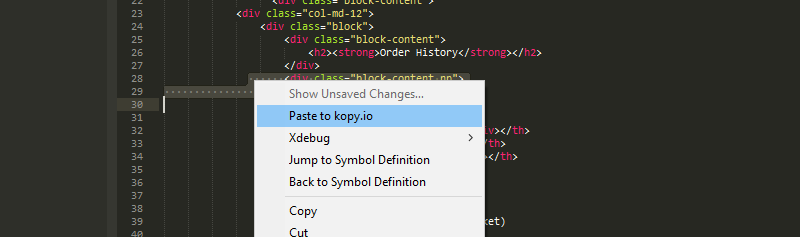
I can not delete my project files after click past to kopy.io in sublime text 3
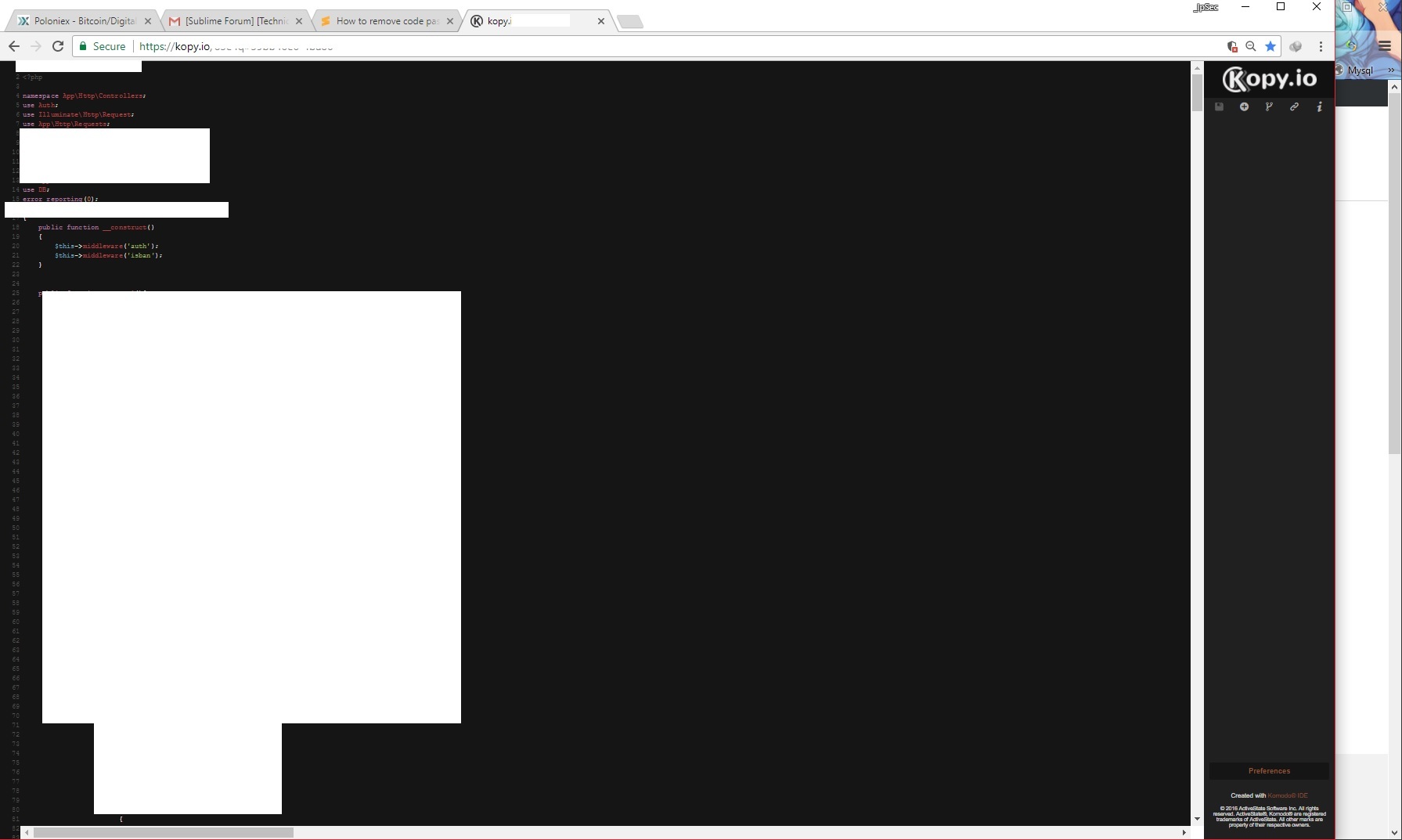
It post all my code and public to site kopy.io
how to remove file , post to kopy.io ?
How to remove code past to Kopy.io
rootbaby
#1
0 Likes
deathaxe
#2
Uninstall the package, which adds this function. This is no core function.
You might need to search in all Context.sublime-menu files of all packages for Paste to kopy.io to find it. Maybe using grep whatever your OS provides for that task.
0 Likes

ihodev
#6
Currently there is no good solution:
However if you use Package Control, you can create Packages/Paste Laravel/Context.sublime-menu file with next contents:
[
    {
    }
]
if not you can clone that package to Packages/ folder and remove Context.sublime-menu file from it.
0 Likes
 I didn’t look the code.