Sublime Forum

How to develop a key binding with two actions?

#1

I have added a key binding to insert quotes into text that looks like this:

[
        { "keys": ["alt+'"], "command": "insert", "args": {"characters": "„”"}}
]

The problem is that I would love the cursor to sit between the quotes afterwards, otherwise I have to move it there manually and this is two keystrokes instead of one, which is the whole point of having custom key bindings. Tried adding another command but it didn’t work. Any suggestions as to how to accomplish this? Using ST3 build 3103.
0 Likes

#2

You should use the insert_snippet command for this use case. Check out the default key bindings for some examples.

1 Like

#3

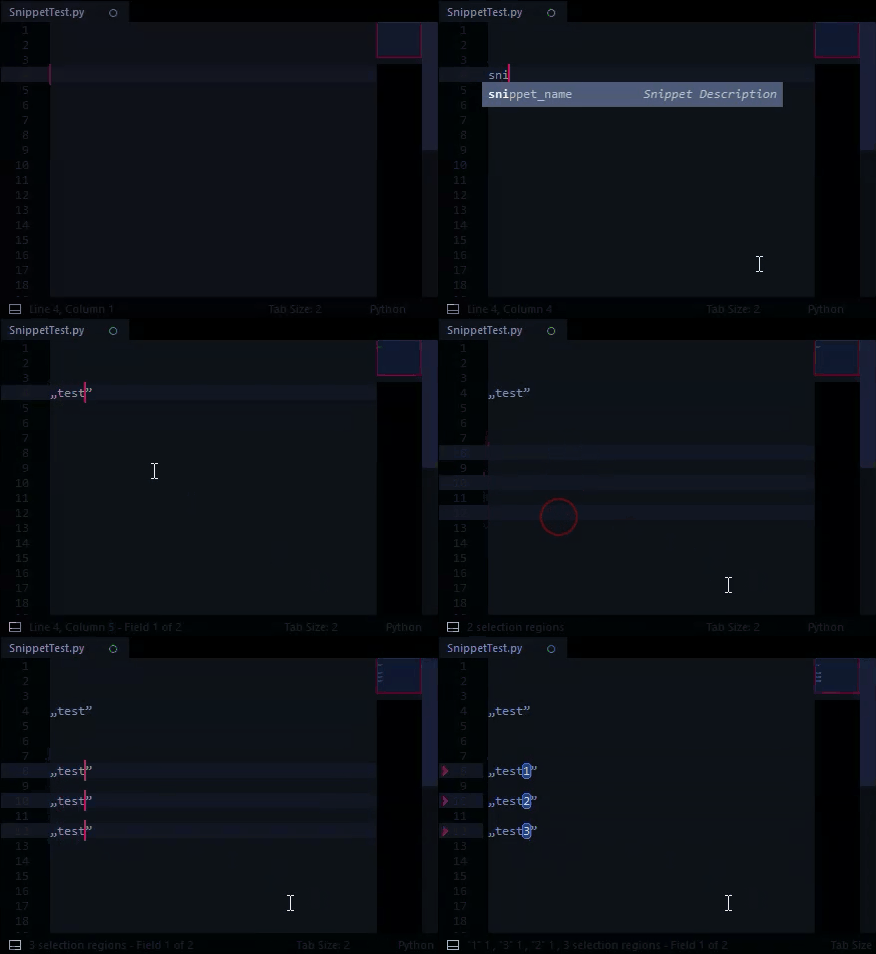
A snippet would work if you want to insert the characters with a named auto-completion:

###@ MySnippet.sublime-snippet

<snippet>

<tabTrigger>snippet_name</tabTrigger>
<description>Snippet Description</description>

<content>
„$1”
</content>

</snippet>


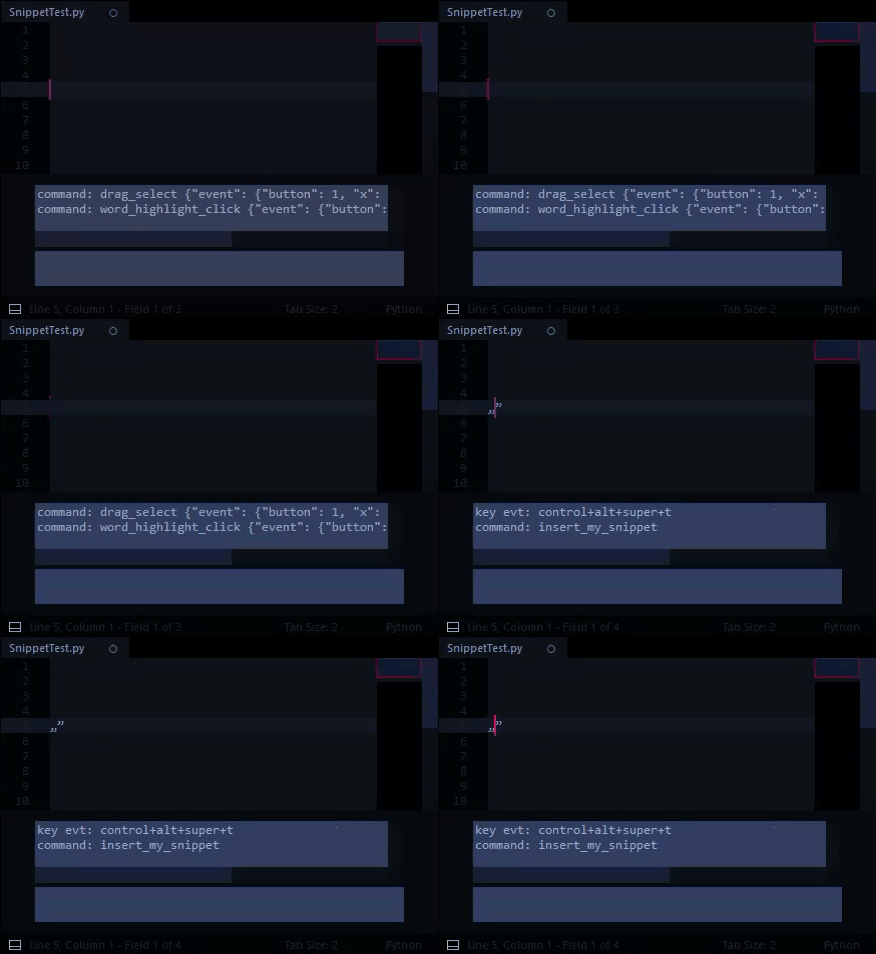
If you want to launch the snippet with a key binding, you can use a simple plugin:

###@ InsertMySnippet.py

import sublime, sublime_plugin

class InsertMySnippetCommand ( sublime_plugin.TextCommand ):

	def run ( self, edit ):

		self.view.run_command ( "insert_snippet", { "name": "Packages/InsertMySnippet/MySnippet.sublime-snippet" } )

###@ Default.sublime-keymap

[
	{ "keys": ["ctrl+alt+super+t"], "command": "insert_my_snippet",},
]


##Note:

If you’re just using the snippet, you can put it anywhere in Packages, like Packages/MySnippets.

If you’re using the plugin, I recommend putting all 3 files in Packages/InsertMySnippet

##More info on Snippets

1 Like

#4

Wow, Fico, thanks a lot! It is a tad more complex than I expected, but thanks a lot for providing a solution that simply works. Now there is nothing missing from my SublimeText experience.

(BTW - I don’t use it to code, but to write texts - for example a book about Agile methods etc.)

1 Like

#5

Glad to have helped :grin:

0 Likes

#6

Don’t need a plugin, a keybinding is enough:
{ "keys": ["alt+shift+w"], "command": "insert_snippet", "args": { "name": "Packages/XML/long-tag.sublime-snippet" } },

2 Likes

#7

Good call.

#MakingThingsHarderThanTheyNeedToBe :sweat_smile:

0 Likes