Whatever works for you. You wouldn’t need to rewrite the entire plugin, just add your own .sublime-commands file, which has a fairly simple syntax.
I’ve just deployed the plugin, and it does a good job of guiding you through this process. As it states in the provided README, you need to configure this for first-time use:
Firstly, add applications through: “Tools” -> “Run Apps” -> “Add Application”.
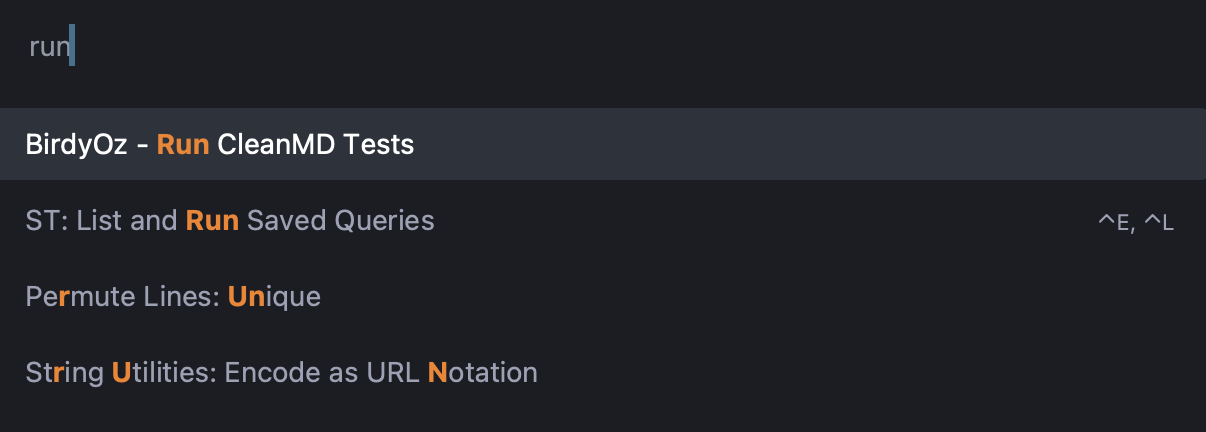
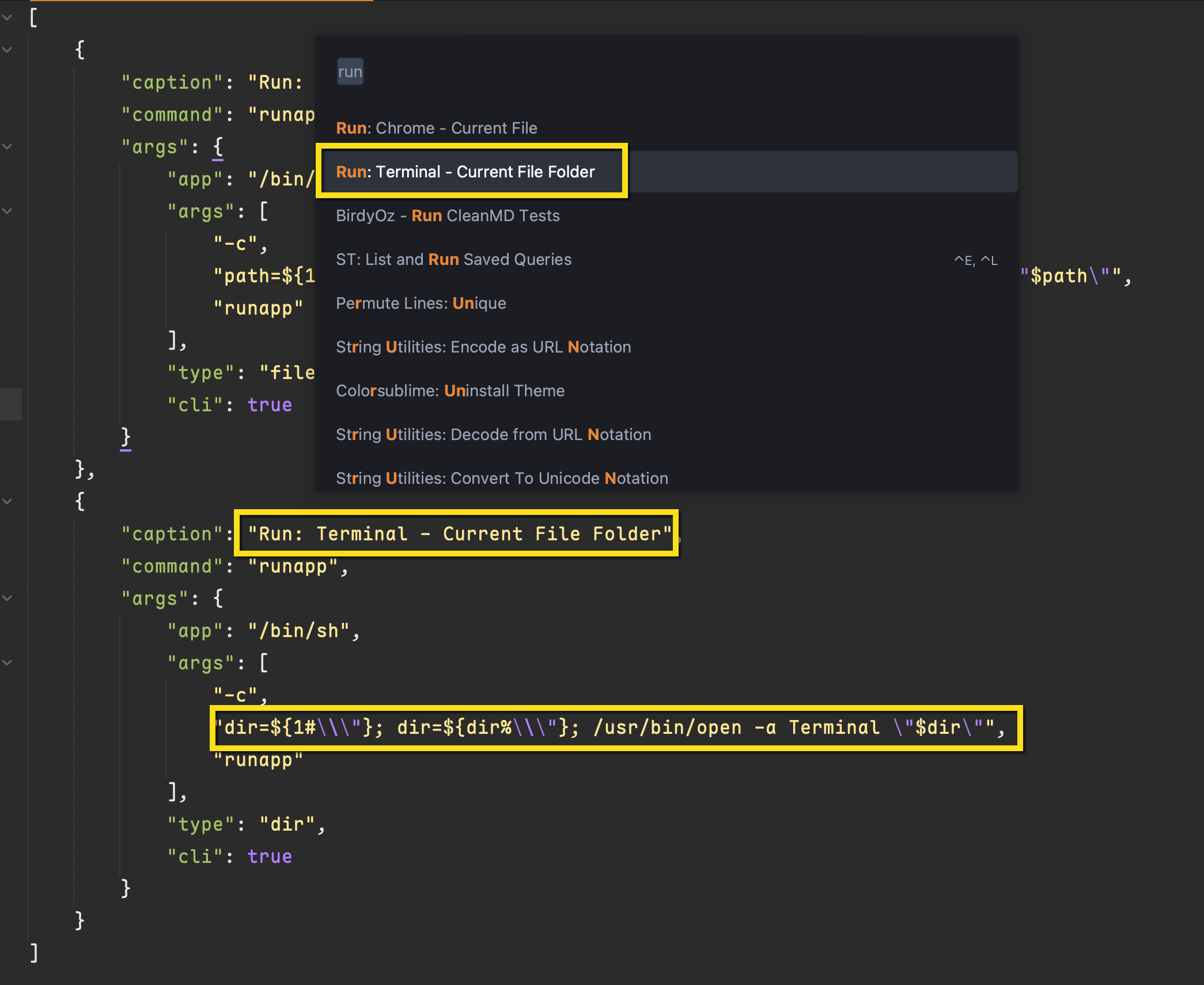
Once you have added your own apps and arguments, they will appear in the command palette the moment you save the file.
The tricky thing is the plugin was clearly authored for Windoze and does not properly escape Unix based file paths, so I had to add some logic to do the transformation:
If you have your own solutions, then you may deem it not worth the effort.
Here is the boilerplate the plugin provides
{
        "caption": "Run: Git",  // Run: <App-name>, shown in command pallete
        "command": "runapp",    // cannot be changed
        "args":{
          // application full path on Win/Linux, or only name on MAC
          "app": "",

          // argument list
          // variables can be use: $DIR$, $FILE$, $PROJ$
          "args": [""],

          // optional: define what should follow the command
          // default is None
          // "dir" - file directory, same as $DIR$
          // "file" - file name, same as $FILE$
          // "proj" - project directory, same as $PROJ$
          "type": "",

          // optional: command line application or not
          // default is false
          "cli": true

          // optional: send in selected text as input or not
          // default is false
          "input": true
        }
    }