Hi!
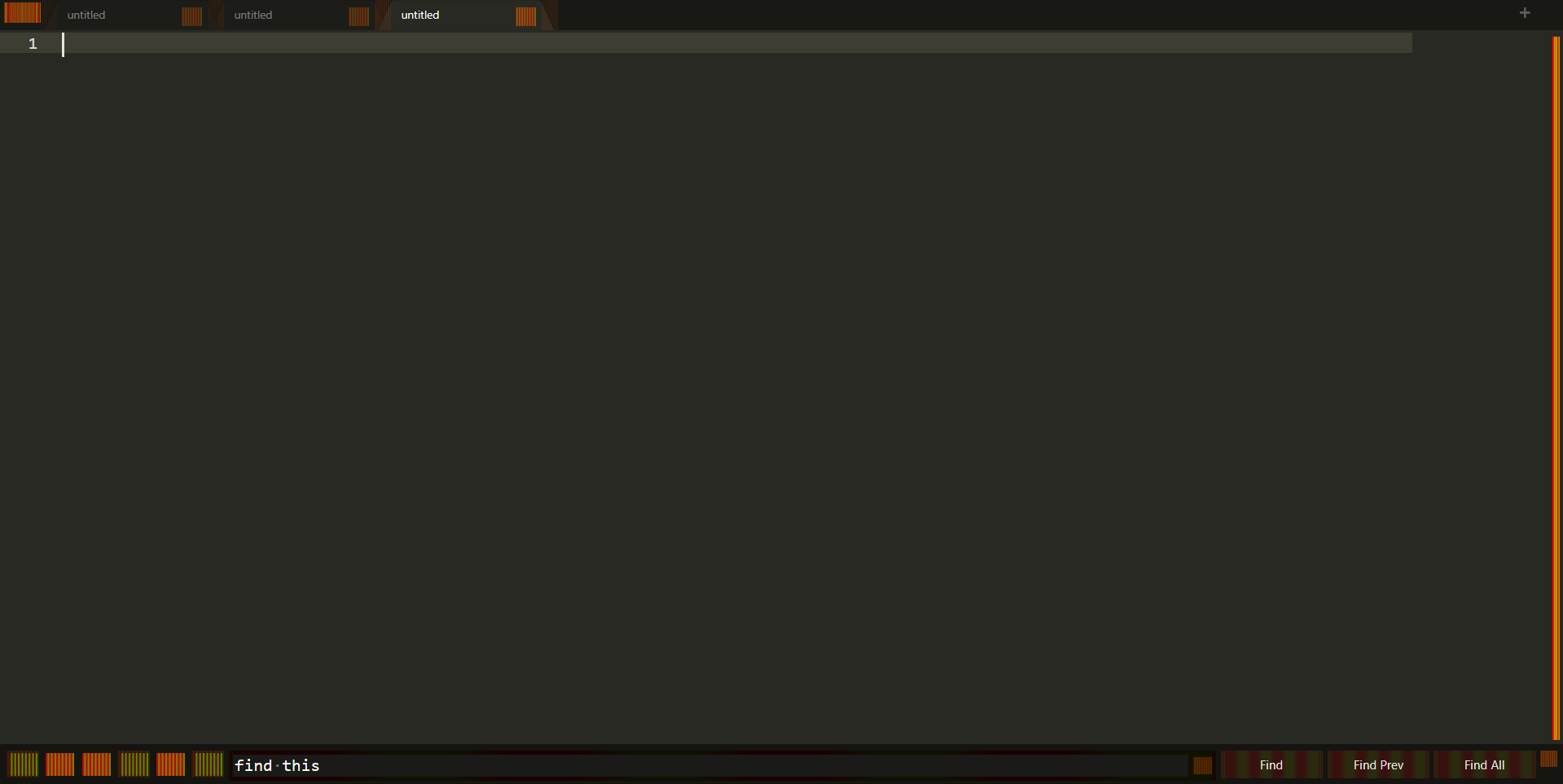
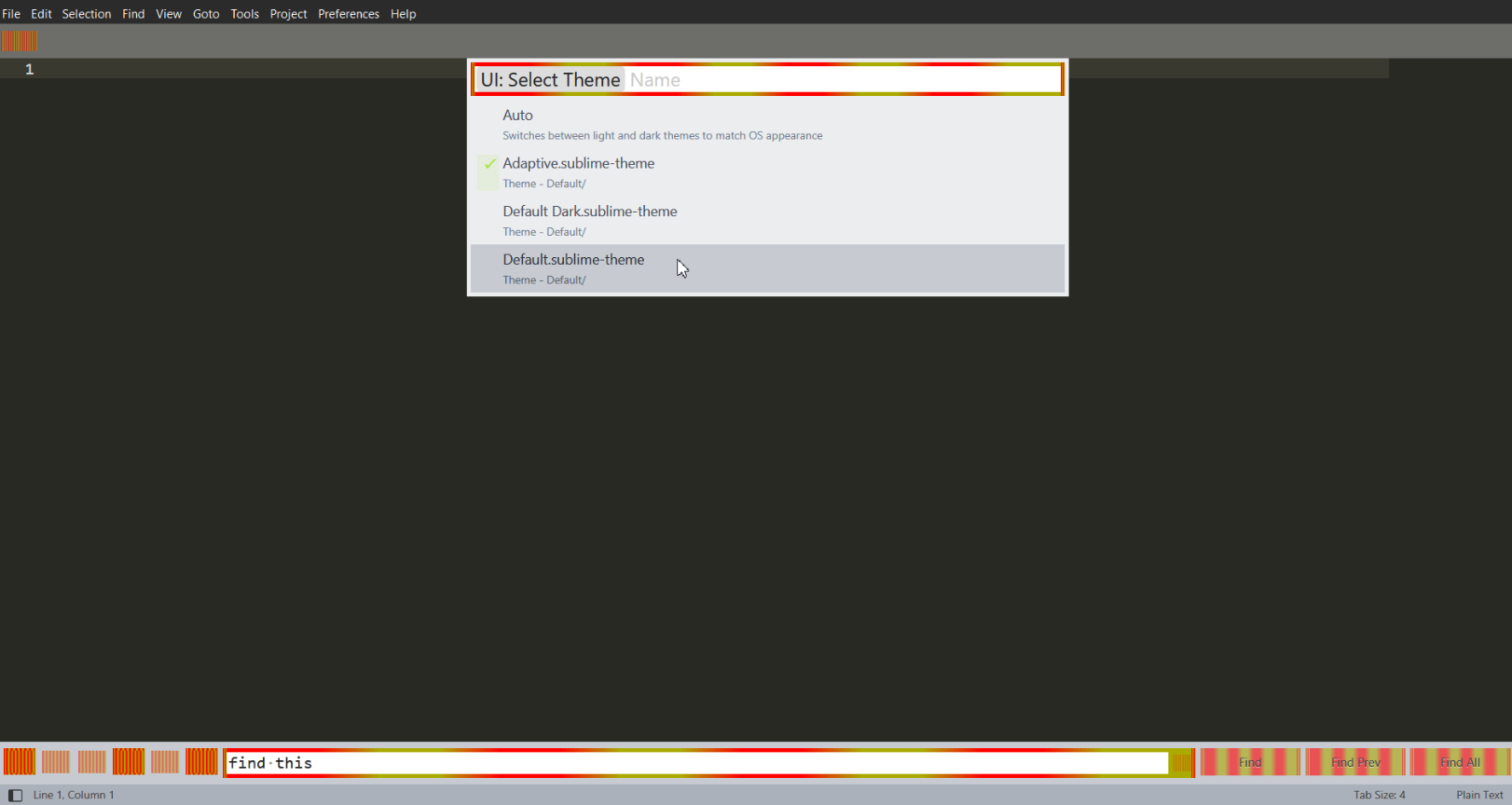
What could be the reason for these in the buttons? There are no inscriptions, there are only multi-colored squares.

Hi!
What could be the reason for these in the buttons? There are no inscriptions, there are only multi-colored squares.
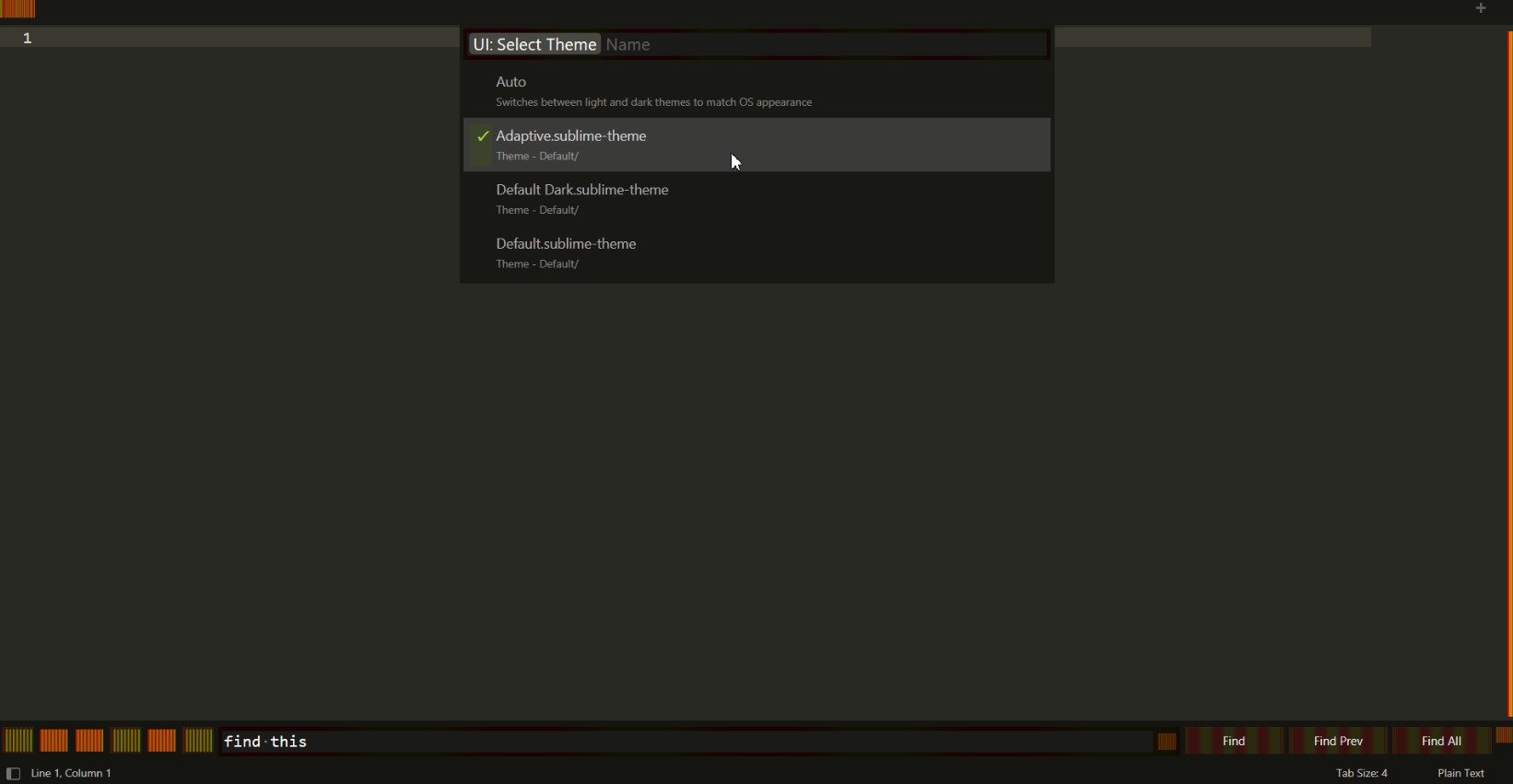
Hi, It looks like your theme is possibly corrupted for some reason, for now you could do ctrl+shift+p(open command palette) and type “ui: select theme” and change to the adaptive theme or some other theme you like
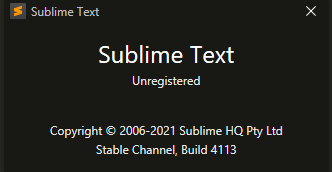
What version of ST are uyou using and what operating sytem pls. It’ll help in the diagnosis… 
Those images are an indication that your Theme is trying to display texture images but the images are missing; the placeholder for that is an obnoxiously striped image so that it will call attention to itself.
If you’re seeing that, check your User folder for a sublime-theme file that matches the name of the theme that you’re currently using. If such a file is present, it’s being combined with the normal theme files to augment the theme. Moving it out of the way should solve the problem, if such a file is there.