Sublime Forum

Differentiate files in SFTP browse remote

#1

Hello,

I’m using the SFTP plugin to browser remote files and open them directly from server.
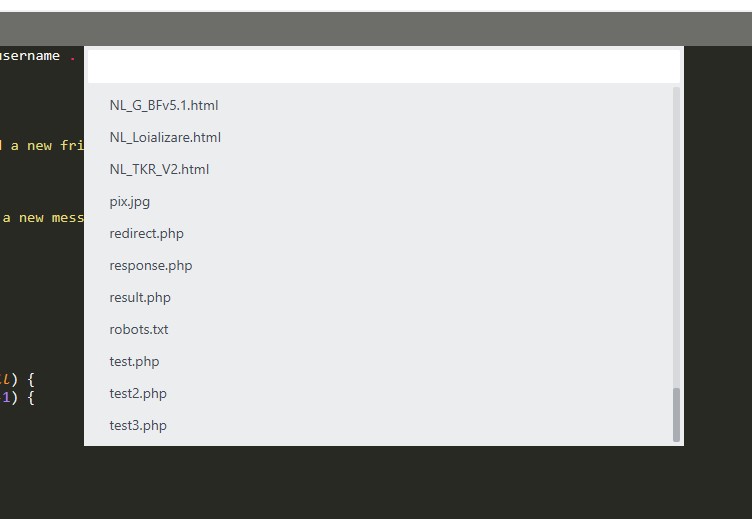
What can help me is if I can differentiate files in the in the popup that appear to browse files. differentiate by an icon maybe: php, css, js, etc.
I browse platforms with hundreds of files and it’s hard to distingues what files are php, js, etc. An icon or something else can help me to distingues better.

Maybe someone find already a solution to this. Please share .

Thanks
0 Likes

#2

I attached

a printscreen how the files looks now.

0 Likes

#3

The SFTP package uses a quick panel to display the file list, and it’s not (at least currently) possible to apply any sort of graphic or icon to items in the list. You also can’t do things like alter the colors of items either.

Note however that you can use the filter at the top to constrain the list of files, so if you entered php you’d only see PHP files in the list, and so on, That may help you narrow in on the file you want.

0 Likes

#4

Thanks.
That help somehow.

0 Likes