
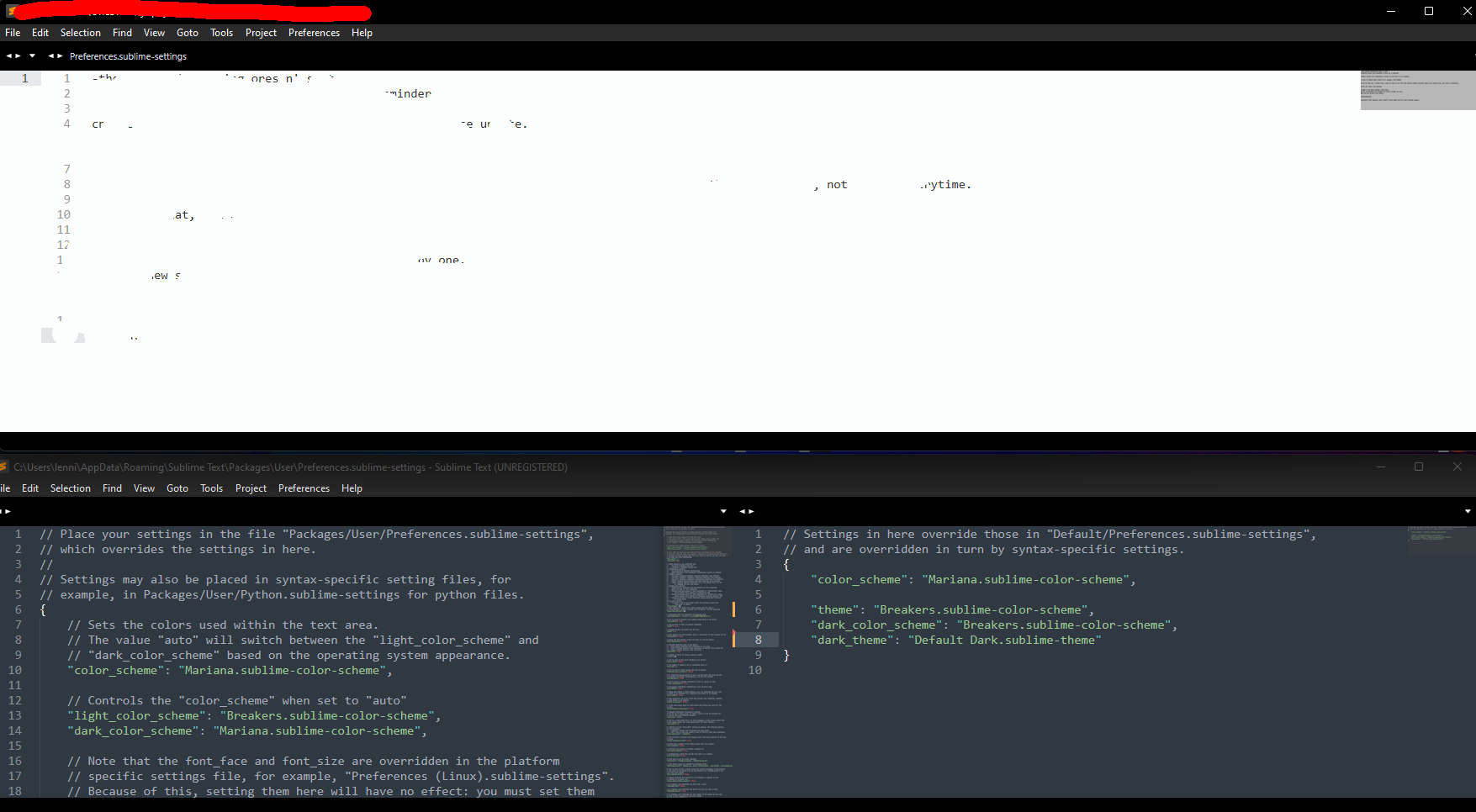
Hi, I just want to say that it is really difficult for me to focus when the background is that bright. I went to the settings just to mess around because I thought that the default dark color scheme is a tiny bit boring. Now, after I accidentally switched it to light mode, I can’t switch it back in some files. In the settings file it works fine but in the file I use as a todo list, it doesn’t…
Different color schemes in different files
OdatNurd
#2
Settings can be applied globally and also overridden on a project by project basis as well as a file type basis.
While you have a particular type of file open (e.g. whatever file type your todo list is), choose Preferences > Settings - Syntax Specific to open up settings that apply to that particular type of file. The settings that display on the right hand side are applied to files of this type after your global user preferences are applied.
If you see a color_scheme key on the right, you can remove it to bring that file type back to the default. If you don’t see one, then whatever package you’re using has unilaterally decided for you what color scheme you want, in which case you can add a color_scheme key and set it to the color scheme you want.
A full breakdown of how settings are applied, and in what order (which uses color schemes as an example) can be found here:
1 Like