Sublime Forum

Current stable build and dev build are freezing on OSX

#1

I am running into an issue using ST3 on osx 10.12.4

pyv8 is stuck loading, package control does not load, after closing and attempting to open ST 2 to 3 times it becomes stuck on the dock and wont close but does not show on activity monitor.

On top of not closing, it then does not allow you to reopen unless you restart your computer, which requires holding the power button for a hard restart rather than clicking restart.

I have tried:

  • restarting my computer
  • deleting session stored in computer
  • uninstalling and re-installing
  • checked for updates or messed up plugins.

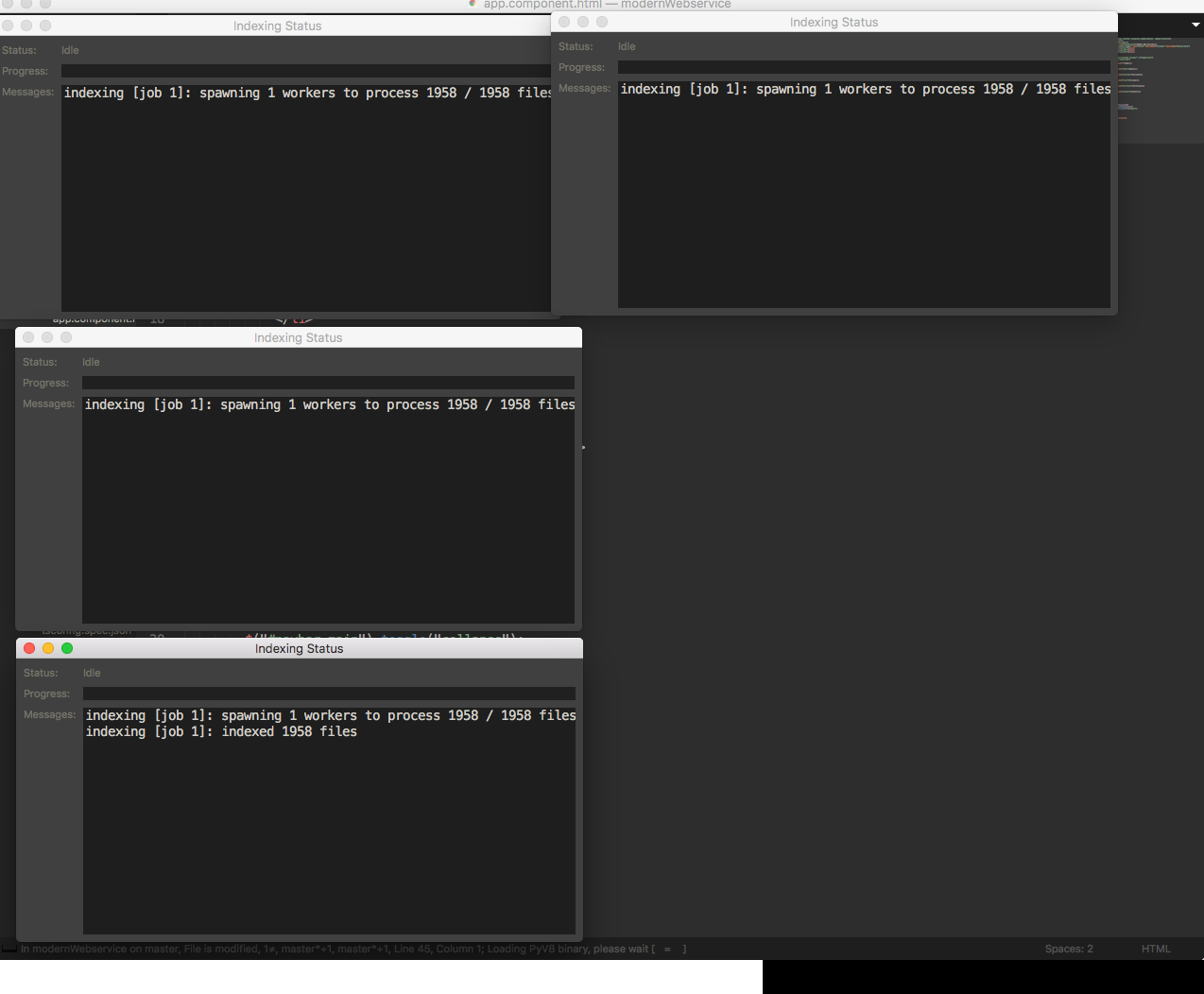
The last time I open the program there was this running in the background
0 Likes

#2

Have you tried deleting pyv8?

$ cd ~/Library/Application\ Support/Sublime\ Text\ 3/Installed\ Packages
$ rm pyv8.sublime-package # or whatever the name of that package is
0 Likes

#3

Yes, even after removing that package, which had several folders inside of it, still states pyv8 binary on status bar.

0 Likes

#4

Can you try this? http://www.sublimetext.com/docs/3/revert.html

0 Likes

#5

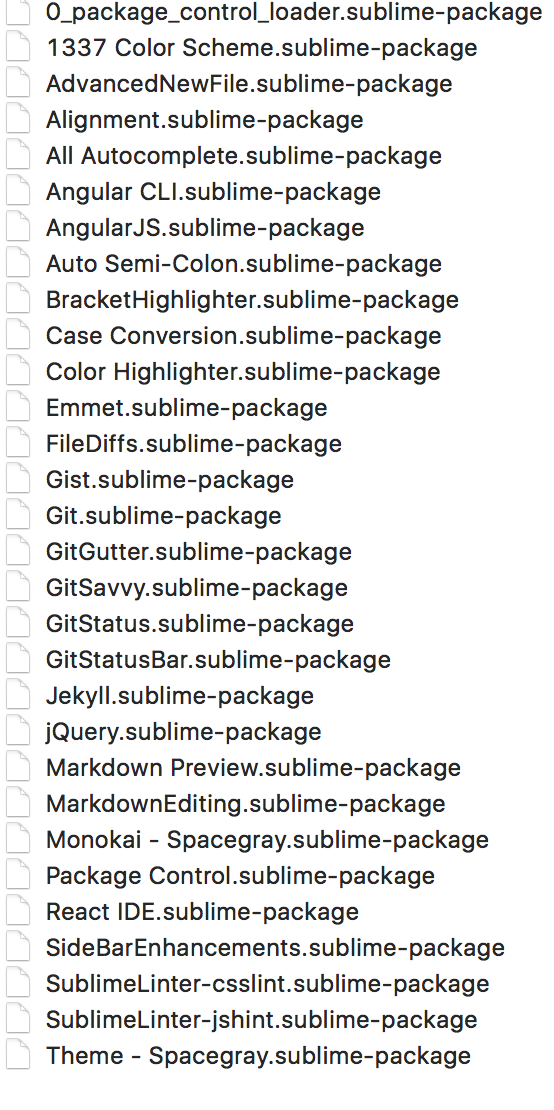
Trying this opened up the app normal but I am using the dev build and as I try to install package control again, I am getting the osx rainbow wheel. If this is just a dev build issue I can go back to using the stable release

This is the packages installed

0 Likes

#6

I believe I solved my own problem but will need to monitor it for the next day or so.

The Fix

I tried re-installing the program then since I backed up the content of sublime I added copied and pasted the packages installed and packages folder and removed the user folder completely. It seems I am able to now open and close it several times and not have the pyv8 load loop.

I will post back in a day or so if it turns out to not be a fix, but wanted to let any future readers see this if they are looking for a solution.

1 Like