
Hi,
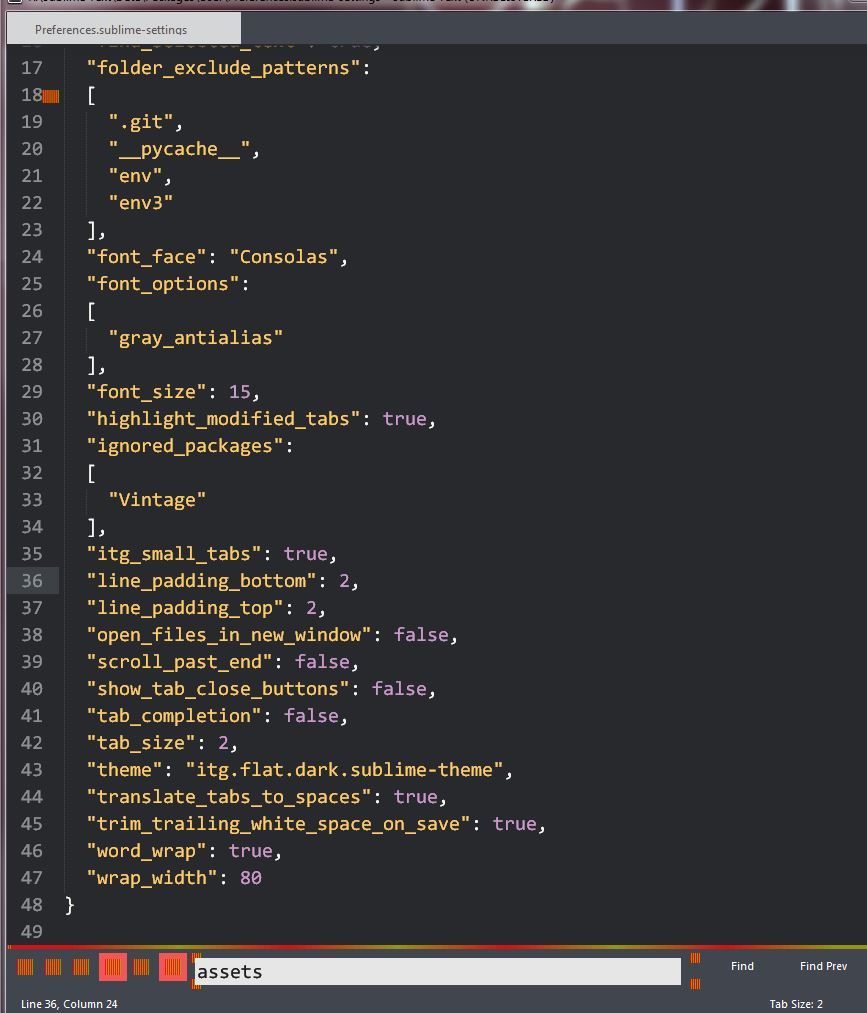
I am using ST3 PORTABLE (last version). No matter the custom theme I pick, the UI icons in Sublime look corrupted. Is it a problem of image asset path? Where can I change it? See screenshot below:
Corrupted icons with ANY custom theme
0 Likes
FichteFoll
#4
Please name a theme you want to use (preferrably also link to it) and how you installed it.
0 Likes
The theme is ITG flat.
-
I decompress the ZIP I download from that GitHub repository
-
I paste the folder (with its content) in \Sublime Text\Data\Packages\User
-
I add “theme”: "itg.flat.dark.sublime-theme"
to Sublime’s preferences file
0 Likes
facelessuser
#6
This is why my answer is always install via Package Control. When installed manually, 9/10 times people install it incorrectly. Now I realize that is because how to install manually is usually not very clear to people.
- Do not install packages under Packages\User: that is incorrect.
- This theme expects itself to be installed under Packages\Theme - itg.flat: github.com/itsthatguy/theme-itg … -theme#L88. I imagine it doesn’t decompress with that name.
In short, I suggest you follow the instructions on the Theme’s readme to use Package Control to prevent further issues and to stay up to date with the latest installed packages. If you are adamant on not using Package Control, install the theme under Packages\Theme - itg.flat. If it still isn’t working, there is something else you are doing wrong, and I would again strongly suggest installing Package Control.
1 Like
Thanks, it works now.
Unfortunately I cannot use Package Control because of workplace restrictions, so I have to do everything manually.
0 Likes