I am using Sublime Text 3.1.1 and every time it loads it prompts me to upgrade. If I do upgrade then it restarts sublime text and then immediately prompts me to upgrade again.
How can I use sublime text without these constant upgrade notices?

I am using Sublime Text 3.1.1 and every time it loads it prompts me to upgrade. If I do upgrade then it restarts sublime text and then immediately prompts me to upgrade again.
How can I use sublime text without these constant upgrade notices?
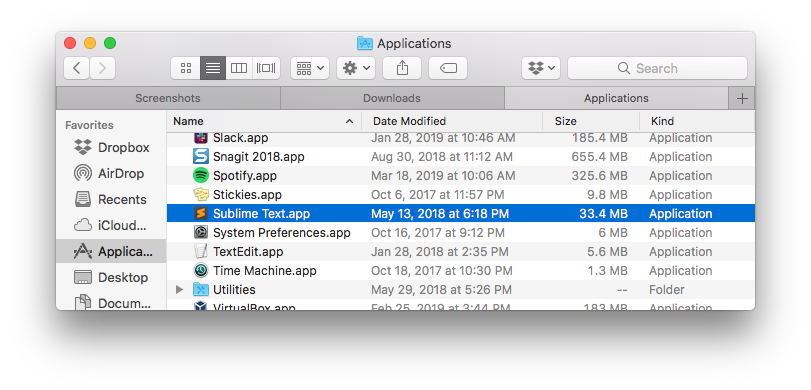
Check your Applications folder to see if you have a second copy of Sublime Text with a build number after the name? E.g. “Sublime Text (3176).app”.
I’d try deleting the Sublime Text.app and install a fresh copy of 3200 then. Something is preventing the upgrader from moving things around to install the new version.