Sublime Forum

⌘Command-click menubar no longer shows file path (macOS)

#1

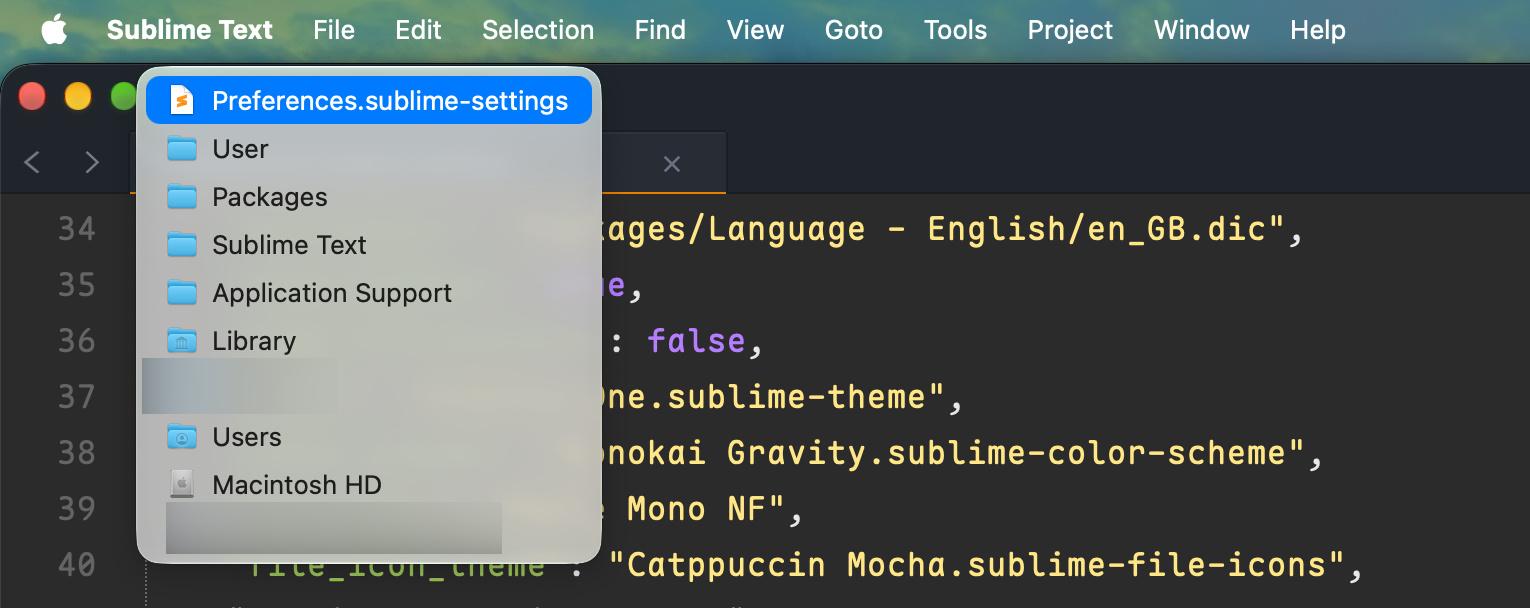
Not sure exactly when this started, but at least as of version 4215, I can no longer command-click on the menu bar when editing a file on macOS.

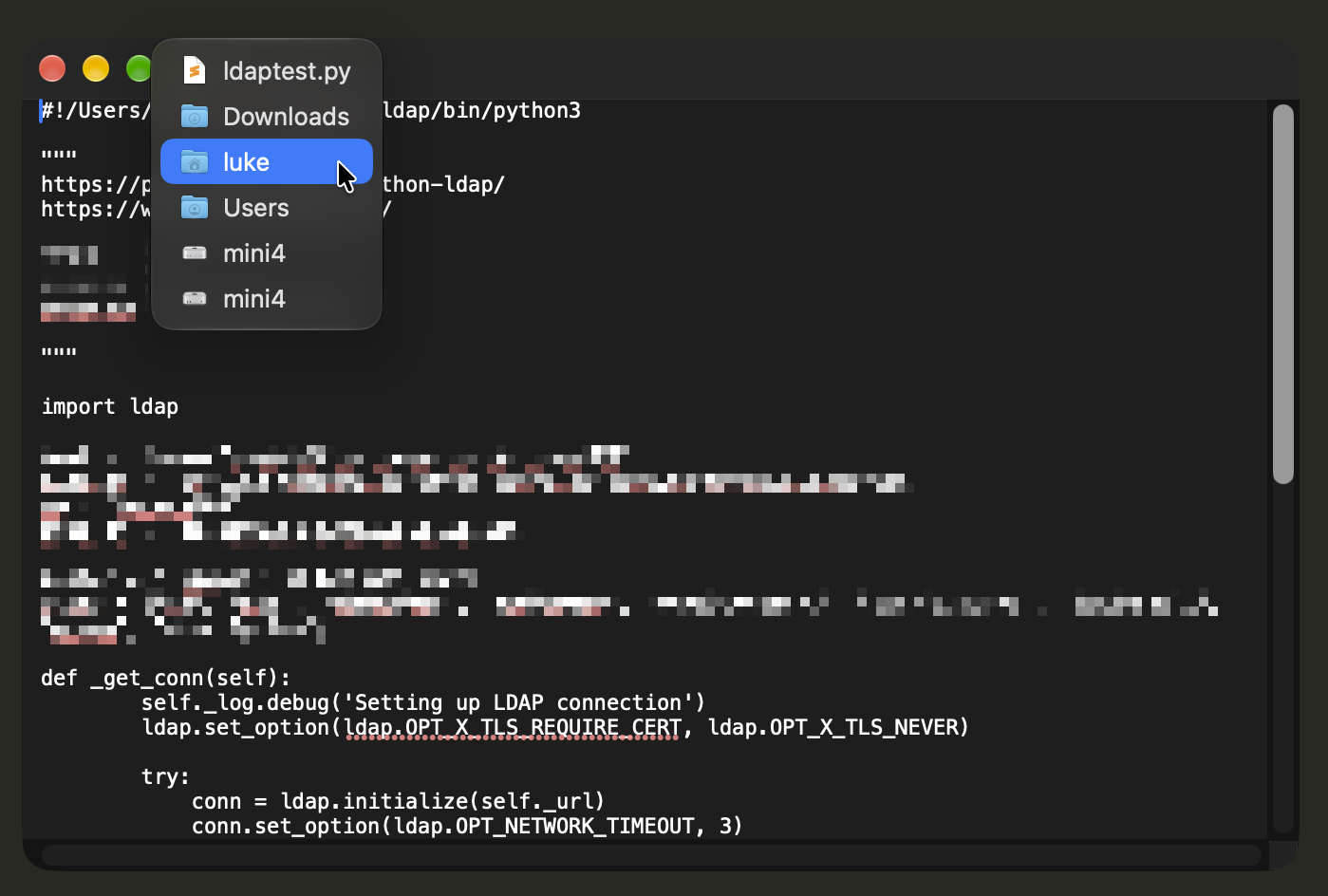
It used to display a pop-up menu showing the path leading to the file. Any of the parent directories could be clicked to open them. This was very convenient- will this feature be coming bac?

Here’s a screenshot (from TextEdit) as an example of the menu I’m talking about…
1 Like

#3

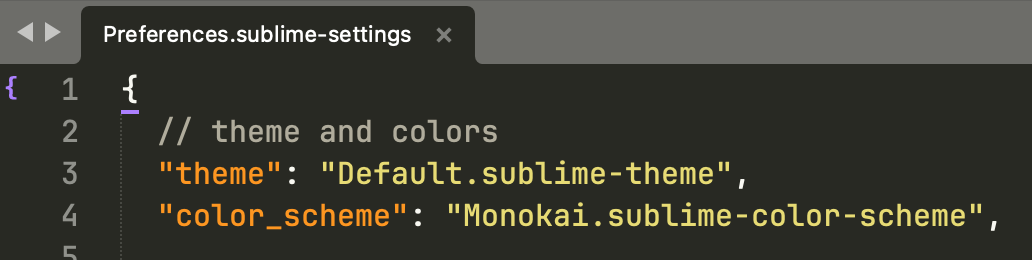
I’m using the default theme, apparently.

I tried adding "themed_title_bar": false and restarting ST but it had no effect.

1 Like

#4

I noticed the same thing just today. I would love to have a fix. Changing the suggested setting didn’t work for me either.

0 Likes

#5

This is working as expected for me on 2 different Macs running ST 4215.
macOS 15.8.1 + macOS 26.7.2
Perhaps a plugin/package is effecting this behavior?

0 Likes

#6

Works for me with ST 4214 on MacOS 27.0.1.
NB 4214 is the pre-release of 4215 but functionally identical.

0 Likes

#7

@gbird so maybe this bug only happens on 27.2…

0 Likes

#8

I’ll upgrade over the weekend and report back.

0 Likes

#9

I’m experiencing this on 27.2, but did not see it under 27.1.

0 Likes

#10

This is an AppKit bug introduced in macOS 27.2 and is still not fixed as of macOS 27.3 beta (26C5035r). You can still open the menu, but you now have to click the icon on the left.

0 Likes

#11

Even clicking the icon is fiddly on my system. It works randomly 1 out of every 6 or 7 clicks. I understand if this is an AppKit bug (I’ve been a Mac user since ~1990 so I watched the rise and steady fall of Mac OS X (er “macOS”) quality since 10.6 first hand.

0 Likes

#12

This is fixed in 27.3 Beta (26C5047e).

0 Likes