
I can’t figure out any way to install Build 4213 for Windows 11 Pro, running on Parallels (macOS 27).
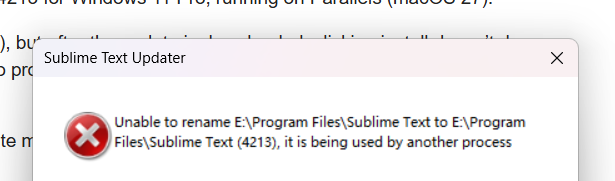
I’ve tried doing an update (via ST menus), but after the update is downloaded, clicking install doesn’t do anything — I hear the UAC sound, but no prompt appears, no error messages, nothing… Rebooting didn’t help.
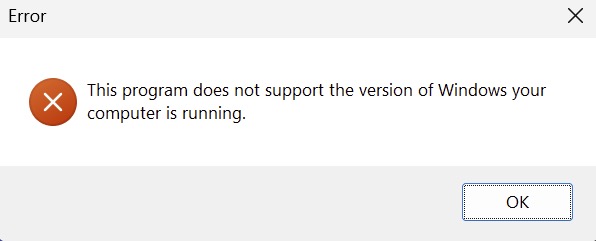
I’ve tried downloading/installing the update manually, but when I run it, I get a “your version of Windows is not supported” error.
Anyone else experiencing this? Suggestions? Thanks very much.
For what it’s worth, I use ST on both macOS and Windows, and the installation worked just fine on the macOS side.


 .
.