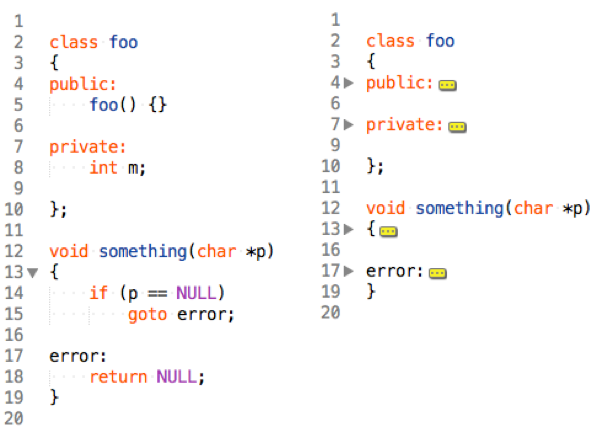
I’m trying ST3 for the first time right now, and I’m a little confused about code folding. (Ironically, this thread was right at the top of the forum.)
I wrote a bit of Python:
def foo():
…larry()
…curly()
…moe()
(In the actual code, those four dots are a single tab). I placed the cursor in the header line (def foo() and hit the keyboard shortcut for Fold (opt-cmd-). It did nothing. So I selected the whole line, entered the keyboard cmd, and it folded the header, leaving the body—the exact opposite of what I wanted. So I dragged down the side and carefully selected the whole function, hit the keyboard cmd, and the whole thing folded up and disappeared, including the header line. So, now I can’t see what I’ve folded. So I selected all the lines in the function body, avoiding the header line, hit the command, and all the selected lines folded up, leaving the header, as I wanted.
Is this really how Sublime Text code folding is supposed to work (I have to manually select all the lines to fold), or am I doing it wrong or missing a preference setting or something? Or is the idea with ST that you should uncomment or specify some sort of package specific to the syntax of the file whose code you want to fold, then the keyboard shortcut triggers the command from that package?
EDIT: I found my own answer, in case it’s useful to others:
Instead of putting the cursor in the header line, put it on one of the indented lines in the group you want folded. You don’t have to select them all, just put the cursor in one of them.