I have a custom syntax min.tmTheme at:
~/Library/Application Support/Sublime Text 3/Packages/User/min.tmTheme
With the following content:
<?xml version="1.0" encoding="UTF-8"?>
<!DOCTYPE plist PUBLIC "-//Apple Computer//DTD PLIST 1.0//EN" "http://www.apple.com/DTDs/PropertyList-1.0.dtd">
<plist version="1.0">
<dict>
	<key>name</key>
	<string>Monokai</string>
	<key>settings</key>
	<array>
		<dict>
			<key>settings</key>
			<dict>
				<key>background</key>
				<string>#272822</string>
				<key>caret</key>
				<string>#F8F8F0</string>
				<key>foreground</key>
				<string>#F8F8F2</string>
				<key>invisibles</key>
				<string>#3B3A32</string>
				<key>lineHighlight</key>
				<string>#3E3D32</string>
				<key>selection</key>
				<string>#49483E</string>
				<key>findHighlight</key>
				<string>#FFE792</string>
				<key>findHighlightForeground</key>
				<string>#000000</string>
				<key>selectionBorder</key>
				<string>#222218</string>
				<key>activeGuide</key>
				<string>#9D550FB0</string>

				<key>bracketsForeground</key>
				<string>#F8F8F2A5</string>
				<key>bracketsOptions</key>
				<string>underline</string>

				<key>bracketContentsForeground</key>
				<string>#F8F8F2A5</string>
				<key>bracketContentsOptions</key>
				<string>underline</string>

				<key>tagsOptions</key>
				<string>stippled_underline</string>
			</dict>
		</dict>
	</array>
	<key>uuid</key>
	<string>D8D5E82E-3D5B-46B5-B38E-8C841C21347D</string>
</dict>
</plist>
It is basically just the default but without any colors.
I’ve set it for my Ruby theme:
in Ruby.sublime-settings
// These settings override both User and Default settings for the Ruby syntax
{
    "color_scheme": "Packages/User/min.tmTheme",
    "tab_size": 2,
    "translate_tabs_to_spaces": true,
    "auto_complete": false
}
This works fine when I click on .rb files or when I manually set the syntax to Ruby.
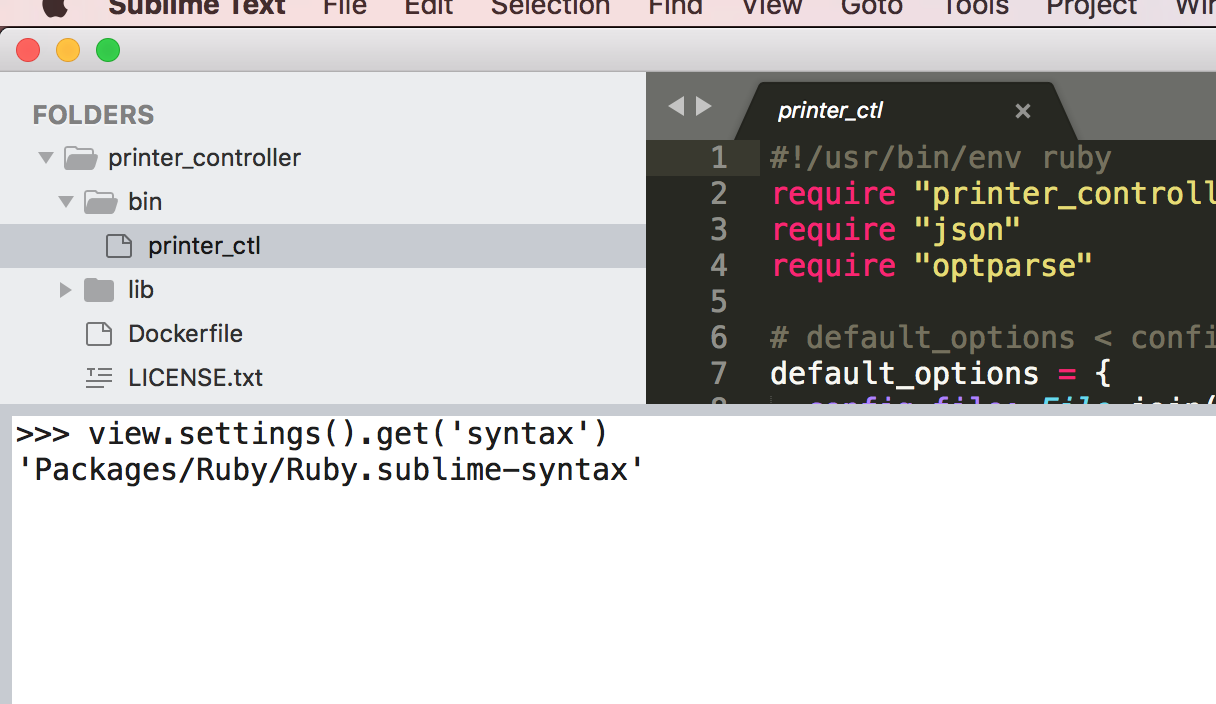
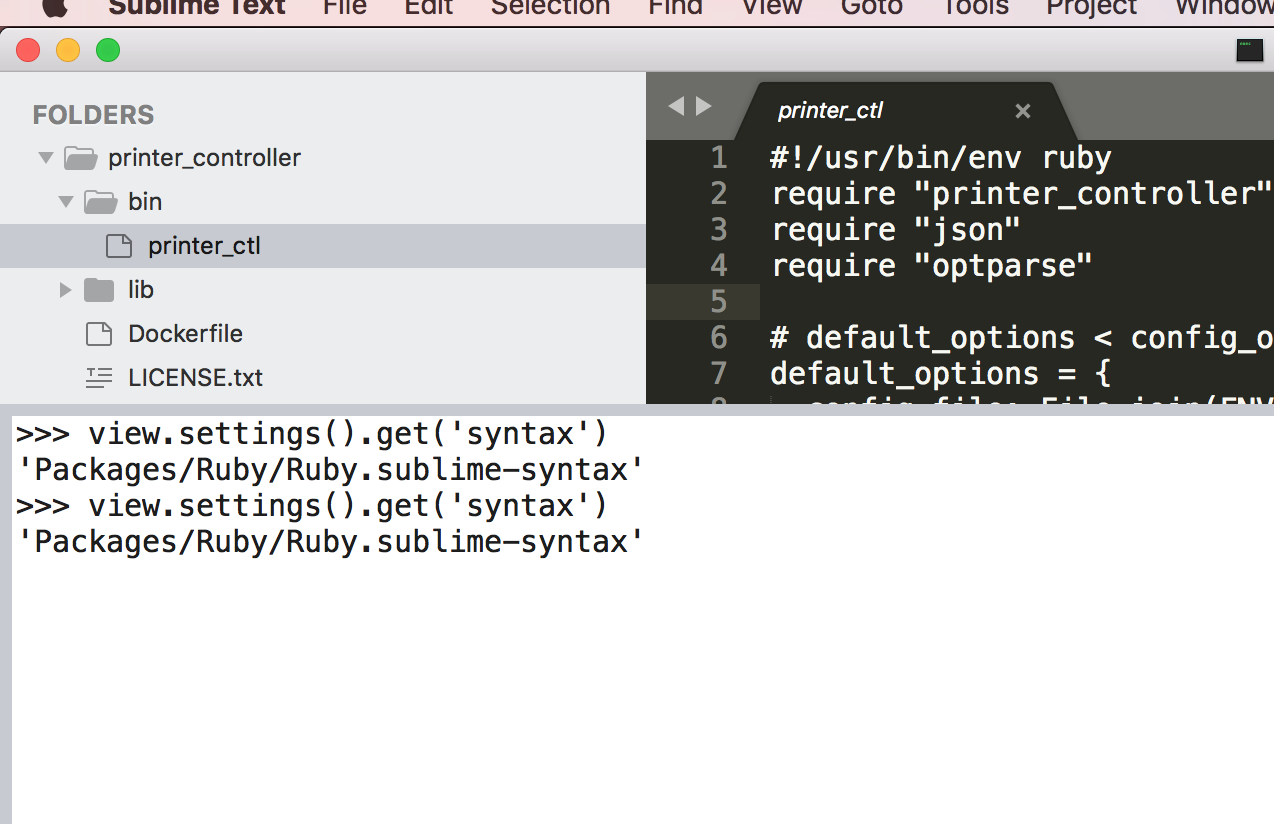
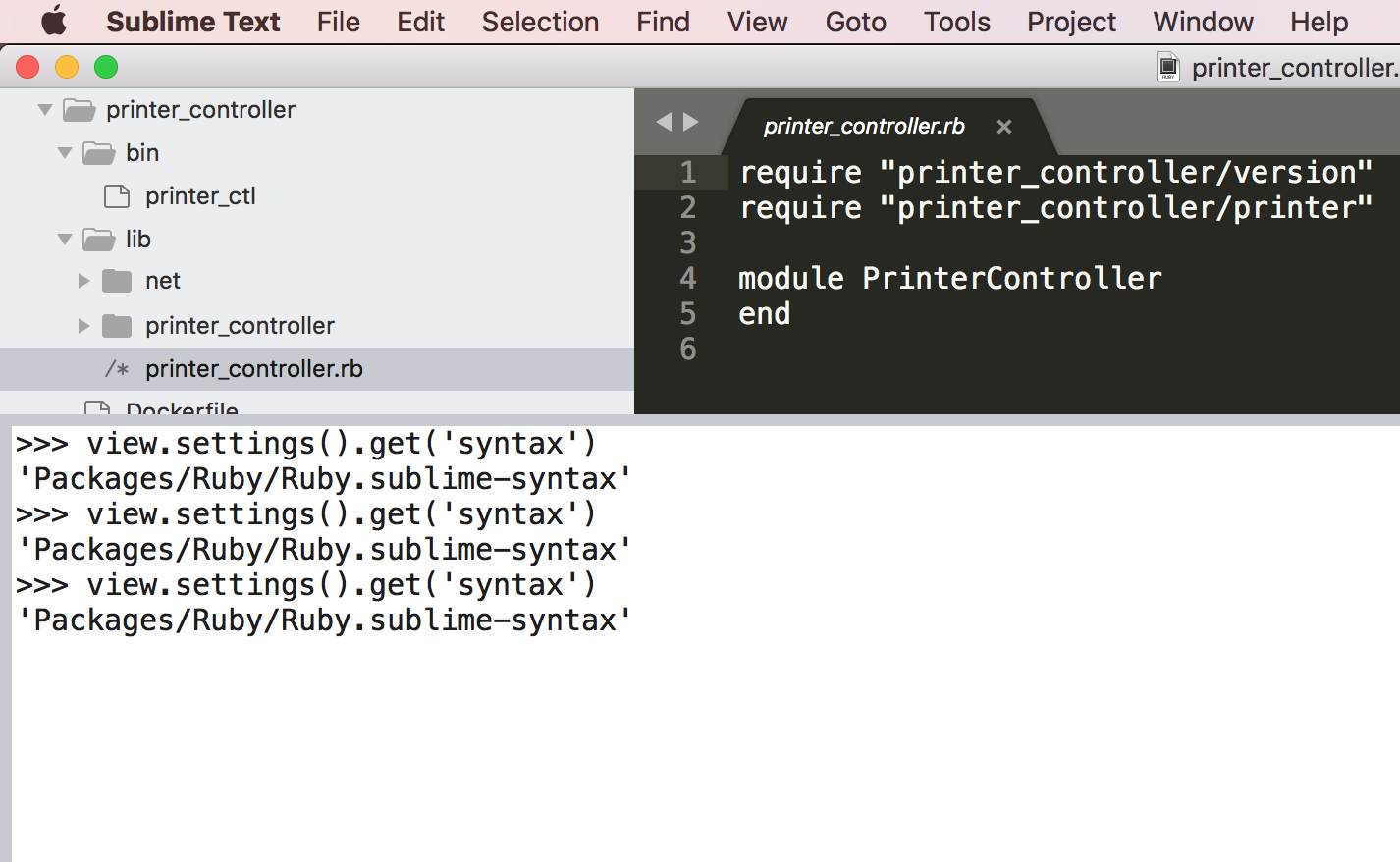
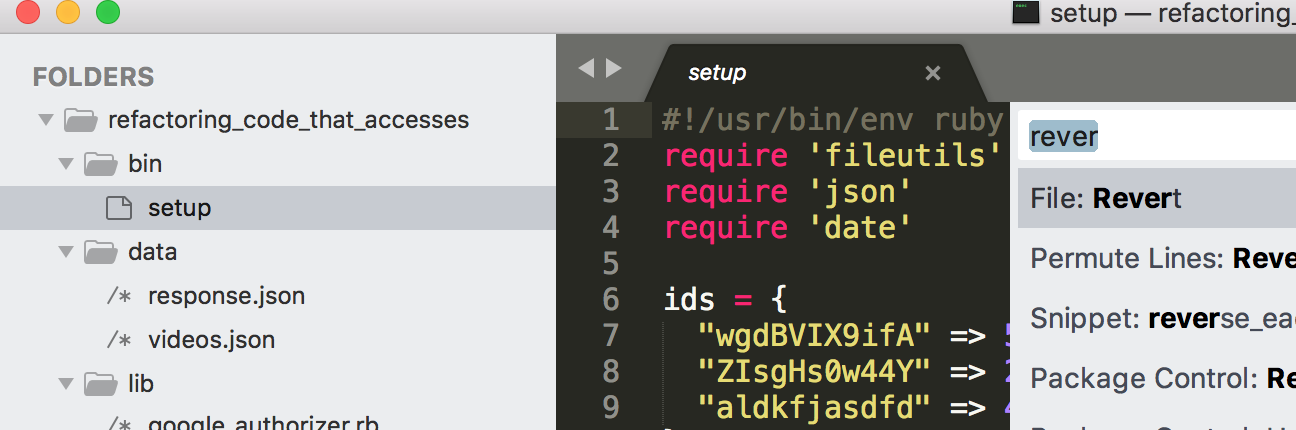
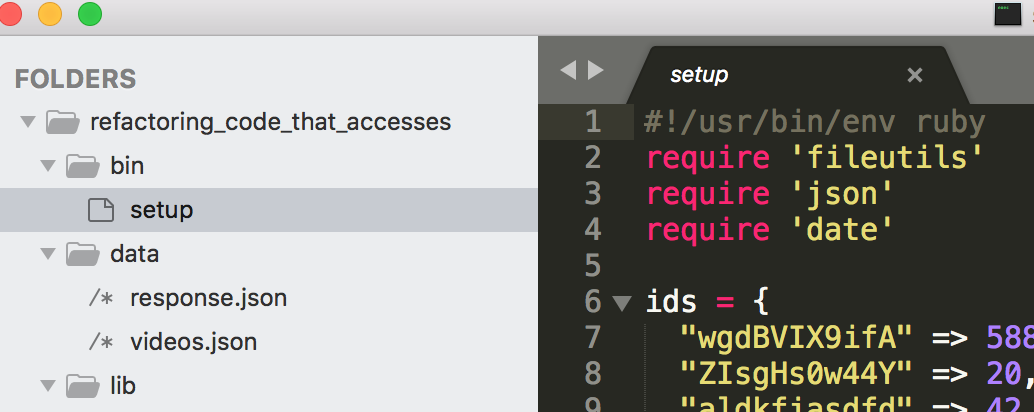
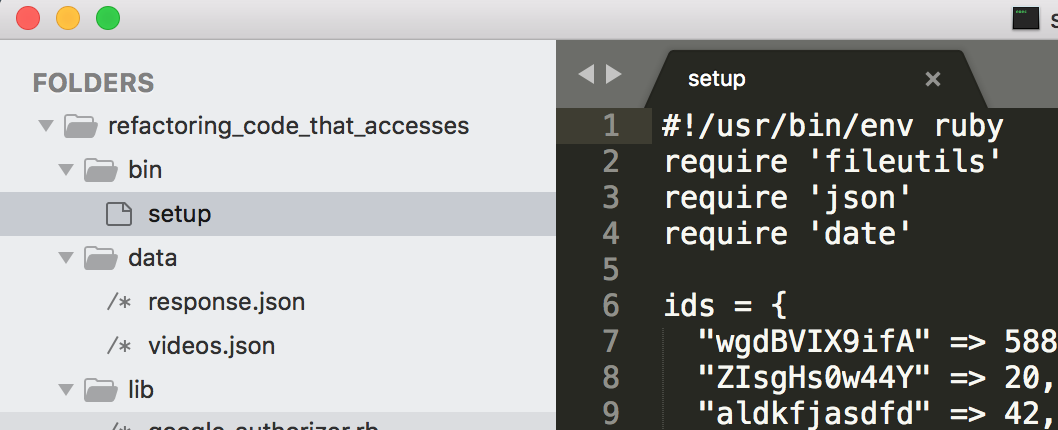
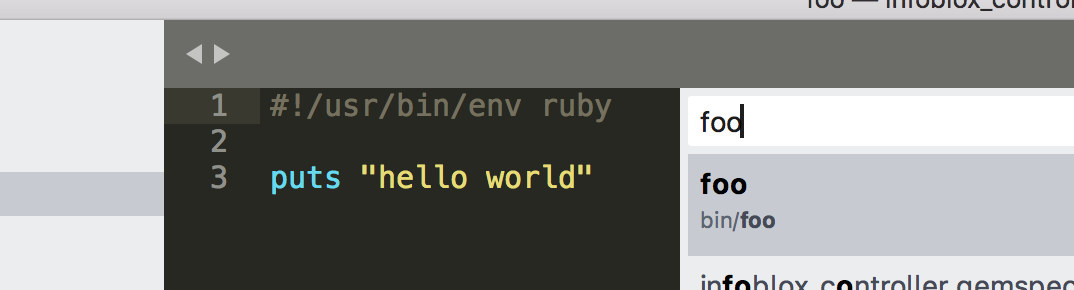
However if I’m clicking on an executable, or a file is previewing via Command+p then the old highlighting is used instead of mine. These two cases are shown below, along with what it looks like when I manually change the syntax back to Ruby.
Is there anything I can do for my custom ruby syntax theme to be applied to #!/usr/bin/env ruby executables all the time?
Clicking from sidebar
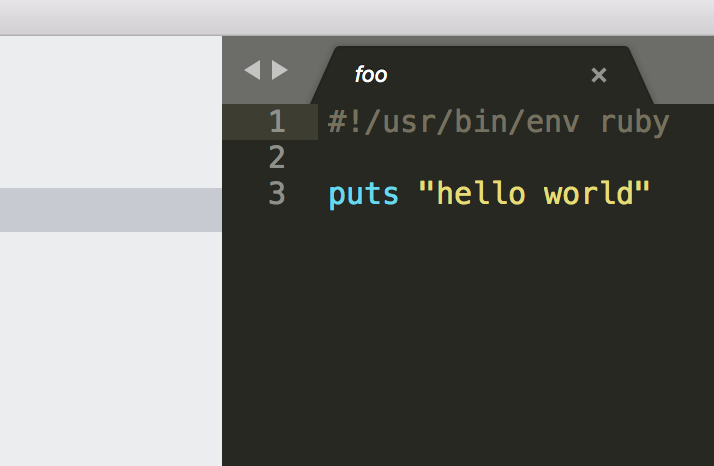
Using Command + P
Manually changing to Ruby syntax