Sublime Forum

Bold font is auto-set internally, can it be configured?

#1

Sublime uses «insert_font_face_here» Bold i assume for bold scopes. so from my understanding, it will use the bold font weight of font_face in preferences automatically.

i want to use another weight for bold scopes (ie. Black or Heavy). is this possible?

if not can we get a font_face_bold in preferences?

:smile: :pray: :sweat_smile:

0 Likes

#2

Font style is controlled in the colour scheme that you use, and the syntax and scope you are working in. It is also somewhat dependant on your font and how well it supports bold + bold/italic ligatures.

For instance, here is a simple markdown file and the scopes and stylings from my chosen colour scheme. You can customise your own theme to have different stylings for established scopes:

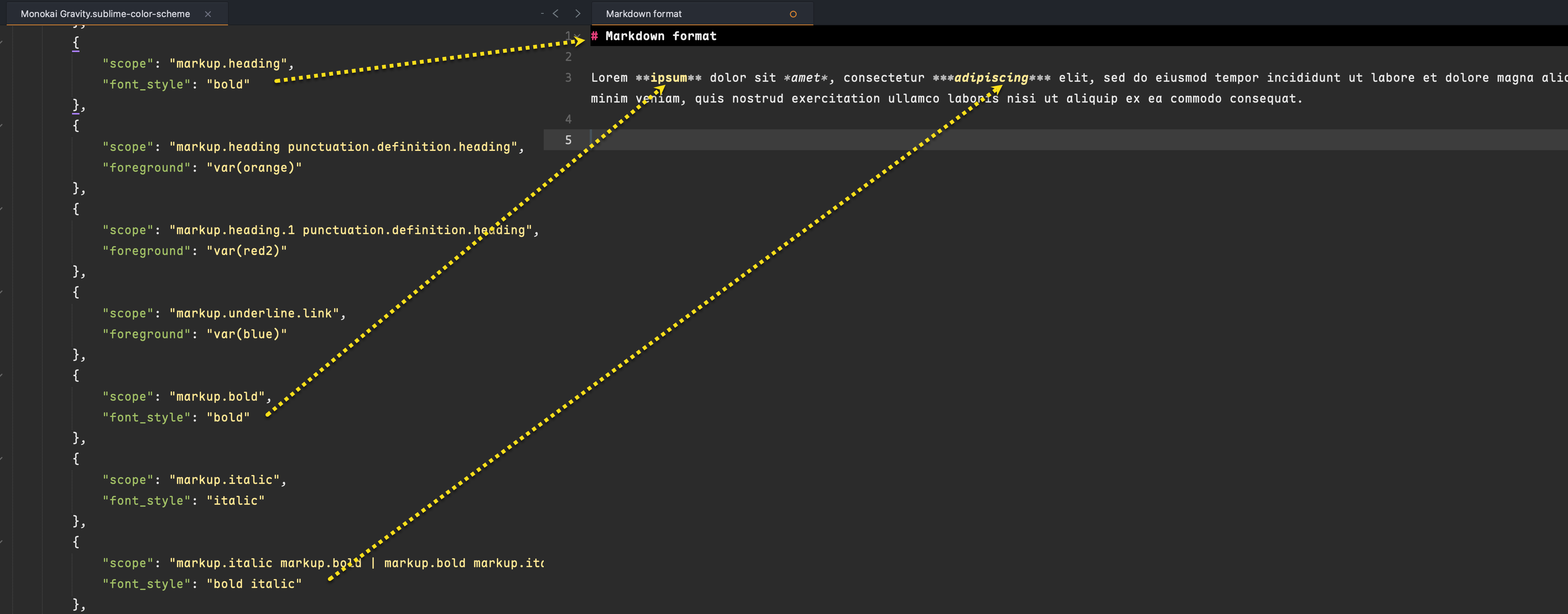
Here are my relevant preferences:

I would check out this font, which has great support for variable font weights, glyphs and ligatures:

0 Likes

#3

yeah i got all that but i want to know how to set the bold font_face specifically… right now you can only set font_face and it just uses the bold from that font but i want to use a heavier weight as the bold font.

like i have the font_face and in some places there’s bold scopes… those bold scopes use the font_face bold… but i want to use font_face heavy instead

0 Likes

#4

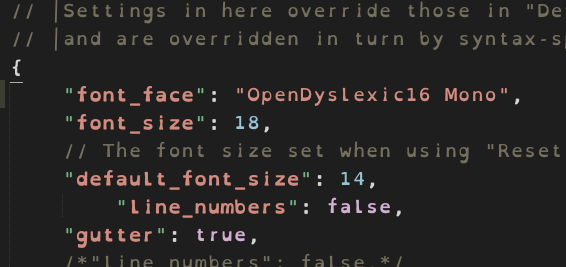
this is what it’s set to, i made the keys bold scope for reference:
24%E2%80%AFpm
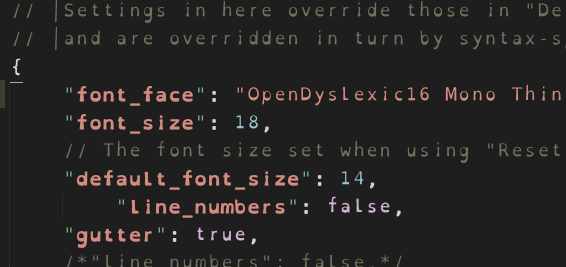
so the bold scope will always be font_face Bold
47%E2%80%AFpm
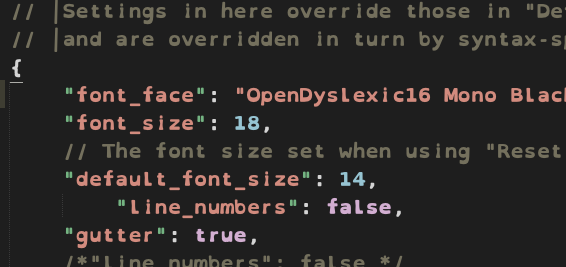
this is what i want the bold to be set to, it’s a little thicker than standard bold
18%E2%80%AFpm
only option i’m going with so far is creating the font with the black weight as the bold with fontforge which is easy enough but there might be another way?

0 Likes

#5

From your example I understand now the issue … dyslexia … would this initiative help? I am no expert in this matter.

Extending curious research to include Subl found “Fountainhead” Package

https://www.google.com/search?q=sublime+text+dyslexia&oq=sublime+text+dyslexia

0 Likes

#6

Sublime Text has a requirement that glyphs are the same size regarless of whether they’re bold, italic, etc. This naturally conflicts with having a different font for bold text. Currently the weights used are not configurable, so the only workaround is customizing the font.

0 Likes

#7

I am only curious in challenge due to a family member’s interests in education/SEND. https://www.reddit.com/r/Dyslexia/comments/jtgovc/a_psa_on_dyslexia_friendly_fonts_from_the/

Also surely a different strategy might be used for recipients of books (produced in Subl) where SVG can be exploited. https://dee.underscore.world/blog/embedding-fonts-in-svgs/ … but this does not help the Subl user.

0 Likes