I’ve been using a MAC computer, and I’ve been using sublimate text for a long time.
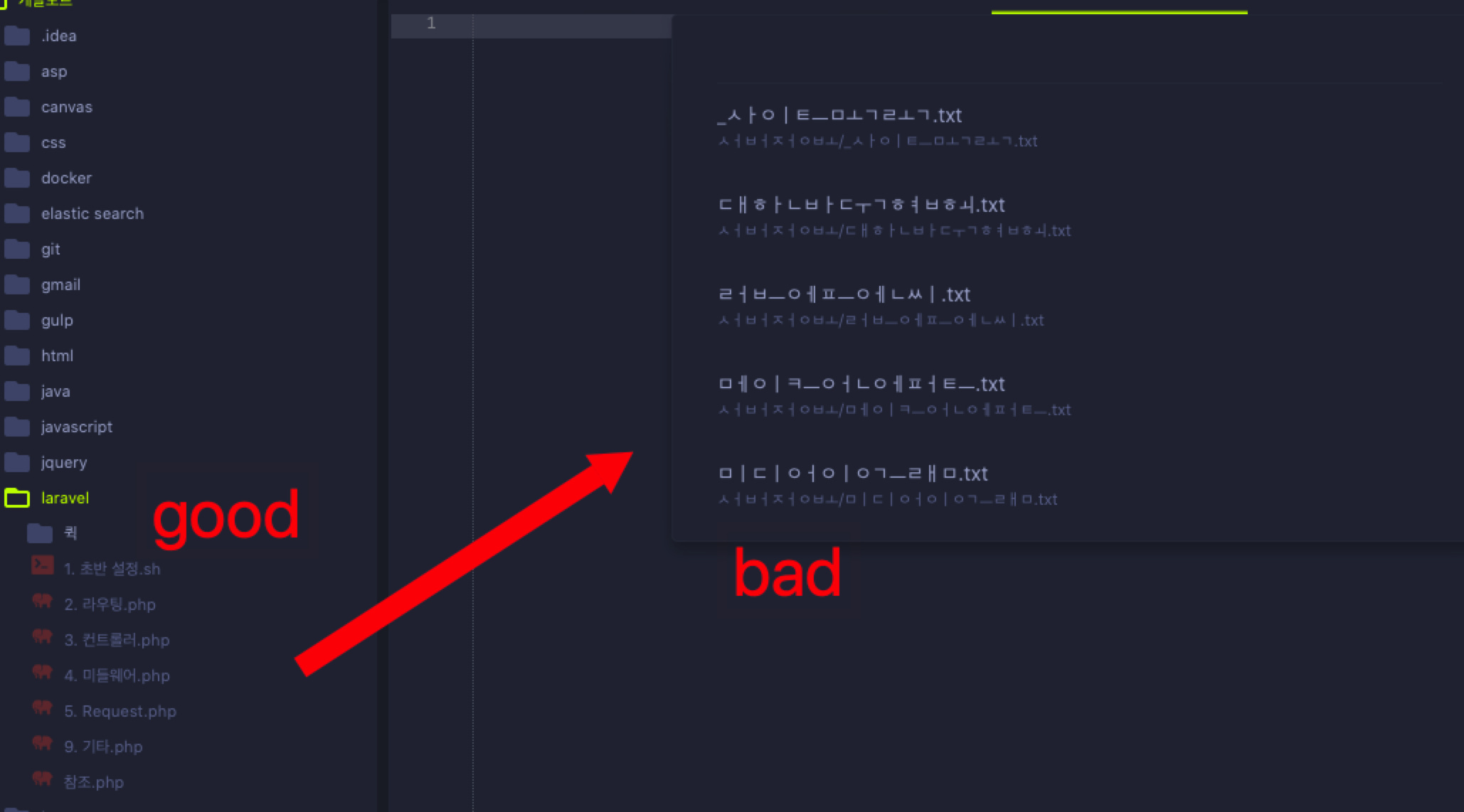
I need to find the file name quickly with the “goto” feature, but the file name is broken.
Is there any solution?

I’ve been using a MAC computer, and I’ve been using sublimate text for a long time.
I need to find the file name quickly with the “goto” feature, but the file name is broken.
Is there any solution?
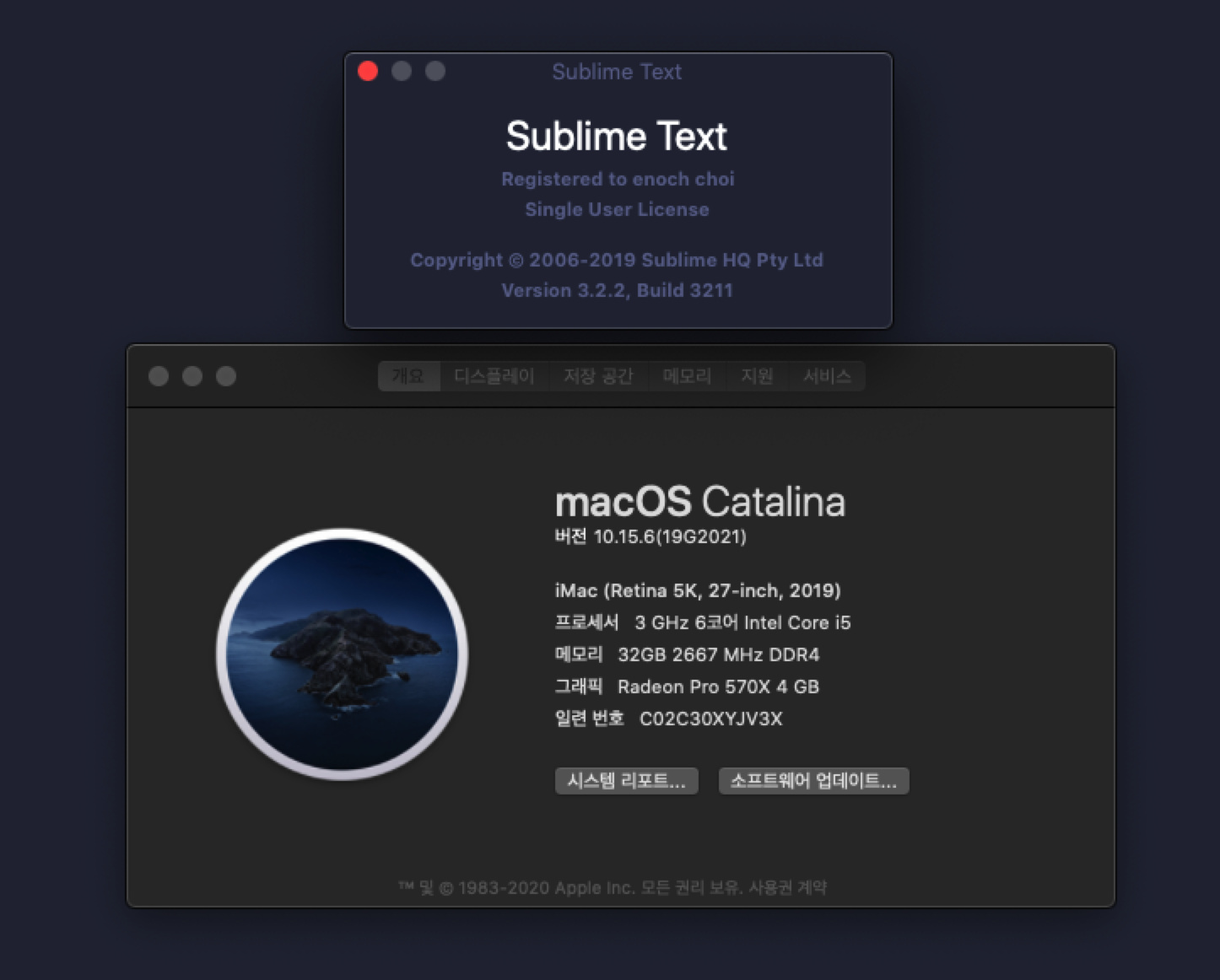
I can’t reproduce this on macOS Catalina with Sublime Text 3211. Which version of macOS and Sublime Text are you using?
Looks like those characters rely on ligatures to be rendered correctly. Ligatures outside of symbols aren’t currently supported.
“참조” is 5 characters rendered together. Except for specific cases like the side-bar Sublime Text can’t currently render them as 2 glyphs. You can see the same thing if you paste those into a file.