Sublime Forum

3114 visual and package control issues

#1

Hi,

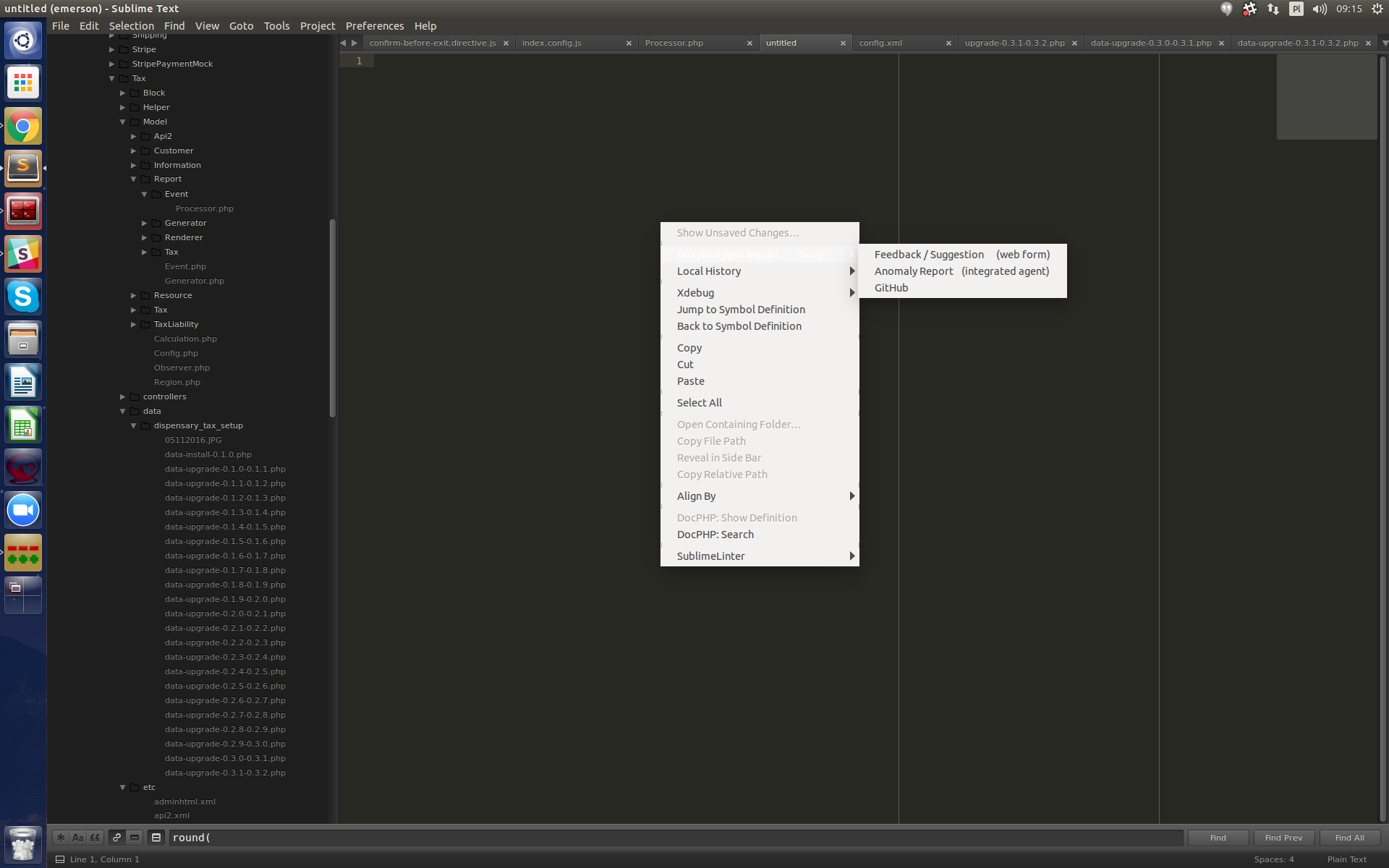
Just installed new version and found out that when I hover on any element, the element changes completely white.
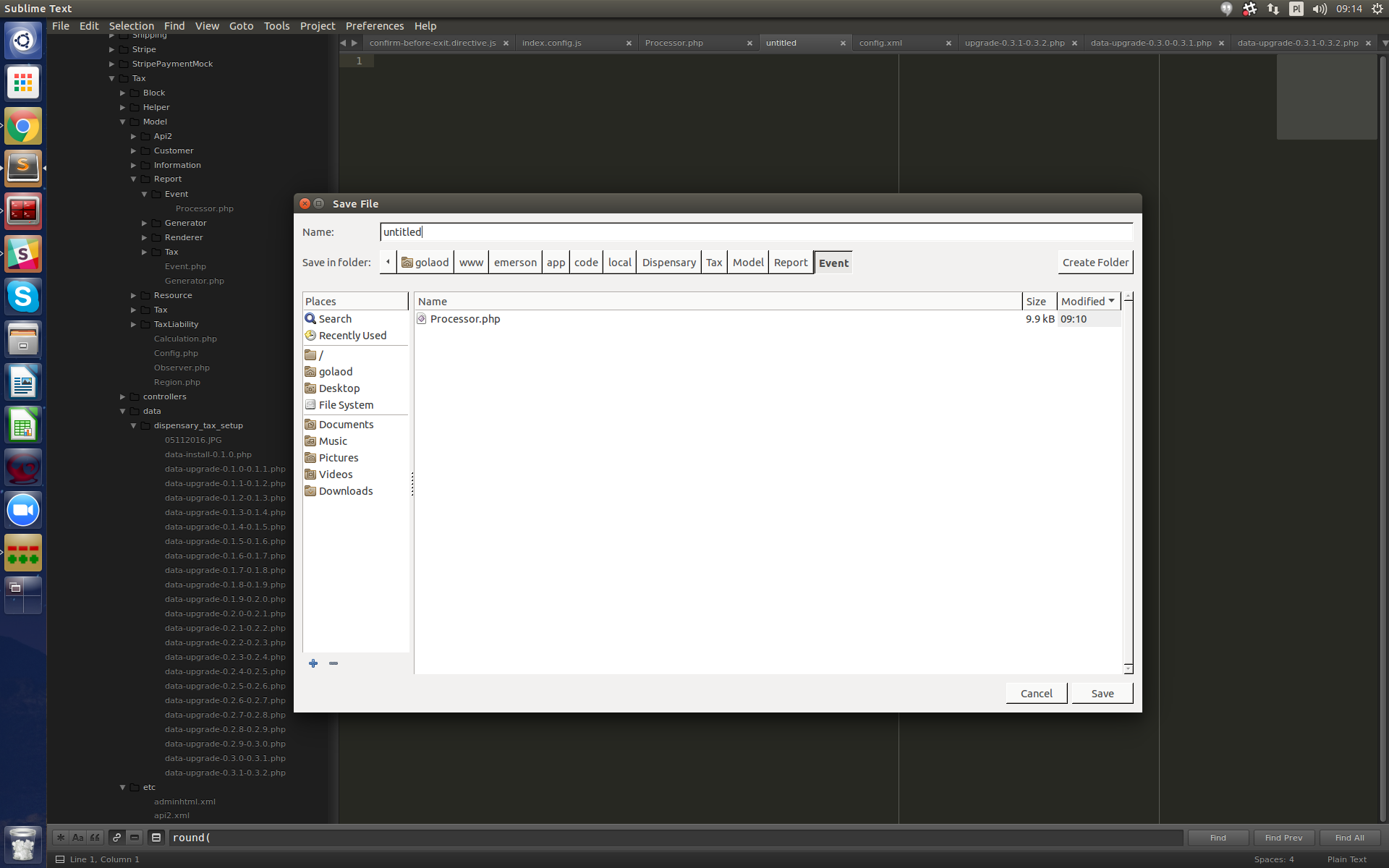
@edit: also realized that when I open/save new file, directory browser looks like old view from windows 95 ( and I have ubuntu )

On the other hand, package control returns the same error all time:

Package Control

The following incompatible dependency was found installed:

HTML

This is usually due to syncing packages across different machines in a way that does not check package metadata for compatibility.

Please visit https://packagecontrol.io/docs/syncing for information about how to properly sync configuration and packages across machines.

To restore package functionality, please remove each listed package and reinstall it.
0 Likes

#2

If you have a HTML folder in your Packages folder, delete it.

0 Likes

#3

Thanks, but it doesn’t fix anything. Just after I removed that folder it asked about CodeIntel and SublimeLinter, so it looks like all plugins are incompatible

0 Likes

#4

Because it looks like no one is interested, I attach 2 screenshots to show display issues. Also package control issue is still there which reports all my important plugins as not compatible


0 Likes

#5

You have a “broken” package installed that is trying on install a dependency named HTML. Dependencies are special packages used for reusable libraries. Unfortunately some package developers don’t read the docs and don’t test it out before publishing.

You’ll need to look through installed packages and try to find one with a dependencies.json specifying HTML.

2 Likes